Best Smart Locks in 2026: Yale, Aqara, Schlage, August — Compared
Your front door deserves better than a key that can be copied at any hardware store. A smart lock lets you unlock with your phone, a fingerprint, or a code — and more importantly, it lets you see exactly who came and went, and when. But picking the right one in 2026 means navigating a market that’s changed significantly: Matter and Thread have arrived, HomeKey has become mainstream, and the cheap Wi-Fi locks of 2022 have given way to genuinely useful, well-integrated devices.
I’ve put together this guide after testing and researching the current lineup to help you find the right smart lock for your door, your ecosystem, and your budget. Whether you’re a renter who needs to keep your existing cylinder, an Apple Home user who wants Home Key tap-to-unlock, or someone who just wants a no-fuss keypad replacement, there’s a smart lock for you — you just need to know what to look for.
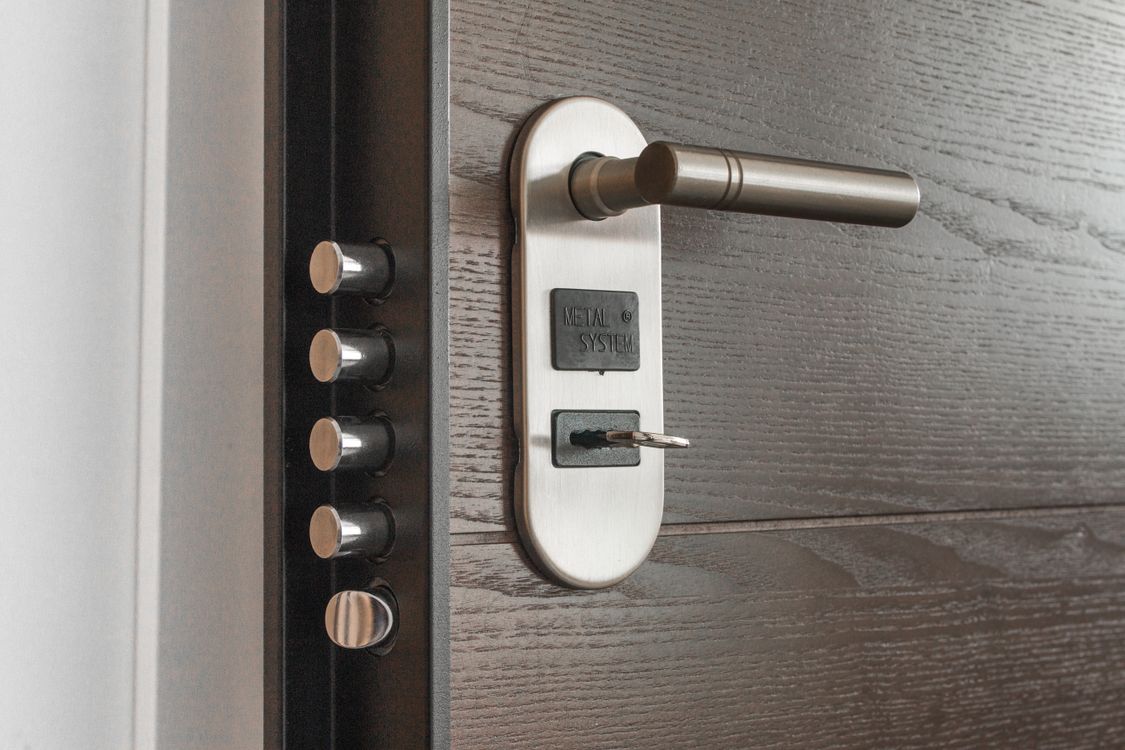
What to Look for in a Smart Lock
Before you spend $200 on a lock, you need to understand the four decisions that determine whether you’ll love or hate it six months in.
Connectivity: Matter/Thread vs Wi-Fi vs Bluetooth
This is the biggest change in smart locks in 2026. Matter over Thread is now the gold standard for smart locks: it gives you local control (your automation keeps working when the internet is down), fast response times under 200ms, and native support in Apple Home, Google Home, Amazon Alexa, and Samsung SmartThings — one lock, every platform. The catch is that Thread requires a Thread Border Router, which you usually already have if you own a HomePod mini, Apple TV 4K, or a Google Nest Hub Max.
Wi-Fi locks are simpler to set up but depend on your home internet for remote access and often have shorter battery life. They’re a good choice if you don’t need local control and just want simple remote access without buying extra hub hardware. Bluetooth-only locks require you to be in proximity — typically 30 feet — which makes remote access impossible without pairing them with a bridge device.
BHMA Grade: The Number That Actually Matters for Security
The Builders Hardware Manufacturers Association (BHMA) rates deadbolts on three grades. Grade 1 (AAA) is the strongest — it must withstand 250,000 open/close cycles and significant forced-entry attempts. Grade 2 handles 150,000 cycles. Grade 3, which most cheap locks fall into, handles 75,000 cycles. For your front door, Grade 1 is what you want. Schlage’s Encode lineup has historically led here; Level and Aqara have also earned BHMA Grade 1 ratings.
Retrofit vs Full Replacement
Retrofit smart locks like the August line mount over your existing deadbolt’s interior thumb turn, leaving the exterior cylinder (and your existing key) completely unchanged. This makes them ideal for renters or anyone who wants to keep using their current keys. Full replacement smart locks swap out the entire deadbolt and typically offer more features, better build quality, and a cleaner look — but require more installation effort.
Best Smart Locks in 2026: Our Top Picks
Here are the smart locks worth buying right now, selected for a mix of platform compatibility, build quality, and real-world reliability.
Best Overall: Level Lock Pro ($349)
The Level Lock Pro is the most elegant smart lock on the market — and not just aesthetically. Its electronics are completely hidden inside the door, so from the outside it looks like a completely normal deadbolt. There’s no obvious keypad or tech to signal to a burglar that your lock might be weaker than it looks.
Connectivity is Matter over Thread, which means fast local control and compatibility with every major smart home platform. It supports Apple Home Key (NFC tap-to-unlock with iPhone or Apple Watch), includes NFC fobs for family members who don’t have iPhones, and keeps a physical key backup. BHMA ANSI Grade 1 and Grade AAA rated. The one real downside: remote access requires a Thread Border Router or compatible hub. If you have a HomePod mini or Apple TV 4K already, you’re set. If not, factor that cost in.
Best Value: Aqara Smart Lock U400 (~$229)
The Aqara U400 packs more entry methods than any lock at this price point: fingerprint reader (up to 50 prints, claimed 98.6% accuracy), NFC cards, UWB phone detection for hands-free unlock when you approach, passcodes, and a physical key. It’s rechargeable via USB-C with up to 6 months per charge, which is significantly better than the AA battery routine most locks require.
Platform compatibility is excellent: Apple Home Key, Google Home, Amazon Alexa, Samsung SmartThings, and even Samsung Wallet. Matter over Thread puts it in the same local-control category as the Level Lock Pro at a $120 lower price. BHMA certified (grade not independently confirmed). The Aqara ecosystem also integrates well with Home Assistant if you run a local hub. A strong pick for anyone who wants maximum access options without overpaying.
Best for Apple Users: Schlage Sense Pro ($399)
Schlage has been building residential deadbolts since 1920 and their physical security credentials are unmatched. The Sense Pro adds Matter over Thread and Apple Home Key to that proven hardware platform, while also introducing UWB-based “Converge” technology for hands-free entry — similar to how modern car locks detect your key fob without you pressing anything.
It has no traditional keyway, which is a bold choice: Schlage argues (correctly) that most forced entries exploit the cylinder, so eliminating it removes that attack vector. The keypad provides a failsafe for when phones die. At $399 it’s the most expensive option here, but for an Apple-heavy household that wants the best combination of smart features and physical security, it’s worth considering.
Best for Renters: August Smart Lock Pro ($279)
The August Smart Lock Pro is the classic retrofit lock — it sits entirely on the interior side of your door, leaving the exterior deadbolt and keyhole completely unchanged. Your landlord will never know it’s there, and when you move out you take it with you in five minutes.
It requires the August Connect bridge for remote Wi-Fi access (included in the Pro package). Compatible with Apple HomeKit, Google Home, and Amazon Alexa. Battery powered with auto-lock and door sense (detects whether the door is actually closed before locking). The lack of Matter/Thread means it’s not as future-proof as the newer locks above, but for renters who need zero-modification installation, it’s still the right tool.
Best Budget: Schlage Encode ($229)
If you just want a solid Wi-Fi deadbolt with no hub required, the Schlage Encode delivers. It holds up to 100 unique access codes, works with Alexa and Google Home, and brings Schlage’s BHMA top-rated physical security at a price that’s hard to argue with. No app is required for basic use — you can program codes directly on the keypad.
The built-in forced-entry alarm is a nice touch. The trade-off is that it’s Wi-Fi dependent for remote access, which means cloud reliance and slightly more battery drain. No Matter support, no Home Key. But for a homeowner who wants a reliable, no-nonsense upgrade over a keyed deadbolt without spending $300+, the Encode is an easy recommendation.
Smart Lock Comparison: Side by Side
| Lock | Price | Protocol | BHMA Grade | Apple HomeKey | Fingerprint |
|---|---|---|---|---|---|
| Level Lock Pro | $349 | Matter/Thread | Grade 1 / AAA | ✅ | ❌ |
| Aqara U400 | ~$229 | Matter/Thread + UWB | BHMA certified | ✅ | ✅ (50 prints) |
| Schlage Sense Pro | $399 | Matter/Thread + UWB | Not stated | ✅ | ❌ |
| August Smart Lock Pro | $279 | Bluetooth + Wi-Fi bridge | Depends on existing deadbolt | ✅ | ❌ |
| Schlage Encode | $229 | Wi-Fi | Grade 1 | ❌ | ❌ |

Smart Lock Security: Addressing the Elephant in the Room
The most common question I hear is: “Isn’t a lock that connects to Wi-Fi less secure than a regular deadbolt?” The honest answer is: it depends on what you mean by “less secure.”
In terms of physical security, a Grade 1 smart lock like the Schlage Encode is significantly harder to kick in than a Grade 3 deadbolt — which is what most homes have by default. The smart electronics don’t weaken the physical mechanism. In terms of cyber security, reputable brands use encrypted communications and don’t expose your lock to the open internet in ways that would allow remote hacking without your credentials. The bigger practical risk is a compromised Wi-Fi password, which is why keeping your router on WPA3 and using a strong password matters more than the lock brand.
Matter over Thread locks are actually more secure in this respect because they operate on a local mesh network that doesn’t route through cloud servers. Even if the manufacturer’s servers go down, your lock keeps working. For a deep dive into smart home privacy and data practices, see our complete smart home privacy guide.
Installation: What to Check Before You Buy
Most smart deadbolts fit standard US door preparations: a 2 1/8″ bore hole for the lock body and a 1″ edge bore for the latch. Before buying, check:
- Door thickness: Standard US doors are 1 3/8″ to 1 3/4″. Most smart locks cover this range but double-check if your door is unusual.
- Backset: The distance from the door edge to the center of the bore hole. Most US homes use 2 3/8″ backset; some older homes use 2 3/4″. Most locks accommodate both with included hardware.
- Door handing: Whether your door swings left or right matters for some models. Most modern smart locks are handed but have reversible latches.
- Existing deadbolt brand: If you’re doing a retrofit with August or similar, make sure your existing deadbolt’s tailpiece (the piece that connects the cylinder to the latch) is compatible.
Which Smart Lock Is Right for You?
Here’s the quick-decision guide: If you have an Apple-first household and want the best possible experience, the Level Lock Pro or Schlage Sense Pro are the right choices — Home Key tap-to-unlock is genuinely delightful and both offer Matter/Thread for future-proofing. If you want the most features per dollar, the Aqara U400 is remarkable at its price point. If you’re a renter, the August Smart Lock Pro is the right answer — zero exterior modification, and it goes with you when you leave. If you just want a simple, bulletproof upgrade to your current deadbolt, the Schlage Encode gives you a code pad, remote access, and Grade 1 security at a price that won’t make you wince.
For more on building a connected home security setup, check out our guide to smart home security cameras and our breakdown of how smart home devices work together.