Do Smart Bulbs Work Without Wi-Fi? What Still Works When the Internet Goes Down
It’s a fair question — and one worth asking before you fill your home with smart bulbs, not after. If a smart bulb depends on Wi-Fi, what happens the moment your router reboots, your internet provider has an outage, or you simply move a lamp to a corner the signal can’t reach? Are you suddenly standing in the dark, jabbing at an app that won’t respond?
The short answer is reassuring: yes, smart bulbs still work without Wi-Fi — but how much of their smartness survives depends entirely on the type of bulb and what exactly has gone down.
That distinction matters, and it’s the kind of thing nobody explains clearly before you buy. So let’s fix that. This guide breaks down what actually keeps working when the internet drops, why some bulbs cope better than others, and what to check before you spend a cent.
Do Smart Bulbs Work Without Wi-Fi? The Quick Answer
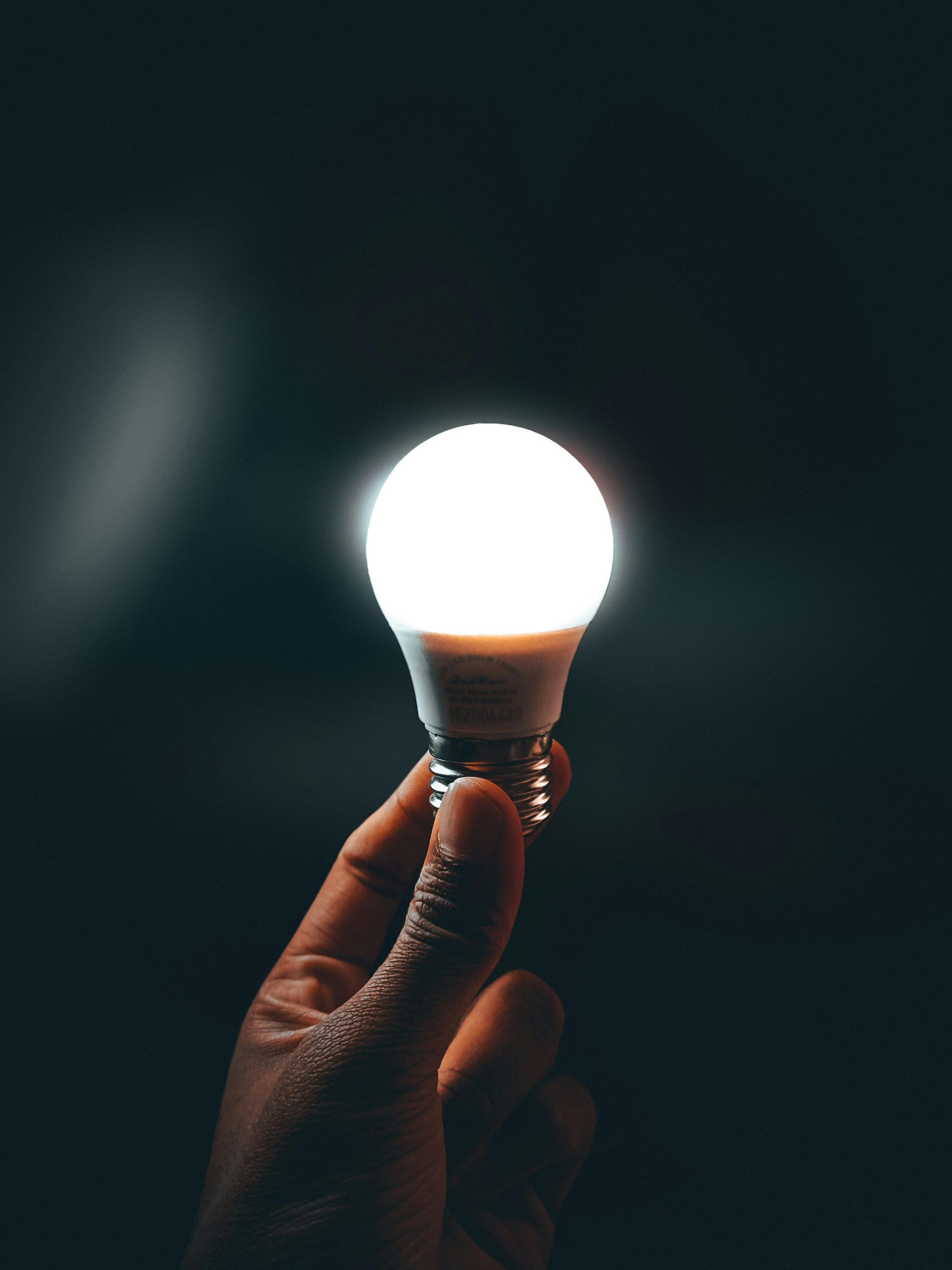
Every smart bulb on the market still functions as an ordinary bulb without Wi-Fi. Flip the wall switch, and the light turns on. That never goes away — a smart bulb is, underneath everything, still a bulb.
What changes without Wi-Fi is the smart layer: app control, voice commands, schedules, and remote access. And here’s the key point — “no Wi-Fi” isn’t one single situation. There’s a big difference between your internet being down and your local network being down. A bulb can sail through one and be crippled by the other.
To understand why, you need to know how smart bulbs actually connect.
How Smart Bulbs Actually Connect
Not all smart bulbs talk to your home the same way. There are three main approaches, and the one your bulb uses decides almost everything about its behaviour offline.
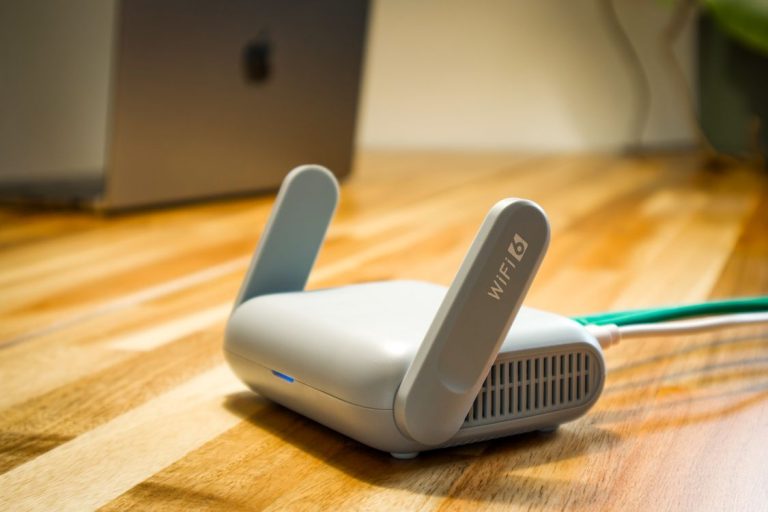
Wi-Fi bulbs. These connect directly to your home Wi-Fi router, with no separate hub required. They’re the most common and usually the cheapest to get started with — brands like many Wyze, Kasa, and Tapo bulbs work this way. The trade-off is that Wi-Fi is central to their operation.
Bluetooth bulbs. These connect directly to your phone over Bluetooth, with no router involved at all. The catch is range: Bluetooth only reaches across a room or two. Many bulbs are Bluetooth + Wi-Fi hybrids — they use Bluetooth for close-up setup and control, and Wi-Fi for everything remote.
Hub-based bulbs (Zigbee or Thread). These don’t talk to Wi-Fi directly at all. Instead they use a low-power wireless protocol — usually Zigbee — to talk to a dedicated hub or bridge, which then connects to your network. Philips Hue is the best-known example: the bulbs speak Zigbee to the Hue Bridge. This adds upfront cost but, as you’ll see, changes the offline story significantly.
Keep these three types in mind. Everything below depends on them.
Internet Down vs Network Down: The Crucial Difference
This is the single most misunderstood part of the whole topic, so it’s worth slowing down.
When people say “Wi-Fi is down,” they usually mean one of two very different things:
Your internet is down, but your local network is fine. Your router is still on, still broadcasting Wi-Fi, and your devices are still connected to it — but the connection out to the wider internet has dropped. This is the more common scenario, and the more survivable one.
Your local network itself is down. The router is off, has crashed, or is rebooting. Nothing in your home can talk to anything else over Wi-Fi at all.
Why does this matter so much? Because some smart bulbs are controlled locally — the command travels from your phone, to your router, to the bulb, all inside your home — while others route commands through the manufacturer’s servers on the internet (often called “the cloud”) before anything happens.
A locally-controlled bulb only needs the local network. It does not care whether the internet is up. A cloud-dependent bulb needs that round trip to the internet, so it falls over the moment your connection drops — even if your router is working perfectly.
What Still Works Without Wi-Fi (and What Doesn’t)
Let’s make this concrete. Here’s how the smart features hold up.
| Feature | Internet down, router on | Router / network fully down |
|---|---|---|
| Physical wall switch | ✅ Works | ✅ Works |
| App control (local-control bulbs) | ✅ Usually works | ❌ Fails |
| App control (cloud-only bulbs) | ❌ Fails | ❌ Fails |
| Bluetooth control (hybrid bulbs) | ✅ Works | ✅ Works |
| Hub-based control (e.g. Hue) | ✅ Often works | ❌ Fails |
| Voice assistants | ❌ Usually fails | ❌ Fails |
| Schedules / automations | ⚠️ Depends | ⚠️ Depends |
| Remote control (away from home) | ❌ Fails | ❌ Fails |
A few of these deserve a closer look.
The wall switch always wins. No matter what kind of smart bulb you own, the physical switch on the wall (or the lamp) still cuts and restores power. You will never be trapped in the dark by a network outage. Worth remembering before panic sets in.
Voice assistants are surprisingly fragile. This catches people out. Asking Alexa or Google to turn off a light almost always requires the internet — the request travels to the assistant’s servers to be understood, then back. So even if your bulb itself is perfectly controllable locally, the voice layer usually goes silent during an internet outage. Apple’s HomeKit is a partial exception, as a home hub can process some commands locally.
Schedules are a coin toss. If a bulb’s schedule is stored on the bulb or its hub, it keeps firing on time regardless of the internet. If the schedule lives in the cloud, it may not. This varies by brand, and manufacturers rarely advertise it.
Remote control always needs the internet. This one is simple logic: if you’re not at home, the only way to reach your bulb is over the internet. No connection, no remote control. There’s no workaround.
Where Each Bulb Type Lands
Putting it together:
Wi-Fi bulbs are the most exposed. If yours uses local control, it survives an internet outage but not a router outage. If it’s cloud-dependent — and many budget bulbs are — even a brief internet hiccup breaks app control. This is the category to research most carefully before buying.
Bluetooth (and hybrid) bulbs are quietly the most resilient for close-range control. Because Bluetooth connects your phone straight to the bulb, it doesn’t care about your router or the internet. Stand in the same room and you can still control the light. The limitation is range and the lack of true remote access.
Hub-based bulbs like Hue are the most capable overall. Because the bulbs talk Zigbee to a local bridge, the system keeps working through an internet outage — app control over your local network, schedules, and automations generally carry on. They only fall fully offline if the network itself goes down or the bridge loses power. You pay more upfront, but you buy genuine local reliability.
What to Check Before You Buy
If offline reliability matters to you — and for lighting, it probably should — here’s what to look for:
- Does it support local control? This is the single most important question. A bulb that can be controlled locally will shrug off internet outages. Look for this explicitly; it’s a real differentiator.
- Is there a hub option? Hub-based ecosystems (Zigbee, Thread) tend to be more resilient and more responsive than direct-to-Wi-Fi bulbs.
- Does it have Bluetooth fallback? A hybrid Bluetooth + Wi-Fi bulb gives you a backup way in when the network misbehaves.
- Where do the schedules live? If keeping the lights on a timer through an outage matters, check whether schedules run locally or from the cloud.
- Look for “Matter” support. Matter, the newer cross-brand smart home standard, is built around local control by design — a good sign for offline reliability and for not getting locked into one brand.
A quick reality check on Wi-Fi load, too: every Wi-Fi bulb is one more device on your router. A dozen of them is usually fine for a modern router, but it’s a reason some people prefer hub-based bulbs as their setup grows.
Conclusion
So — do smart bulbs work without Wi-Fi? Yes. The light itself never abandons you, and the humble wall switch is always there as the ultimate backup.
But the honest, more useful answer is that smartness exists on a spectrum when the network is down. Cloud-dependent Wi-Fi bulbs lose the most. Bluetooth bulbs hold onto close-range control. Hub-based systems like Hue keep the most of their intelligence alive. And almost nothing keeps working if the router itself loses power, or if you’re trying to reach your home from somewhere else.
The takeaway for anyone still shopping: don’t just ask whether a bulb is “smart.” Ask how it connects, and whether it can be controlled locally. That single detail is the difference between a lighting setup that rides out a rough night on your internet connection — and one that leaves you fumbling for a switch in the dark.
Personally, I think leaning on the cloud for something as fundamental as a light is a quietly bad bargain. A bulb is one of the few things in a home that should just work — and routing the simple act of flicking it on through a company’s servers (servers that can suffer outages, get discontinued, or vanish when a brand folds) trades away reliability for a convenience you rarely notice until it fails. Local control isn’t a niche feature for hobbyists; it’s the difference between owning your lights and merely renting access to them.