Smart Home Bedroom Setup: Better Sleep Starts With Automation
A smart home bedroom isn’t about gadgets for gadgets’ sake. The bedroom is where sleep quality is won or lost, and a handful of well-chosen automations genuinely make the difference between a room that helps you sleep and one that just happens to be where your bed is.
Smart Lighting for Sleep and Wake
Standard overhead lights are the wrong tool for a bedroom. They’re too bright, too blue, and they do real damage to melatonin production when you use them in the hour before bed. Smart bulbs solve this without requiring you to remember to change anything.
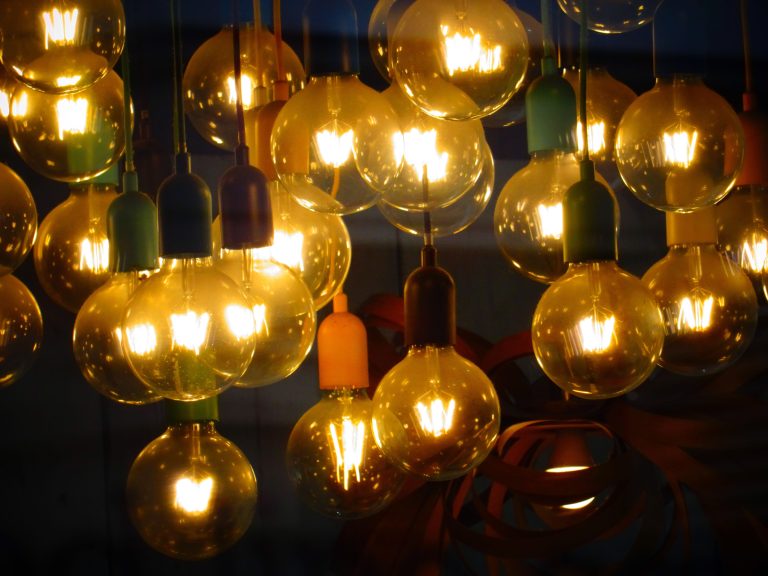
The sleep-focused setup: a warm, dim scene (2700K or below, 5–10% brightness) that activates automatically around 90 minutes before your usual bedtime. A wake-up scene that gradually brightens over 20–30 minutes before your alarm — the gradual sunrise effect makes waking up noticeably easier, especially in winter when natural light arrives late. The Philips Hue Wake-Up feature handles this natively; the LIFX app and Alexa Routines can replicate it with any smart bulb that supports scheduling. See our smart bulb guide for bulbs with the best dimming range.
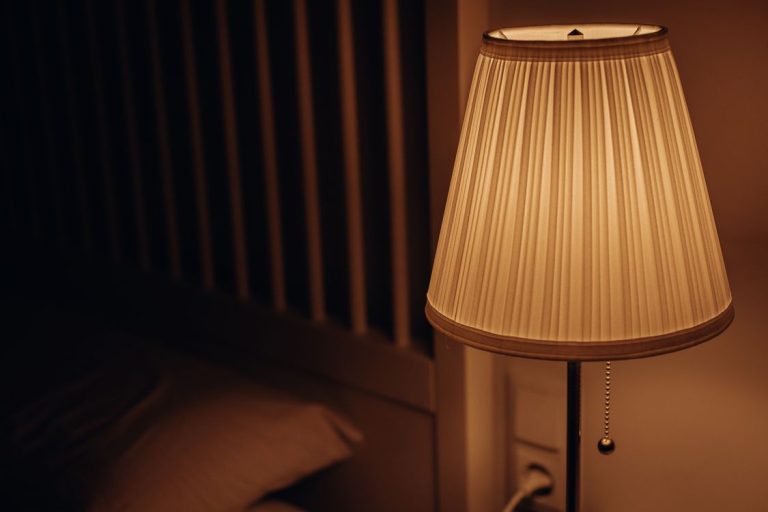
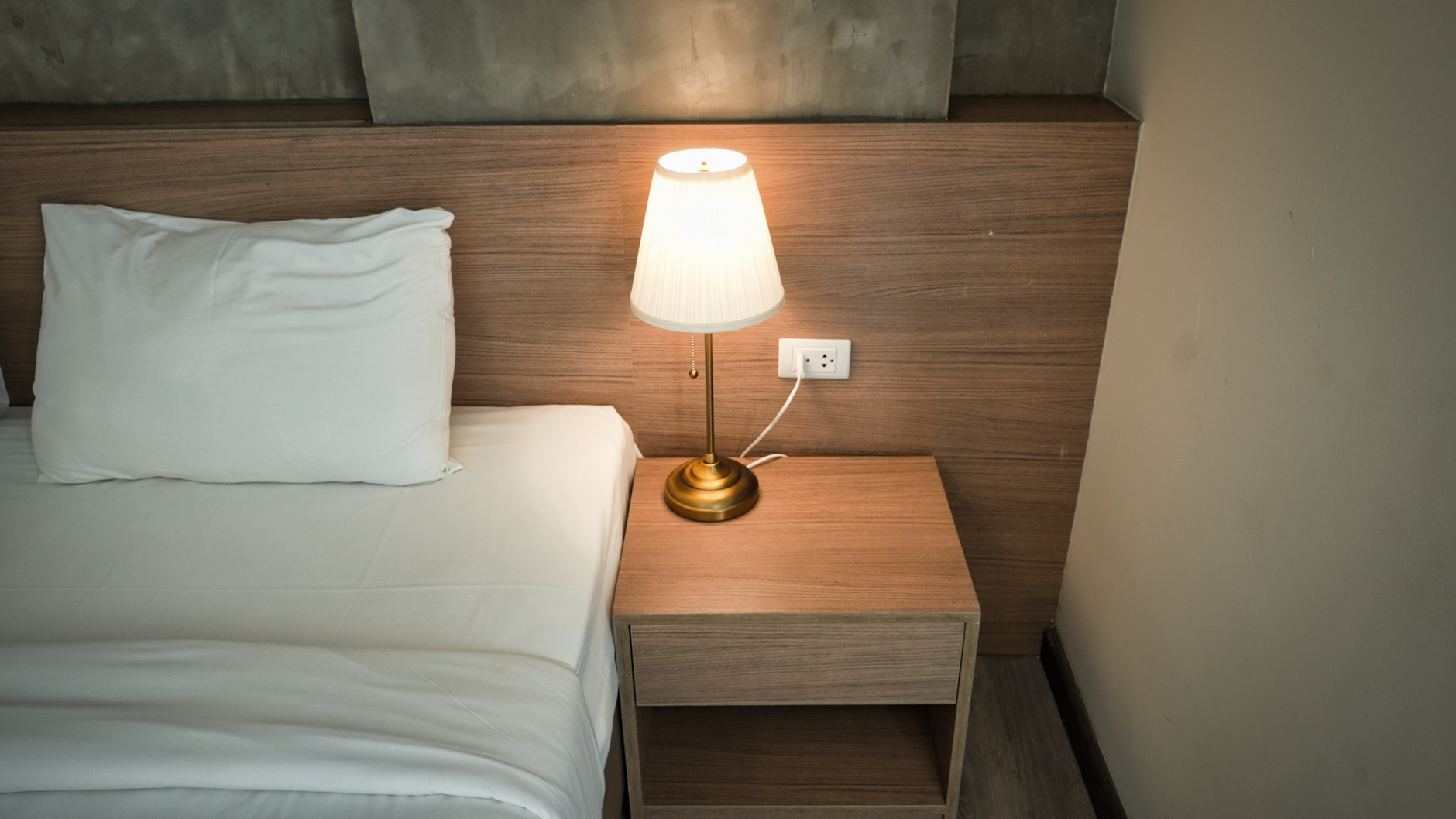
For bedside reading, a smart lamp with a separate circuit from the overhead fixture gives you fine-grained control — bright and cool for reading, warm and dim for winding down — without affecting the whole room.
Smart Blinds and Blackout Curtains
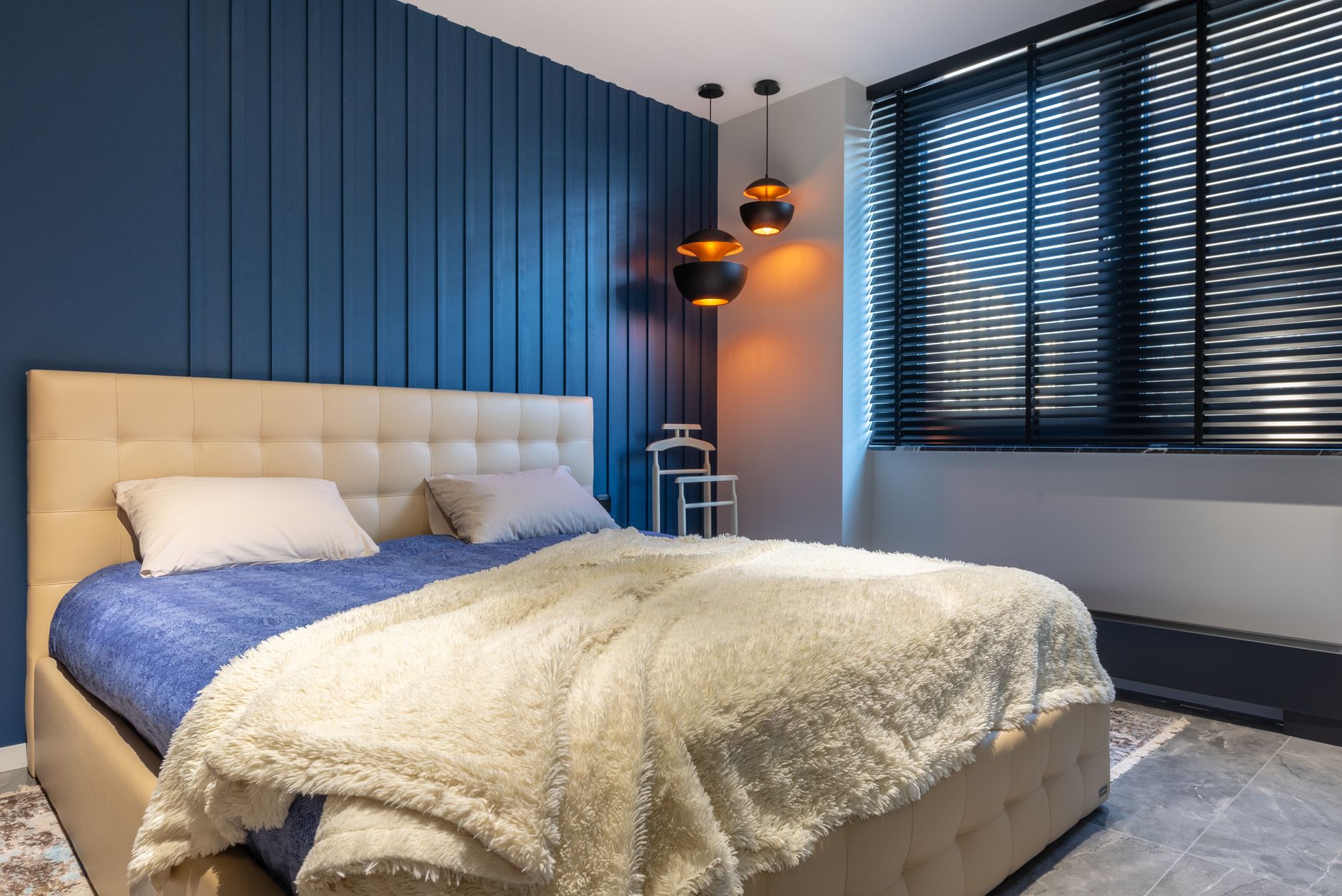
Motorized blinds are the most underrated bedroom automation. A blackout blind that closes automatically at bedtime and opens gradually with the sunrise extends the gradual wake-up routine into the physical environment — light from both directions, ceiling and window, wakes you far more naturally than an alarm tone alone.
The IKEA FYRTUR and Lutron Serena blinds are mid-range options with good smart home integration. At the higher end, Hunter Douglas PowerView blinds offer precise scheduling and multiple integration options. For a budget approach, smart plug-in dimmers paired with existing corded blinds don’t automate the movement but do control any lamp connected to them.
Bedroom Temperature Automation
Sleep research consistently shows that a slightly cooler room — around 65–68°F for most people — improves sleep onset and sleep quality. A smart thermostat can automate this without you touching a dial. Most smart thermostats support a “sleep mode” or time-based schedule that drops the temperature a degree or two around bedtime and returns it to normal in the morning.
If your HVAC doesn’t reach the bedroom well, a smart space heater (the Vornado Whole Room heater works with SmartThings and can be controlled via a smart plug) or a smart fan with speed control adds fine-grained temperature management. Combine bedroom temperature automation with your thermostat setup for whole-home coordination.
Smart Speaker Placement
A bedroom smart speaker serves a few specific purposes: sleep timers, white noise or sleep sounds, gentle alarms, and control of the bedroom devices without reaching for a phone in the dark. An Amazon Echo Dot or Google Nest Mini are both appropriately sized — you want audio that fills the room without overpowering it.
One thing to set up immediately: a sleep timer. “Alexa, play rain sounds for 45 minutes” is one of the most useful bedroom automations, full stop. Google Home’s equivalent works identically. Put the speaker far enough from the bed that you’re not tempted to scroll through your phone, but close enough to hear and be heard clearly from the pillow.
Do Not Disturb Automation
Most smart home systems support a “Do Not Disturb” or “Quiet Hours” mode that suppresses notifications, dims status LEDs, and prevents routines from triggering unexpectedly. On Alexa, Brief Mode plus a scheduled Routine that drops the ring light brightness on your Echo to zero handles most of this. On Google Home, set Quiet Mode in the device settings for the bedroom speaker.
The goal: when you’re in sleep mode, the room should be dark, quiet, and not pinging you. LED indicators on smart plugs, routers, and device chargers add up to a surprising amount of ambient light. Cover them with black electrical tape or use smart plugs that let you turn off the indicator light in software. Our sleep mode setup guide covers the full routine in detail.
What to Skip in the Bedroom
Not every smart home device belongs in a bedroom. Video cameras raise obvious privacy concerns and are worth thinking carefully about — most people are better served by a doorbell camera or outdoor camera than anything pointed at where they sleep. Smart TVs in the bedroom are a sleep hygiene topic beyond the scope of automation, but the research is pretty clear: screens in the bedroom hurt sleep quality regardless of whether they’re “smart.” If the TV is staying, automate it off on a sleep routine so it doesn’t run all night.