Moving With a Smart Home: What to Leave, Reset and Take
Moving with a smart home is more complicated than packing a few boxes. Your thermostat, smart locks, doorbell, and cameras are tied to your accounts, your Wi-Fi, and sometimes your subscriptions. Leave them connected and the new owners could be locked out of their own front door, or you could keep receiving alerts and video from a house you no longer live in. Take the wrong things and you may leave holes in the walls or violate your sale agreement.
This guide walks through exactly what to do with your devices when you move, whether you’re selling, renting out, or leaving a rental, plus how to set everything up again at your new place.
Step 1: Make an Inventory
Start by listing every connected device in the house. Walk room by room and check your apps. Include:
- Thermostats, smart locks, video doorbells, and cameras.
- Smart switches, dimmers, and bulbs.
- Sensors: motion, door and window, leak, and smoke detectors.
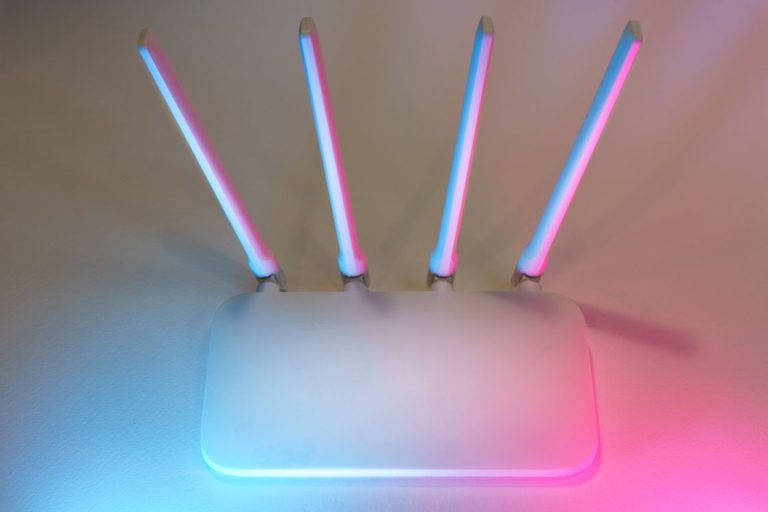
- Hubs, routers, and mesh Wi-Fi units.
- Built-in systems like irrigation controllers, blinds, and garage controllers.
The guide from HomeTechHacker on moving out of a smart home recommends this as the first step, and it’s easy to forget a sensor tucked behind a toilet or inside a closet.
Step 2: Decide What Stays and What Goes
A useful rule: devices that are installed into the house usually stay, and devices that plug in usually go with you.
| Usually stays | Usually goes with you |
|---|---|
| Smart thermostats | Smart speakers and displays |
| Smart locks | Smart plugs |
| Hardwired doorbells | Portable cameras |
| Smart switches and dimmers | Smart bulbs (often) |
| Irrigation controllers, blinds | Hubs and routers you own |
| Garage controllers | Battery sensors |
If you’re selling, put your intentions in writing. Many fixtures are considered part of the home by default, so if you want to take your smart thermostat or doorbell, say so in the listing or contract, and replace it with a standard device before closing. Your real estate agent can advise on how this works in your area.
Step 3: Reset and Remove Everything You Leave Behind
This is the most important step when moving with a smart home. For every device that stays:
- Remove it from your account in the manufacturer’s app.
- Factory reset it, following the brand’s instructions.
- Remove it from your smart home platform (Alexa, Google Home, Apple Home, SmartThings, or Home Assistant).
- Delete your user codes from smart locks, including any codes you shared with family, cleaners, or dog walkers.
- Cancel or transfer subscriptions tied to that address, such as camera recording plans or professional monitoring. Our breakdown of smart home subscription costs can help you spot them.
Resetting takes time, so start a week or two before moving day.
Step 4: Leave Helpful Information
Leave a simple sheet for the next residents listing the device brands and models, which apps they use, and where manuals are. Don’t include your passwords, and don’t promise ongoing support. A short note saves them a lot of guesswork.

Step 5: Protect Your Privacy
- Delete video history from cameras and doorbells for the old address if you no longer need it.
- Remove the old address from your apps and location-based automations so you stop getting alerts.
- Change your Wi-Fi network name and password at the new place, or set up fresh, so old devices don’t reconnect unexpectedly.
Our guide to smart home privacy explains which data each type of device keeps.
If You’re Leaving a Rental
Renters usually take everything they installed, but should restore the original fixtures. Reinstall the old thermostat, lock, or switches if you swapped them, and remove adhesive mounts carefully. Our smart home for renters guide covers renter-friendly devices that make moving easier.
Setting Up at Your New Home
Moving with a smart home is also a chance to start fresh:
- Set up your network first. Get your router or mesh system working before reconnecting anything else.
- Change the locks. Whether or not the previous owner had smart locks, re-key or replace them. Our best smart locks guide can help.
- Reset any devices the previous owners left and add them to your own accounts.
- Reconnect your hub and move devices into new rooms in the app.
- Recreate automations gradually rather than all at once.
If you use Apple Home, make sure you have a home hub set up at the new place, as our Apple Home hub guide explains.

A Moving With a Smart Home Checklist
- Inventory every device
- Decide what stays and put it in writing
- Remove devices from accounts and factory reset them
- Delete lock codes and cancel subscriptions
- Leave a device sheet for the new residents
- Delete old video and location data
- Set up Wi-Fi first at the new home
- Re-key or replace the locks
Moving with a smart home takes a little planning, but following these steps protects your privacy, keeps the sale smooth, and gives the next residents a working home instead of a puzzle.