Smart Home Accessibility: Devices That Make Daily Life More Independent
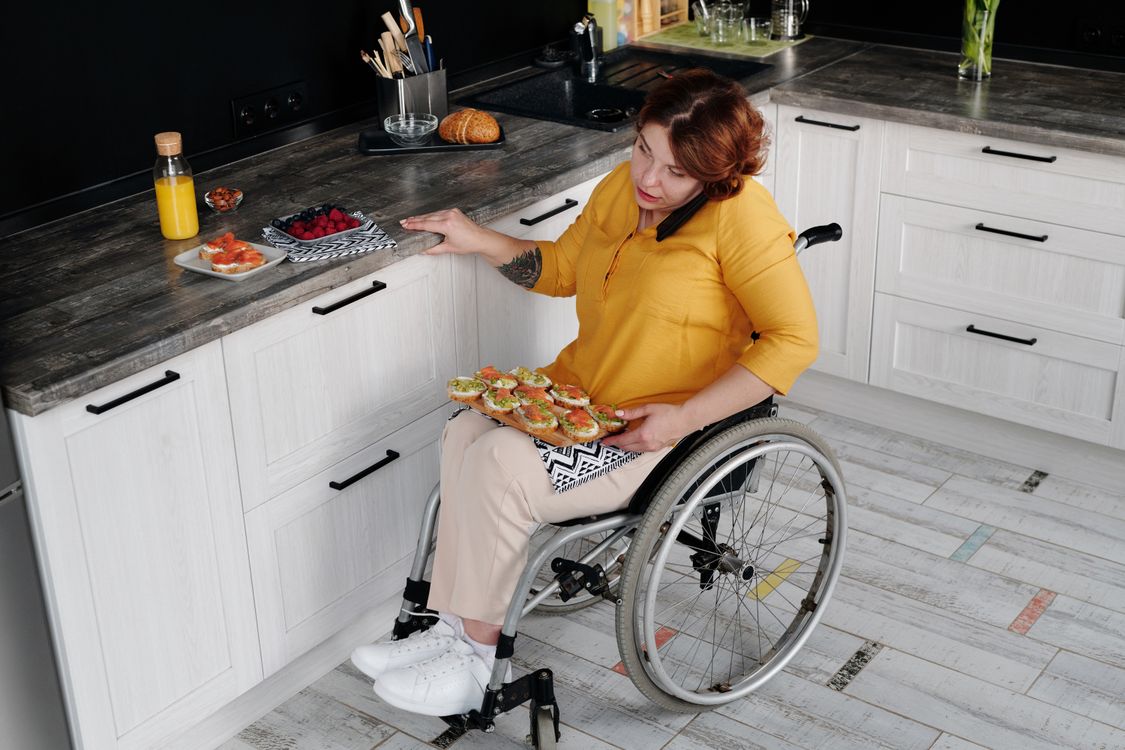
Smart home accessibility is one of the most meaningful things this technology can deliver. For many people, smart devices are a convenience. For people with limited mobility, vision or hearing loss, chronic illness, or cognitive challenges, the same devices can mean more independence: unlocking the door without getting up, turning on lights without reaching a switch, or getting a visual alert when someone rings the doorbell.
This guide covers smart home accessibility devices and features by need, how to set them up thoughtfully, and how to involve the person who’ll actually use them.
Why Smart Home Accessibility Matters
An estimated one in four adults in the United States lives with some form of disability, according to a Stacker report on smart devices for people with disabilities. Many everyday tasks, like answering the door, adjusting the thermostat, or turning off a lamp across the room, involve physical effort that smart devices can remove.
The best part is that most of these devices are mainstream, affordable products, not specialized medical equipment.
Accessibility by Need
Limited Mobility
- Voice control: a smart speaker lets you control lights, thermostats, TVs, and more from anywhere in the room.
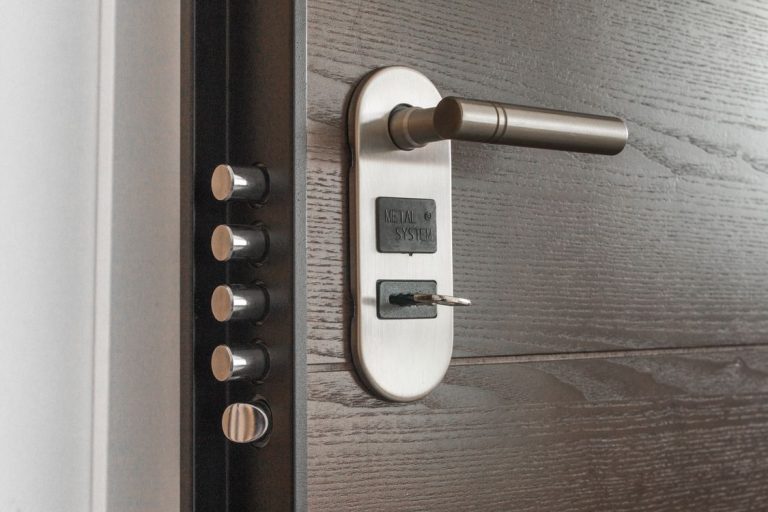
- Smart locks: unlock the door by voice or phone, without walking to it. Our best smart locks guide covers options.
- Video doorbells: see and talk to visitors without going to the door. Our guide to the video doorbell without wiring explains easy installation.
- Smart plugs and switches: turn on fans, lamps, and appliances from a phone or voice command.
- Robot vacuums: reduce physically demanding chores. See our best robot vacuum guide.
- Smart blinds: open and close windows coverings without reaching or pulling cords.
Vision Loss
- Voice assistants read out the time, weather, timers, and reminders.
- Automatic lighting turns on as you enter a room, so you’re never navigating in the dark. Our smart stair lighting guide covers motion-activated paths.
- Smartphone screen readers work with most smart home apps, so check that an app is accessible before buying.
Hearing Loss
- Flashing light alerts: smart bulbs can flash when the doorbell rings, a smoke alarm sounds, or a timer ends.
- Smart displays with captions show text responses and live captions on video calls. Our best smart display guide compares models.
- Phone and smartwatch notifications for doorbells, alarms, and appliances.
- Smart smoke alarms that send phone alerts, covered in our smart smoke detector guide.
Memory and Cognitive Challenges
- Spoken reminders for medications, appointments, and daily tasks.
- Routines that turn on lights and play a morning briefing at the same time each day.
- Door and window sensors that alert a caregiver if an exterior door opens at night. See our guide to door and window sensors.
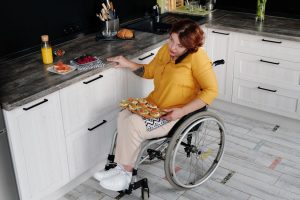
Smart Home Accessibility Devices by Need
| Need | Helpful devices |
|---|---|
| Limited mobility | Voice assistant, smart lock, video doorbell, smart plugs, robot vacuum, smart blinds |
| Vision loss | Voice assistant, automatic lighting, accessible apps |
| Hearing loss | Flashing light alerts, smart display captions, phone and watch notifications |
| Memory challenges | Voice reminders, routines, door sensors with caregiver alerts |
Set It Up With the Person, Not for Them
The most important accessibility rule is to involve the person who will use the system. Ask what tasks are hardest, which ones they want help with, and how comfortable they are with voice or apps. A system designed around someone’s real needs gets used; one imposed on them often doesn’t.
A few practical tips:
- Start with one or two high-impact devices, like voice-controlled lights or a smart lock.
- Keep physical controls working as a backup.
- Use clear, simple names for devices and rooms so voice commands are easy to remember.
- Test everything together and write down the most useful commands.
- Set up caregiver access thoughtfully, respecting the person’s privacy and independence.
Bathrooms and Safety
Bathrooms are a common place for accidents. Automatic lighting, leak sensors, and humidity-sensing fans make them safer and easier to use. Our smart bathroom ideas guide covers these upgrades. For aging family members specifically, our smart home for elderly guide has more ideas.

The Bottom Line
Smart home accessibility isn’t about expensive specialty equipment. Voice assistants, smart locks, video doorbells, automatic lighting, and simple routines can make daily life easier and more independent for people with many different needs. Start with the tasks that matter most to the person using them, keep the setup simple, and build from there.