Smart Home for Elderly: What Actually Helps and How to Set It Up
Smart home technology gets marketed primarily at young, tech-comfortable people — which is a shame, because some of the most meaningful benefits go to older adults. Independence, safety, reduced physical effort, and staying connected to family are all problems smart home devices address well. The challenge is that most guides assume a level of technical comfort that isn’t always there.
This guide covers smart home for elderly adults and aging-in-place specifically — what’s actually useful, what tends to be confusing, and how to set things up so they work reliably without requiring ongoing technical support from family members.
What Smart Home for Elderly Adults Actually Helps With
The genuinely useful applications fall into four categories, and they’re different from what most smart home guides focus on.
Reducing physical effort — lights that turn on automatically when someone enters a room, locks that unlock without fumbling with keys, thermostats that don’t require precise button sequences. These seem like minor conveniences for younger users but become significant when arthritis, reduced grip strength, or mobility issues are involved.
Safety and fall prevention — motion-activated lighting on stairs, in hallways, and in bathrooms at night is one of the most impactful interventions for fall risk reduction. A light that comes on automatically when someone gets up at 2am removes the “navigate in the dark to find the switch” scenario entirely.
Medication and routine reminders — smart speakers can be set up to give verbal reminders at specific times. Simple but genuinely useful for people managing multiple medications or complex daily schedules.
Remote family oversight — with the right setup, family members can check in without being intrusive. A smart plug on the kettle can tell a family member that their parent has been up and had their morning tea. Motion sensors can flag unusual inactivity. This is a delicate balance — it can feel like surveillance — but when set up with the person’s knowledge and consent, many older adults find it reassuring rather than intrusive.
Devices Worth Prioritising
Motion-activated lighting — the highest value item
Motion sensors that trigger lights automatically are the single most impactful smart home addition for older adults living alone. Focus on: the route from bedroom to bathroom, staircases, and any area that’s dark and frequently navigated at night. Lights that activate automatically at low brightness (not blinding full brightness at 3am) and turn off after a couple of minutes are the target.
This doesn’t require a complex smart home setup. A motion-activated plug-in night light costs under $20 and needs no app, no configuration, no WiFi. For more integrated setups, motion sensors paired with smart bulbs via Alexa or Google Home work well and can be set to only activate after dark.
Smart speaker for reminders and simple control
An Amazon Echo or Google Nest device sitting on the kitchen counter, configured with a few simple commands, is genuinely useful. “Alexa, set a reminder for 8pm to take medication.” “Hey Google, call [family member].” “Alexa, turn off all lights.” These are single-sentence commands that don’t require remembering app interfaces or navigating menus.
The setup needs to be done by a family member or carer initially, but once configured, the day-to-day use is simpler than most people expect. Voice control removes the touchscreen barrier entirely for people who find smartphone apps confusing.
One practical note: choose the device that matches the rest of the household’s ecosystem. If family members use iPhone and Apple devices, an Apple HomePod with Siri works within that same ecosystem and allows family sharing of controls. See our comparison of Alexa vs Google Home for the full picture.
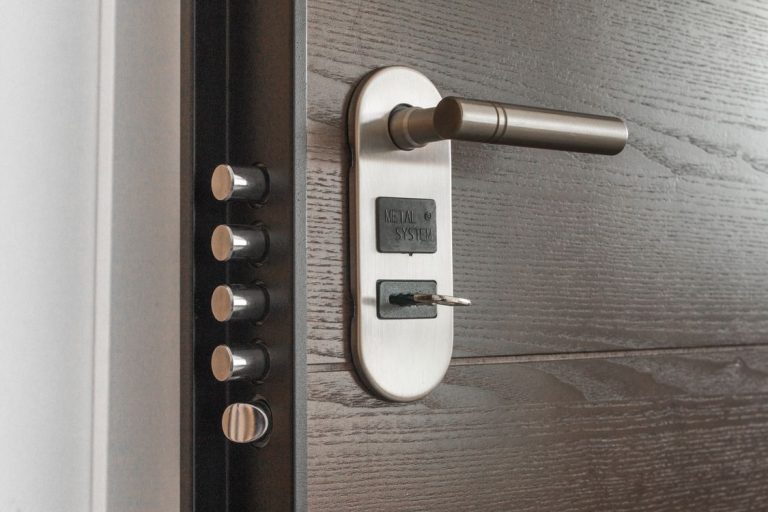
Smart lock with keypad
A smart lock with a keypad entry (rather than just app control) removes the “lost key” and “can’t turn the key” problems simultaneously. Family members can have their own codes, carers can have temporary codes that expire, and there’s no key to lose or carry. The keypad is usually large-buttoned and straightforward to use.
We covered the safety and reliability question in detail in our are smart locks safe guide — the short version is that reputable brands are reliable and secure, but the choice of brand matters.
Smart thermostat
Older adults are more susceptible to temperature extremes and often less likely to actively adjust the thermostat. A smart thermostat that maintains comfortable temperatures automatically, and that family members can check and adjust remotely, removes a source of both discomfort and risk. The energy savings we cover in our smart thermostat guide are a bonus.
What to Avoid or Approach Carefully
Apps as the primary interface. If the only way to control a device is through a smartphone app, it will cause frustration. Every device in a setup for an older adult should have either a physical control (button, switch, keypad) or voice control as the primary interface. Apps are for family members to configure things remotely, not for the older adult to use daily.
Systems that require ongoing maintenance. Devices that need firmware updates, reauthorisation, or periodic troubleshooting by someone with technical knowledge are a problem when that person isn’t always available. Simpler systems with fewer moving parts are more appropriate here than feature-rich systems that need active management.
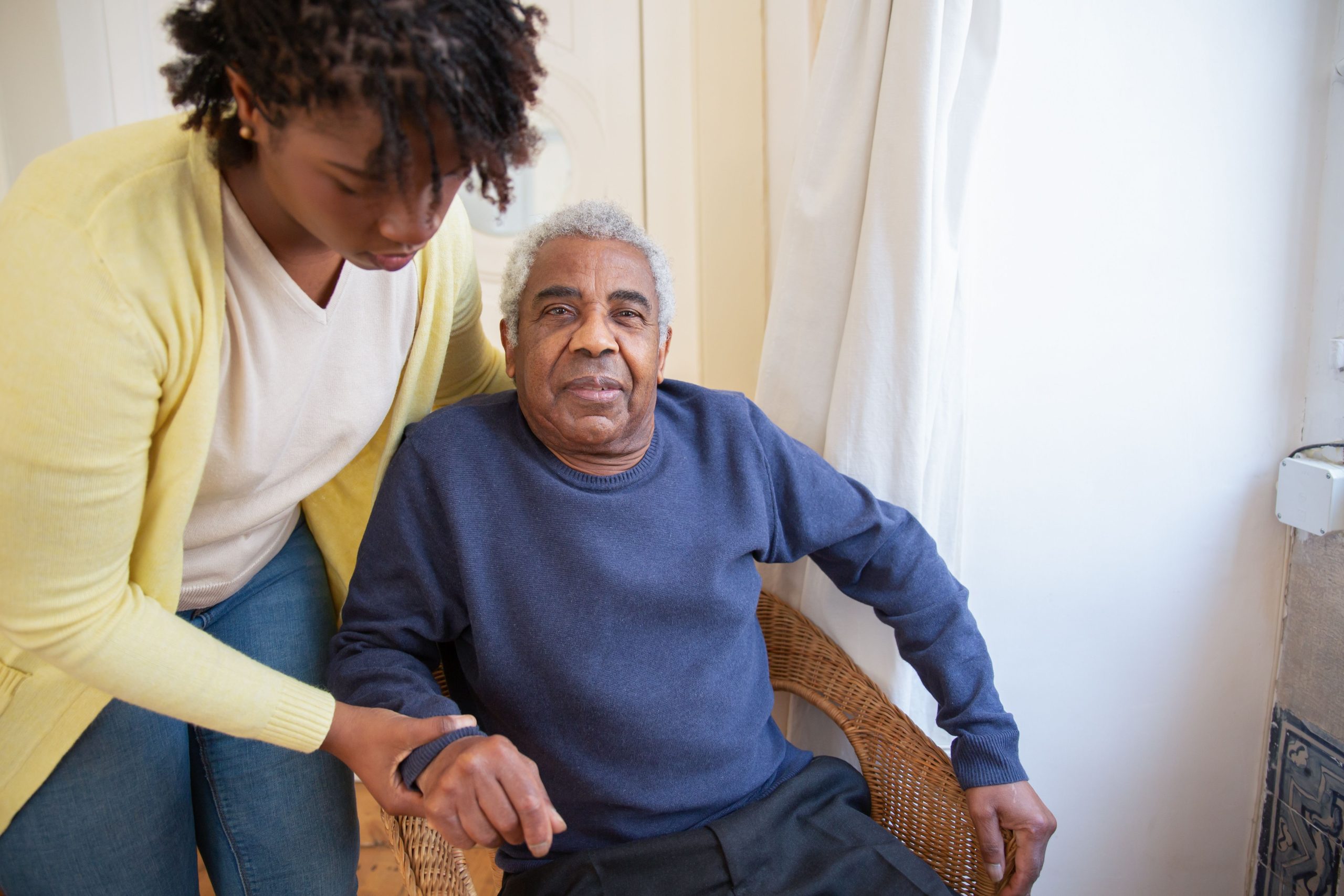
Privacy-invasive devices without explicit consent. Cameras inside the home, audio monitoring, location tracking — these should only be implemented with the full knowledge, understanding, and genuine consent of the person being monitored. The line between safety check-in and surveillance is a real one and worth being deliberate about.
Setting It Up for Long-Term Reliability
The setup approach matters as much as the device choice. A few principles that make setups work long-term for older adults:
Configure everything for automatic operation where possible. Lights that turn on automatically need no action from the user. Routines that run on schedule don’t require voice commands. The less the person needs to initiate, the more reliable the experience.
Use the simplest possible interface for daily interaction. Voice commands for a smart speaker, physical button for a lock, automatic triggering for lighting. Avoid requiring app navigation for anything routine.
Document what everything does in plain language and leave it somewhere accessible. “The light in the hallway turns on automatically when you walk past — you don’t need to touch anything” is more useful than a technical setup guide.
Check in and adjust after the first few weeks. What seemed logical during setup sometimes turns out to be annoying in practice. Motion sensor sensitivity, automatic light timing, voice assistant wake word sensitivity — all of these may need tweaking based on actual daily use.

Setting Up a Smart Home for Elderly Family Members: Final Thoughts
Smart home technology for older adults works best when it removes friction rather than adding it. The goal is a home that responds to the person without requiring them to learn new technology — lights that activate automatically, locks that open with a code, reminders that come from a familiar speaker on the kitchen counter.
Start with motion lighting and a smart speaker. These two things address the most common pain points (navigating in the dark, remembering reminders, making calls hands-free) without requiring ongoing technical engagement. Add a smart lock and thermostat once those are working well. Keep complexity low, keep physical controls available, and involve the person in the decisions rather than setting things up for them without their input.
The framing that works best when setting up a smart home for elderly loved ones is not “smart home technology” — it’s just making the house easier to live in. That reframe often makes the conversation easier and the adoption more successful.