What Is Home Assistant? A Beginner’s Guide to Local Smart Home Control
If you’ve spent any time in smart home forums, YouTube, or Reddit threads, you’ve seen the name pop up everywhere: Home Assistant. People rave about it the way enthusiasts rave about Linux — as the “real” smart home platform, the one that escapes Big Tech’s walled gardens, the one that finally puts you in control. But for someone outside that bubble, the obvious question is the basic one: what is Home Assistant, really, and should you actually care?
The short answer: Home Assistant is a free, open-source smart home platform that runs on your own hardware, keeps your data local, and connects devices from almost any brand into one system. It’s the antidote to the world of Alexa, Google Home, and Apple HomeKit — not because those are bad, but because they all share one design choice: they live in someone else’s cloud, and you depend on that cloud working forever.
This guide explains what Home Assistant actually is, what it does well, where it falls short, and — most importantly — who it’s really for. Because the honest truth is that Home Assistant is brilliant for the right person and a frustrating waste of time for the wrong one. Knowing which is which is the whole point of this article.
The Short Definition
Home Assistant is open-source software that you install on a small computer in your home, and it becomes the central brain that controls all your smart devices — lights, locks, thermostats, cameras, sensors, speakers, vacuums, whatever you have.
Three properties make it different from Alexa or Google Home:
- It runs locally. The control logic lives on hardware in your house, not on Amazon or Google’s servers. Your automations work even when your internet is down.
- It’s open source. The code is free, the project is community-driven, and no single company can shut it down or change the terms.
- It supports almost everything. Over 3,000 official integrations and counting — Zigbee, Z-Wave, Matter, Thread, Wi-Fi, Bluetooth, MQTT, plus deep integrations for specific brands (Hue, Nest, IKEA, Sonos, Tesla, dozens more).
That combination — local, open, and broadly compatible — is what Home Assistant offers, and it’s genuinely rare in the market.
What Problem It Actually Solves
To understand why people use it, you have to understand the problem with the alternative.
The mainstream smart home is a patchwork of apps and ecosystems. Your Hue lights use the Hue app. Your Ring camera uses Ring. Your Nest thermostat uses Google Home. Your iRobot vacuum uses its own. Each app needs its own login. Cross-device automations — “if the door opens after dark, turn on the porch light and start a recording” — are limited or impossible across brands, because each company prioritises its own ecosystem.
Voice assistants like Alexa and Google Home patch some of this. They let you control multiple brands through one interface — but only at the surface level. Deep automation across brands, with conditional logic and proper triggers, hits the same walls.
Home Assistant solves this by being the place where everything actually meets. Once a device is integrated, it doesn’t matter which company made it. You can write an automation that says “when motion is detected by the Aqara sensor between sunset and sunrise, and the Hue light in the hallway is off, and the Google Nest thermostat is in away mode — turn on the hallway light and send a notification to my phone.” That kind of cross-brand, conditional logic is the daily reality in Home Assistant. In Alexa or Google Home, it’s a stretch on a good day.
How It Works (in Plain Terms)
You don’t need to understand the technical details, but a rough mental model helps.
1. You install Home Assistant on a small computer. The most popular options are a Raspberry Pi (around $50–80 with case and SD card), a dedicated Home Assistant Green ($99, plug-and-play), or a small mini PC. Some people install it on a NAS they already own. Once installed, it runs 24/7 on your local network.
2. You add integrations. Each smart device or service connects through an “integration.” Most popular brands have one ready (Hue, Nest, Sonos, etc.). You add them through a setup wizard — usually a few clicks, not code.
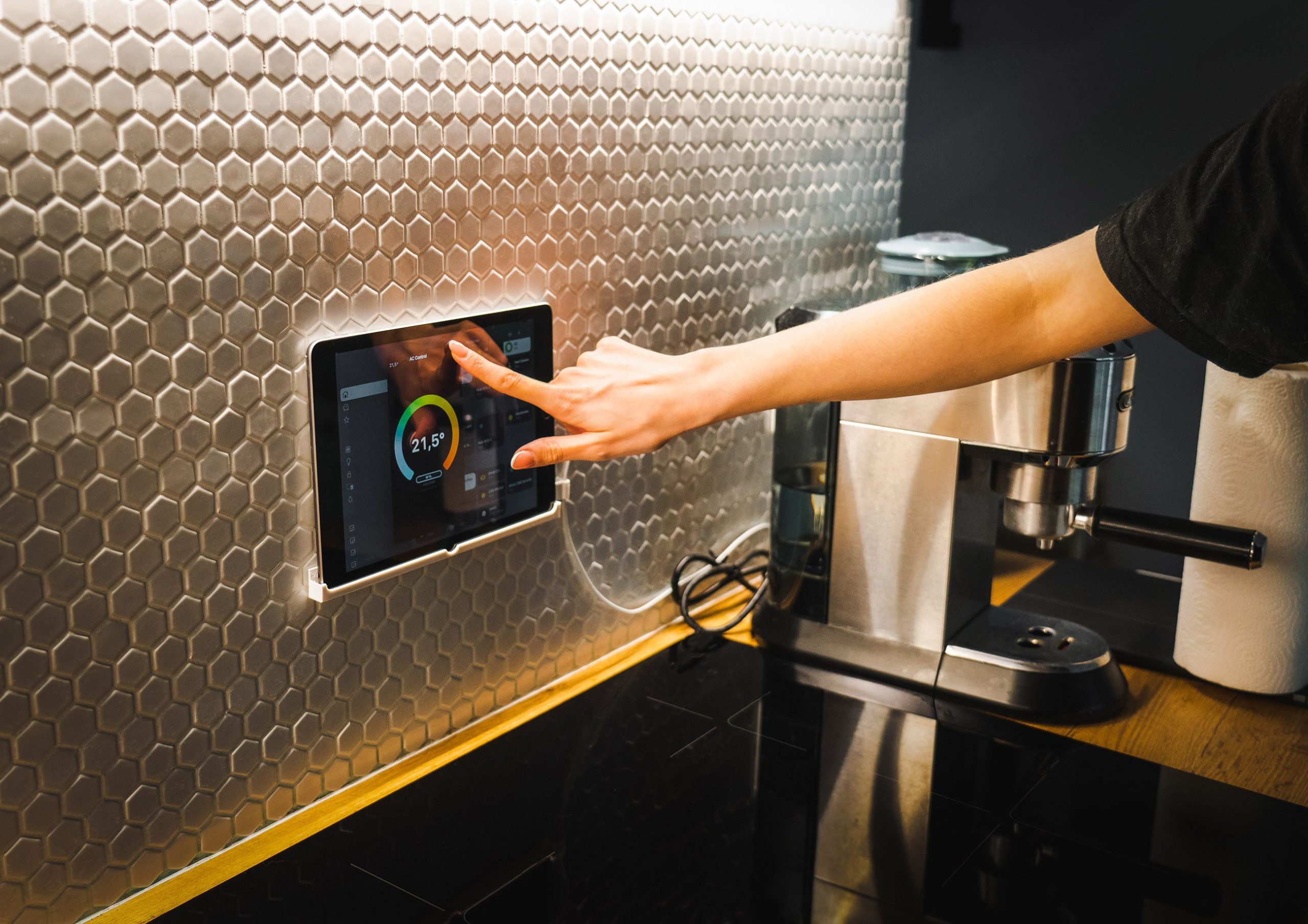
3. You access it through a dashboard. Home Assistant’s interface runs in your browser or its mobile app. You see your devices organised by room or type, with controls and status. Modern versions are far more polished than they used to be.
4. You build automations. Through a visual editor (no coding required for most cases), you create rules: triggers (time, motion, device state), conditions (only if X), and actions (do Y). Want the lights to come on at sunset only if someone’s home? Two minutes in the editor.
That’s the whole loop. The complexity scales with your ambition: simple users build simple automations; advanced users write YAML configuration files and build dashboards that look like NASA control rooms. Both work on the same platform.
The Real Strengths
The reasons people who use Home Assistant rarely go back:
- Local control by default. No internet outage takes down your home. No company shutting down its servers leaves your lights stranded. This is the single biggest difference from cloud platforms.
- Privacy. Your motion sensor data, your door-lock logs, your routine patterns — they stay on your hardware. Not sent to anyone’s servers, not used to train anything, not sold.
- Broad device support. If a device has any open API or works on a standard protocol, Home Assistant probably supports it. Even ancient or obscure brands.
- No subscription fees. It’s free. There’s an optional cloud add-on ($6.50/month) for remote access without setup hassle, but it’s genuinely optional — you can do everything for free.
- Powerful automations. Cross-brand, conditional, time-aware, presence-aware. The automation engine is in a different league from anything Alexa or Google Home offers.
- A massive community. Forums, Reddit, YouTube — answers to almost any question already exist. The project has hundreds of thousands of active users.

The Real Trade-offs (Be Honest)
Now the part most enthusiast articles skip. Home Assistant is not for everyone, and pretending otherwise leads to a lot of wasted weekends.
- You need to want to tinker. Setup takes a few hours minimum. Adding devices works, but each integration has its quirks. Automations work, but writing your first ones takes patience. If “I just want it to work” describes you, Home Assistant is not the right starting point.
- You need a small home server running 24/7. A Raspberry Pi consumes maybe $5–10 of electricity per year, but it’s still a piece of hardware you’re now responsible for: updates, occasional restarts, the SD card eventually failing. It’s a small commitment, not zero.
- The mobile experience is good but not Apple-good. The Home Assistant mobile app is excellent, but if you’re spoiled by the polish of HomeKit or Google Home, the experience here is more “powerful and configurable” than “instantly delightful.”
- Some devices are annoying to integrate. Anything that’s deeply tied to its own cloud (some Ring features, some Wyze features, anything from companies that lock down their API) is harder or impossible to add. The trend is improving thanks to Matter, but it’s not universally solved.
- Updates can occasionally break things. It’s open-source software released frequently. Most updates are smooth; a few introduce regressions. If you can’t afford for your lighting to flake for an hour while you debug, this matters.
- The learning curve is real. Modern Home Assistant is much friendlier than five years ago, but it still asks more of you than a single-brand ecosystem. Plan to spend time learning.
Who It’s Really For
Honest matching, based on use case:
Home Assistant is a great fit if:
- You already have devices from several different brands and the apps are driving you mad
- Privacy and local control matter to you on principle (not just in marketing)
- You enjoy tinkering, learning new tools, and customising things
- You want automations that go beyond what Alexa and Google can do
- You’re comfortable with — or curious about — running a small server in your home
- You’ve thought about what happens when a smart home company shuts down or changes its cloud, and you don’t want that to be your problem
Home Assistant is not a great fit if:
- You’re new to smart home in general — start with one ecosystem first
- You want it to “just work” without setup time
- You only have a few devices, all from one brand, and they’re working fine
- You’re not going to maintain it (updates, backups, occasional troubleshooting)
- Your household includes people who’ll be frustrated when something temporarily breaks
The honest message: if you’re nodding along to the first list, this is one of the best decisions you can make in smart home. If you’re nodding along to the second, stick with the mainstream platforms for now. Maybe revisit in a year. There’s no shame in not running Home Assistant.
How to Get Started (If You Want To)
If you’re in the “this is for me” group, the cheapest practical path is:
- Buy a Raspberry Pi 4 (or a Home Assistant Green if you want zero setup pain). Total cost: $50–100.
- Follow the official “Home Assistant OS” install guide at home-assistant.io. It’s well documented.
- Start with one or two devices you already own. Get them showing up correctly before you do anything fancy.
- Write one simple automation. “Turn on the porch light at sunset” is a great first one. The success builds momentum.
- Join the community — the official forum, r/homeassistant on Reddit, or YouTube channels like Smart Home Solver or Everything Smart Home. You’ll progress faster with examples.
Don’t try to migrate your entire home to Home Assistant in the first week. The people who give up early are almost always the ones who tried to do too much too fast.
Conclusion
So — what is Home Assistant? It’s the most powerful, flexible, and privacy-respecting smart home platform on the market — and also the most demanding. It rewards people who want control, customisation, and a system that survives whatever companies do to their own products. It punishes people who just wanted to turn the lights on with their voice.
The honest framing: Home Assistant isn’t better than Alexa or Google Home in some absolute sense. It’s a different category of product, built for a different kind of user. If you’ve ever found yourself frustrated that your smart home depends on five different companies’ clouds all staying online forever, Home Assistant is the answer. If that frustration has never crossed your mind, you probably don’t need this in your life.
For everyone in between — the curious, the increasingly fed up, the people who want their home to be theirs again — it’s worth a weekend to find out.
Aquí tienes:
My take: Home Assistant is where the “owning vs renting access” argument I keep making in these articles actually resolves. Every other smart home platform — Alexa, Google Home, HomeKit, even the best single-brand ecosystems — is ultimately a service you’re subscribed to, whether you pay money or not. The payment is dependency: on the company staying in business, keeping the servers running, not changing the terms, not pivoting. Home Assistant is the exit from that arrangement. The learning curve isn’t a bug in that context — it’s the price of actually owning the thing.
What I find underrated is the resilience argument over the privacy one: most people can live with Google knowing when their lights turn on, but far fewer have thought about what happens when the company behind their thermostat or lock decides the product is no longer profitable to support. Home Assistant answers that question before you have to ask it. The honest caveat stands though: if you’re not the kind of person who finds this stuff interesting, the maintenance overhead is real and the “just works” experience of mainstream platforms is genuinely better for you. Know which one you are before you buy a Raspberry Pi.