Smart Home Routines for Beginners: The 6 You’ll Actually Use
Search for “smart home routines” and you’ll find lists of 20, 30, sometimes 50 ideas. The problem isn’t a shortage of routine ideas — it’s that most of them sound useful until you actually set them up, use them for a week, and quietly delete them because they solved a problem you didn’t really have.
The routines that stick are the ones that automate something you already do every day, not something you imagine doing. This guide skips the bloat and focuses on the six routines that consistently survive past the novelty phase — the ones that become invisible infrastructure rather than technology you have to manage.
What a Smart Home Routine Actually Is
Before the list, a quick distinction that matters. A scene is a snapshot: “dim the lights to 30% and set them amber.” A routine is a trigger + actions: “at 10pm, dim the lights to 30%, set them amber, lock the front door, and set the thermostat to 68°F.” You activate a scene; a routine runs itself.
Most smart home platforms call these slightly different things — Alexa calls them Routines, Google Home calls them Automations, Apple Home calls them Automations too, Home Assistant calls them Automations — but the concept is identical: something triggers a sequence of actions without you doing anything.
The trigger can be:
- A time (“at 7am every weekday”)
- Your location (“when my phone leaves home”)
- A voice command (“Alexa, good night”)
- A sensor (“when the front door opens”)
- Sunrise or sunset (adjusted automatically for your location and the time of year)
The actions can be anything your devices support. The power comes from combining triggers and actions across different devices — lights, locks, thermostats, plugs, cameras — into a single automated moment.
The 6 Routines Worth Setting Up First
1. Good Morning
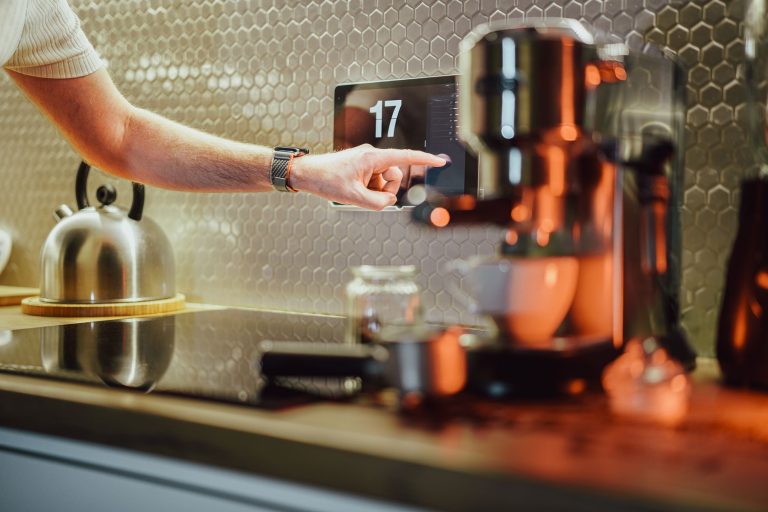
What it does: At a set time (or when you dismiss your alarm), the bedroom lights gradually brighten, the thermostat comes up to a comfortable temperature, and your coffee maker’s smart plug turns on.
Why it sticks: It replaces a sequence you already do manually every morning. The lights-as-alarm-clock aspect is genuinely useful — a gradual increase from dim warm light to bright cool light is a better wake-up than a phone buzzing on a nightstand.
Trigger: Time (weekday alarm time) or a specific voice command (“Alexa, good morning”)
Devices involved: Smart bulbs or a smart switch in the bedroom, smart thermostat, smart plug on the coffee maker
The honest caveat: This one requires more setup than the others because you’re coordinating multiple devices. Get each piece working individually first, then combine them.
2. Leaving Home
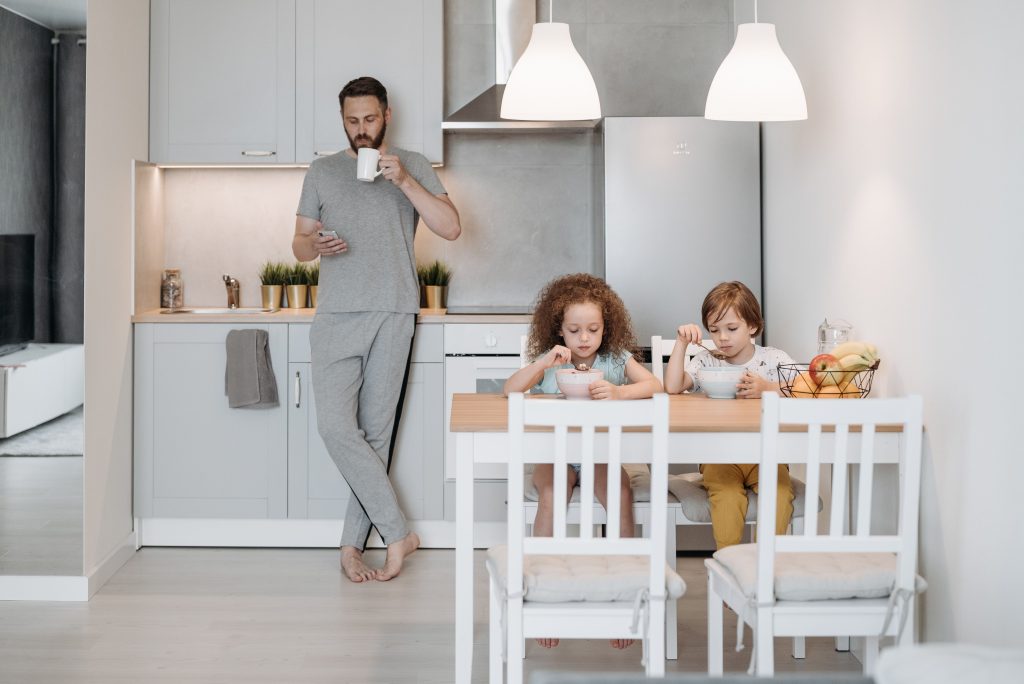
What it does: When your phone leaves the home area (geofencing), or when you say a phrase (“Alexa, I’m leaving”), all lights turn off, the thermostat goes into away mode, the smart plug cuts power to the entertainment stack, and the front door locks.
Why it sticks: The “did I leave the lights on?” anxiety is real and universal. This routine eliminates it entirely. The thermostat alone can save meaningful money over a year of using it consistently.
Trigger: Geofencing (phone leaves home area) or voice command
Devices involved: Smart bulbs or switches, smart thermostat, smart plug on entertainment stack, smart lock
The honest caveat: Geofencing works well when one person lives alone or when everyone in the household has the app. In multi-person households, the routine only fires when the last person leaves — which requires everyone to have the app set up correctly. If that’s complicated, use a voice command trigger instead.
3. I’m Home
What it does: When your phone arrives home, the front door unlocks, the entryway lights come on, and the thermostat returns to your preferred home temperature.
Why it sticks: Unlocking the door hands-free with bags of groceries is a small thing that turns out to be a daily convenience you stop noticing — in the best way. The thermostat returning to comfort temperature before you walk in is another one.
Trigger: Geofencing (phone arrives home) or voice command
Devices involved: Smart lock, smart lights in entryway, smart thermostat
The honest caveat: Same multi-person household caveat as Leaving Home — geofencing works cleanest for single-person households or when you’re the first one home. The smart lock auto-unlock is also a feature some people choose to disable for security reasons — you can keep the lights and thermostat without the unlock.
4. Good Night
What it does: A single phrase (“Alexa, good night” or “Hey Google, goodnight”) turns off all lights throughout the home, locks the front door, sets the thermostat to your sleep temperature, arms the security system, and turns off any plugs you don’t want running overnight.
Why it sticks: This is the routine most people set up first and never delete. It replaces the end-of-day circuit through the house checking lights, locks, and devices. One phrase, everything handled.
Trigger: Voice command (this one almost always works better as voice than time-based, because your actual bedtime varies)
Devices involved: All smart lights, smart lock, smart thermostat, smart plugs, security system if you have one
The honest caveat: Build this one incrementally. Start with just lights + lock, confirm it works reliably for a week, then add the thermostat and plugs. A routine that controls many devices has more failure points than one that controls two.
5. Movie Night / Movie Mode
What it does: One command (“Alexa, movie time”) dims the living room lights to a low level, switches them to a warm colour if you have colour bulbs, turns on the TV and streaming device, and if you have smart blinds, closes them.
Why it sticks: This is the routine that makes smart home technology feel like it has a personality. The combination of lighting, TV, and blinds in one command makes the room transform. It’s also a routine that impresses houseguests in a way that a voice-controlled light switch doesn’t.
Trigger: Voice command
Devices involved: Smart bulbs or dimmer switches in the living room, smart TV or streaming device, smart blinds (optional)
The honest caveat: This one has the highest device requirement. You don’t need all of it — even just lights dimming and warming on command is genuinely satisfying. Start with whatever you have, and add the TV and blinds later if you want.
6. Lights at Sunset / Security Lighting
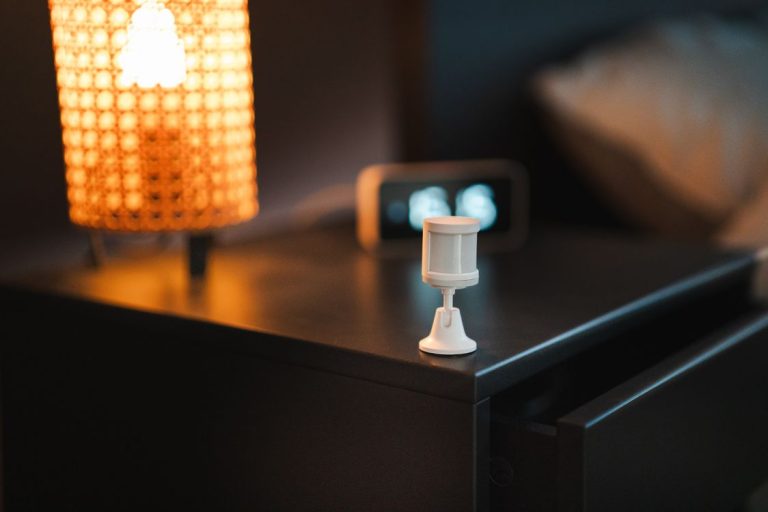
What it does: At sunset (automatically calculated for your location and time of year), outdoor lights and entryway lights turn on. At a set time in the late evening, they dim or turn off. Motion sensors in darker areas trigger lights when movement is detected after dark.
Why it sticks: This one runs entirely without you — no voice command, no app tap. You notice the lights come on as it gets dark, and after the first week you stop noticing at all. That’s the sign of a good automation: it becomes so reliable that you forget it’s there.
Trigger: Sunset (built into all major platforms — it adjusts automatically throughout the year)
Devices involved: Outdoor smart plugs or smart outdoor lights, entryway smart bulbs or switch, motion sensors (optional)
The honest caveat: Motion-triggered lighting needs some tuning. Set the motion sensitivity carefully — you want it to trigger on people, not every car passing or branch moving in the wind. Most platforms let you add conditions (“only trigger after sunset”) to prevent daytime false positives.
How to Actually Build These Routines
Every major platform has a routine builder:
- Amazon Alexa: open the Alexa app → More → Routines → the + button
- Google Home: open Google Home → Automations tab → Add
- Apple Home: open Home app → Automation tab → Add Automation
- Home Assistant: Settings → Automations & Scenes → Add Automation
All four follow the same structure: choose a trigger, add conditions (optional), add actions. For your first routine, start with Good Night — it’s a voice trigger, which is simpler than geofencing, and the payoff is immediate.
The One Principle That Makes Routines Work
Build for your actual life, not your imagined life. The graveyard of abandoned smart home routines is full of setups that worked perfectly for a disciplined, predictable, single-person household and fell apart the moment reality showed up — an irregular schedule, a partner who doesn’t use the app, a Saturday morning that doesn’t match a weekday trigger.
The routines on this list survive because they’re built around moments everyone has: waking up, leaving, coming home, watching something, going to sleep. They’re not clever; they’re reliable. And in a home automation setup, reliable beats clever every time.
Start with two of the six. Get them working properly. Live with them for two weeks. Then add the next one. The smart home that grows slowly and works reliably is better than the one that was set up in a weekend and maintains itself on hope.
Good Night is the one I’d start with, and not just because it’s easy to set up. It’s the routine that converts skeptics because it solves something everyone recognizes — the end-of-day loop through the house that you do on autopilot but still somehow manage to get wrong half the time. One phrase replacing that loop is immediately, obviously useful in a way that mood lighting or a coffee maker schedule isn’t. The broader principle — build for your actual life, not your imagined life — is probably the most honest thing in this whole guide, and it applies beyond routines.
Most smart home regret comes from buying for an idealized version of how you live rather than how you actually live. The routines that stick are almost always the ones attached to something you already do every day without thinking. The ones that get deleted are the ones that required you to become a slightly different, more disciplined person to use them.