Are Smart Locks Safe? The Honest Answer
It’s the question almost everyone asks before they consider one, and it’s a fair question to ask: are smart locks safe? The internet’s full of articles claiming the answer is a confident yes — but most of them are written by companies that sell smart locks. That’s worth keeping in mind.
The honest answer is more nuanced, and more useful. Yes, modern smart locks from reputable brands are generally safe — often safer than the traditional lock they replace — but the safety depends on choices you make: which lock you buy, how you set it up, and what failure modes you’re willing to accept. “Safe” isn’t a binary; it’s a trade-off, and understanding the trade-off is what separates a smart purchase from a regret.
This guide walks through what smart locks actually do, the real concerns (not the imaginary ones), how they compare to traditional locks honestly, and what to look for if you decide to buy one — written without anything to sell you.
What a Smart Lock Actually Is
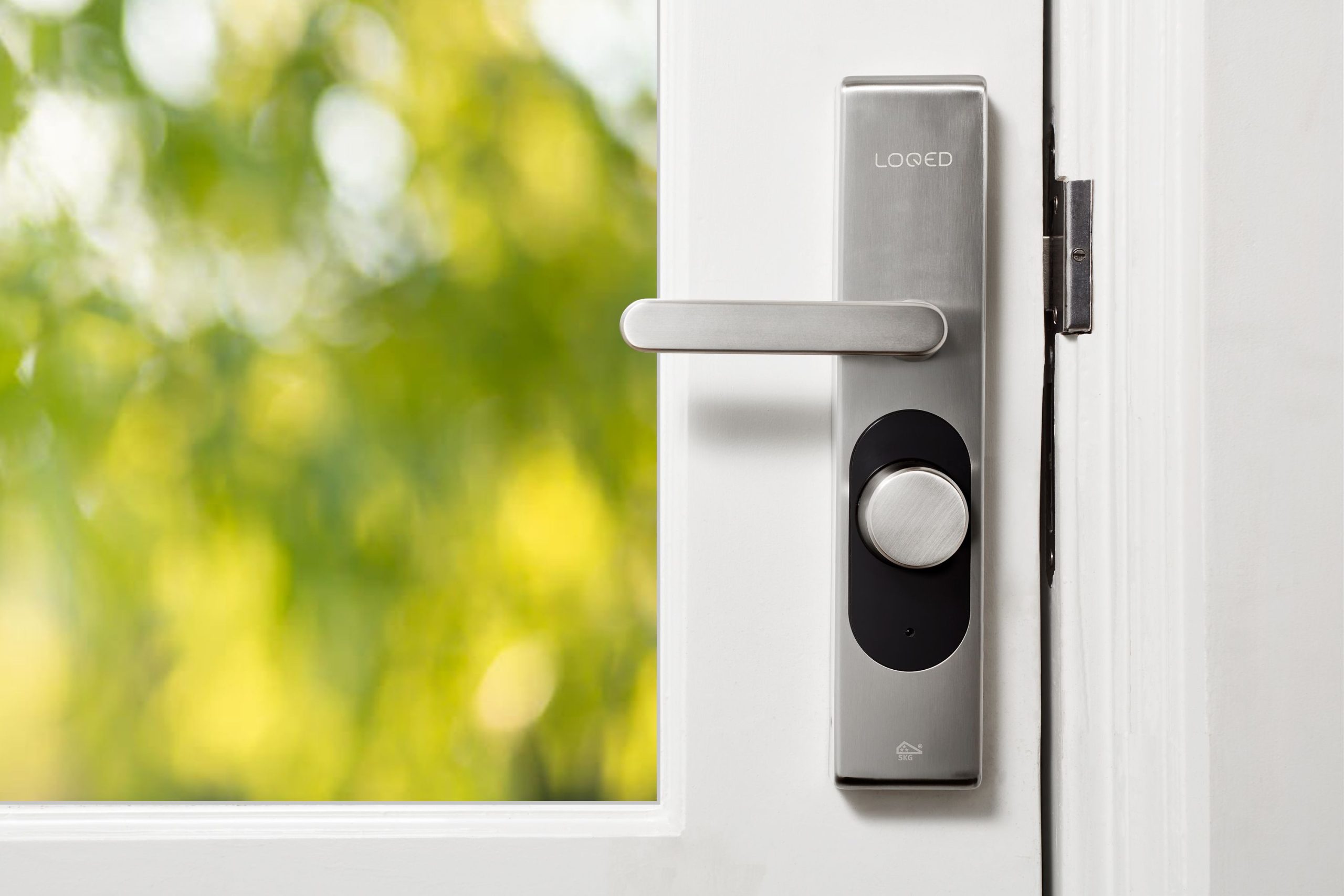
A smart lock is, underneath the technology, still a lock. It bolts the door, and it does the basic job a deadbolt has always done. The “smart” part is how it decides whether to unlock.
Instead of (or in addition to) a metal key, a smart lock can be opened by:
- A keypad code you type in
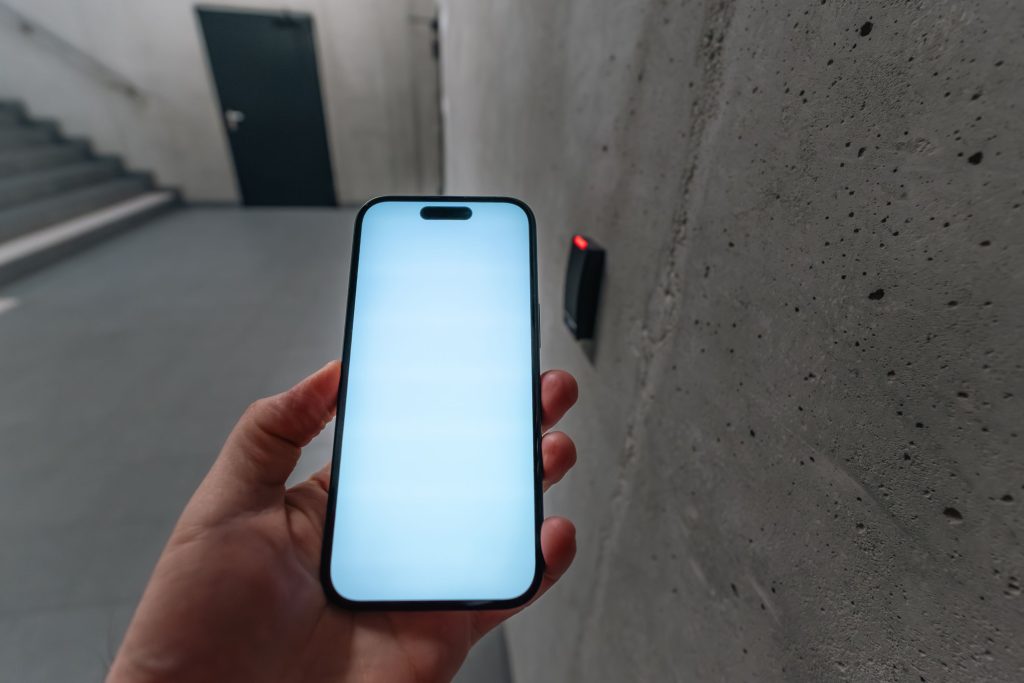
- A smartphone app over Bluetooth or Wi-Fi
- A fingerprint or face scan on biometric models
- A voice assistant (“Alexa, lock the front door”)
- Often a physical backup key that still works the old-fashioned way
The lock connects to your phone, your home network, or a hub, so you can lock and unlock remotely, see when the door has been opened, give temporary codes to a cleaner or a guest, and revoke that access whenever you want.
That’s the convenience pitch. Now the honest part: it introduces new ways for things to go wrong, and you need to know what they are before you decide.
The Real Concerns (and How Real They Are)
Most fears about smart locks fall into one of four categories. Some are legitimate; some are overblown. Let’s separate them.
“Can it be hacked?”
This is the headline fear, and the honest answer is: technically yes, in practice almost never.
Reputable smart locks use AES-128 encryption — the same standard that protects online banking — for communication between the lock, your phone, and the manufacturer’s servers. Cracking that encryption with off-the-shelf tools is not realistic. A determined, skilled attacker with physical proximity and the right equipment might exploit a poorly designed lock or an unpatched firmware vulnerability — but that level of attack is far rarer than a burglar simply kicking your door or breaking a window.
The honest framing: most burglaries are crimes of opportunity, not technical attacks. A criminal with the ability to break smart-lock encryption has better-paying things to do than rob a house. The exception is cheap, no-name smart locks from sellers with no track record. There, the risk is real — and that’s why brand and reputation matter more than any spec sheet.
“What if the battery dies?”
This one is legitimate and worth thinking about. Smart locks run on batteries (usually AA), and a dead battery makes the smart features stop working.
The good news: every well-designed smart lock has fallbacks. Many keep a physical keyhole as a backup, so you can still unlock the door with a metal key. Others let you jump-start the lock by holding a 9V battery against external contacts. Most also warn you for weeks before the battery actually dies, via the app.
The honest take: if you check the battery warnings, you’ll never be locked out. If you ignore every notification for months, you might be. That’s a user problem, not a technology problem.
“What if the Wi-Fi goes down?”
A smart lock that depends on the cloud for every action is a brittle design. If your internet drops, remote unlocking from outside the home stops working — that’s unavoidable.
But — and this is the part people miss — the lock itself usually keeps working locally. Keypad codes still work. Fingerprints still work. Bluetooth from your phone, when you’re near the door, still works. Only the remote features (unlocking from work, for instance) actually fail when the internet is down. This is the same pattern we saw with smart bulbs and Wi-Fi — local control is what keeps a smart home from collapsing the moment the network does.
The honest answer: a well-designed smart lock is more resilient to network failure than people assume. A cheap one isn’t.
“What if someone guesses the code?”
A four-digit PIN has 10,000 combinations. Guessing it randomly takes a long time, and a good smart lock will lock down or alert you after a few failed attempts. The real risk isn’t brute force — it’s using a weak or obvious code (birthdays, 1234, 0000) and using the same code for everyone forever. Change codes periodically, use the per-user codes most locks support, and this concern shrinks to nothing.
Smart Locks vs Traditional Locks: An Honest Comparison
The marketing pitch for smart locks is that they’re more secure. The marketing pitch for traditional locks is that they’re time-tested. The honest answer is that both are true, in different ways.
| Traditional Locks | Smart Locks | |
|---|---|---|
| Physical strength | Depends on the deadbolt quality | Same — many smart locks ARE deadbolts |
| Picking vulnerability | Yes — lock picking is a real skill | Lower — no keyway to pick on keyless models |
| Hacking | Impossible | Theoretically possible, practically rare |
| Key duplication | Physical keys can be copied without your knowledge | No physical keys to copy (on keyless models) |
| Lost access | Lose your key, you’re locked out | Forgot phone? Use the keypad. Battery dead? Use the backup |
| Access tracking | None — you never know who came in | Full log of who opened the door and when |
| Revoking access | Change the lock cylinder, give everyone new keys | Delete a code in the app |
| Failure modes | Mechanical wear, lost keys | Battery death, software bugs, network issues |
A few honest observations on this comparison:
- The physical security of a smart deadbolt is the same as a regular deadbolt. The metal that bolts the door is identical. A criminal kicking the door won’t notice the difference.
- Traditional locks are not actually that secure against a skilled person. Lock picking is a real skill, bump keys exist, and a copy of your key can be made from a photograph. The picture most people have of traditional locks is more secure than the reality.
- Smart locks trade old failure modes for new ones. You stop worrying about who has a copy of your key; you start worrying about battery levels and firmware updates. Which set of worries you prefer is a personal choice.
What to Look for If You Buy One
If you’ve decided a smart lock makes sense, the difference between a safe choice and a regret comes down to a small list. Look for:
- A reputable brand with a long track record (Yale, Schlage, August, Aqara, Lockly, Level, Eufy at the better end). Avoid no-name brands from marketplaces with no support behind them. This single decision matters more than any spec.
- AES-128 or stronger encryption. This is standard on serious locks; if a lock doesn’t disclose its encryption clearly, that’s a red flag.
- A physical key backup (or a clear backup-power option). Locks that are only digital, with no physical key and no jump-start contacts, leave you fewer outs.
- Local control as well as cloud. A lock that needs the internet for every basic function is a lock that will fail on a bad Wi-Fi day. Bluetooth fallback or hub-based local control matters.
- Tamper sensors and alerts. A lock that tells you when someone is messing with it is doing real security work, not just convenience.
- Regular firmware updates. Manufacturers that release updates are patching vulnerabilities. Manufacturers that go silent for years are not. Check the support page before you buy.
- Two-factor authentication on the account. The weakest link in many smart locks isn’t the lock — it’s the password on the manufacturer’s app. 2FA closes that gap.
A simple way to think about it: most break-ins exploit weak doors, unlocked windows, or hidden spare keys — not lock technology. A solid smart lock from a reputable brand, installed on a solid door, is at least as safe as the lock it replaces. A cheap smart lock on a cheap door is still a cheap lock.
Conclusion
So — are smart locks safe? Yes, properly chosen and properly set up, they are at least as safe as the lock they replace, and usually safer in the everyday ways that matter most: no key floating around to be lost, no need to change the lock when a tenant moves out, and a clear record of who came and went.
If you’re also thinking about a camera at your entrance, see our guide on whether smart doorbells are worth it. The honest caveats are worth keeping: cheap smart locks really are worse than good traditional ones, batteries do eventually die, and cloud-dependent features can fail when the network does. None of these are deal-breakers if you go in with eyes open. They are just the new set of trade-offs you’re accepting in exchange for the convenience.
If you want one rule of thumb: buy from a brand you’ve heard of, look for local control and a physical key backup, and change your codes occasionally. Do those three things, and you’ll get most of the security upside of a smart lock without inheriting most of the downsides.
“Are smart locks safe?” is almost always the wrong question — and the fact that it’s the question everyone asks says something about how this topic gets covered. The right question is “compared to what?” Compared to a cheap deadbolt on a hollow-core door, a reputable smart lock is a meaningful upgrade. Compared to a high-security mechanical lock on a reinforced frame, it introduces new attack surfaces for modest gain.
The trade-off that rarely gets said plainly: you’re swapping mechanical failure modes for digital ones. A traditional lock doesn’t need firmware updates, doesn’t have an associated account that can be phished, and doesn’t depend on a company staying in business to keep working. That’s not a reason to avoid smart locks — it’s a reason to choose one the way you’d choose any piece of security infrastructure: brand matters, update history matters, and “works when the internet is down” is a feature, not a nice-to-have.
Buy from a brand with a track record, keep the physical key backup, and treat the app password as seriously as you’d treat the key under the mat. Do that, and a smart lock is a reasonable choice. Skip any of it, and you’ve just made your front door depend on a company’s uptime SLA.