Smart Switch Without Neutral Wire: What Works and What to Avoid
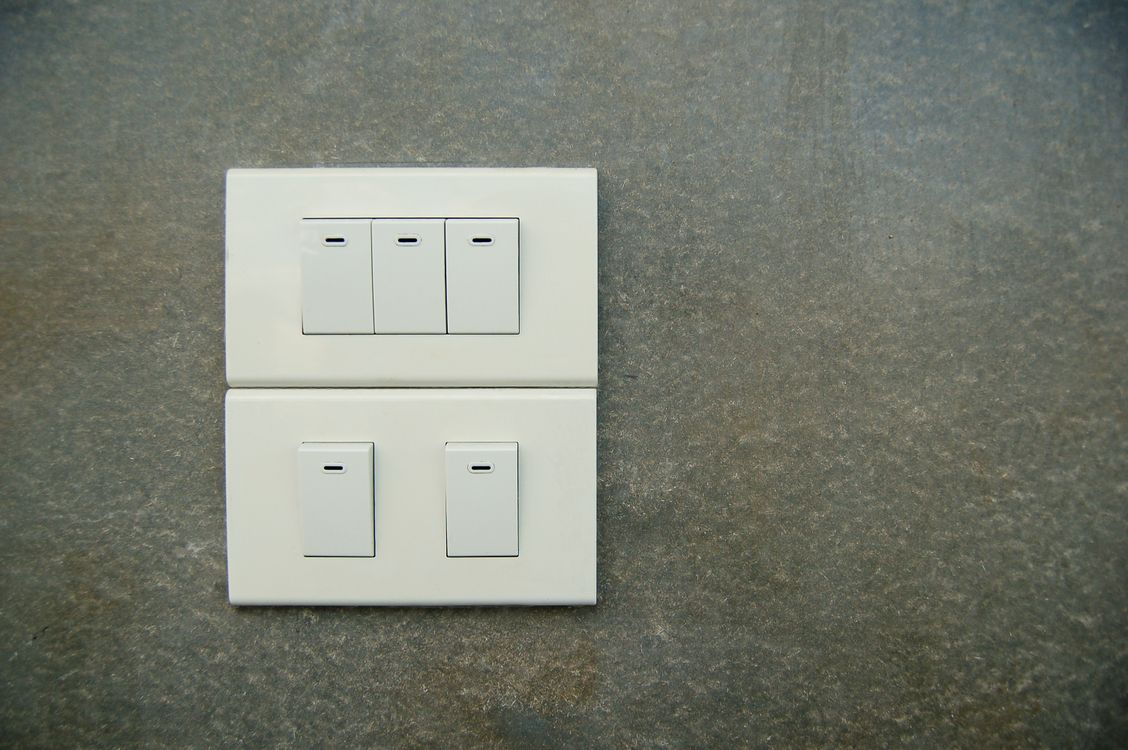
If you’ve opened a wall box to install a smart switch and found only two wires, you’ve hit the most common smart lighting roadblock: no neutral wire. Many older homes in the U.S., especially those built before the 1980s, don’t have a neutral in switch boxes, and most smart switches require one. The good news is that a smart switch without neutral is absolutely possible. You just need to choose the right one and understand the trade-offs.
This guide explains why neutral wires matter, how to check whether you have one, the best options for a smart switch without neutral, and what to do if none of them fit.
Safety first: always turn off power at the breaker before opening a switch box, and hire a licensed electrician if you’re not comfortable working with household wiring.
Why Most Smart Switches Need a Neutral Wire
A regular light switch simply opens and closes the circuit. When it’s off, it needs no power. A smart switch is different: its radio, processor, and indicator lights need power all the time, even when the light is off, so it can listen for commands from your phone or voice assistant.
The neutral wire gives the switch a constant path to complete its own circuit. As Android Central’s guide to no-neutral switches explains, almost every smart switch needs a neutral because it must stay powered all the time.
How to Tell If You Have a Neutral Wire
- Turn off the breaker for that circuit and confirm the light is off.
- Remove the switch plate and gently pull out the switch.
- Look at the back of the box. In most U.S. homes, neutral wires are white and are often bundled together with a wire nut, not connected to the switch.
- Count what’s connected. A switch with only two wires (plus possibly a bare copper ground) and no white bundle in the box usually means no neutral.
If you’re unsure, a voltage tester or an electrician can confirm it in minutes.
How a Smart Switch Without Neutral Works
A smart switch without neutral powers itself by letting a tiny current flow through the light fixture even when the light is “off.” With old incandescent bulbs, that trickle was invisible. With modern LED bulbs, which need very little power to glow, it can cause:
- Faint glowing or flickering when the light is off.
- Unreliable operation with very low-wattage fixtures.
Many no-neutral switches have a minimum load requirement, and some include or recommend a small bypass device installed at the light fixture to stop LED flicker. Check the manufacturer’s compatibility list for your bulbs.
Best Options for a Smart Switch Without Neutral
Lutron Caseta: The Most Reliable Choice
Lutron’s Caseta dimmers are widely considered the gold standard for homes without a neutral. They use Lutron’s own wireless protocol through the Smart Bridge, which is known for being very reliable, and they work with Alexa, Google Home, Apple Home, and SmartThings. They cost more than some alternatives, but they’re the option most electricians recommend.
Aqara No-Neutral Switches
Aqara makes Zigbee switches in no-neutral versions that work with Apple Home, Google, and Alexa through an Aqara hub. They’re a good mid-priced option, especially if you already use Aqara sensors or a Zigbee hub.
Leviton Decora Smart No-Neutral
Leviton sells no-neutral dimmers that connect through a bridge, with support for Alexa, Google, and Apple Home. Leviton is a familiar brand, and the switches look like standard Decora designs.
GE Cync No-Neutral Switches
GE Cync offers Wi-Fi switches designed for homes without neutral wires that don’t require a separate hub, which keeps setup simple.

Smart Switch Without Neutral Options Compared
| Option | Hub needed | Works with | Best for |
|---|---|---|---|
| Lutron Caseta | Yes, Smart Bridge | Alexa, Google, Apple Home, SmartThings | Maximum reliability |
| Aqara no-neutral | Yes, Aqara hub | Alexa, Google, Apple Home | Zigbee and Aqara users |
| Leviton Decora no-neutral | Yes, bridge | Alexa, Google, Apple Home | Classic Decora look |
| GE Cync no-neutral | No | Alexa, Google | Simple Wi-Fi setup |
If you’re not sure which wireless protocol fits your home, our Zigbee vs Wi-Fi vs Thread guide explains the differences.
Alternatives If a No-Neutral Switch Won’t Work
Smart Bulbs Plus a Smart Remote
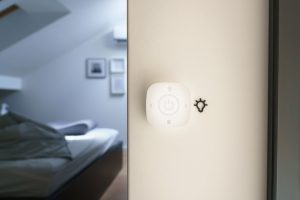
Keep your existing switch on permanently, use smart bulbs, and mount a battery-powered smart remote or dimmer over the switch or on the wall. You get full control without touching the wiring. Our guide to smart bulbs vs smart switches compares the two approaches.
Add a Neutral Wire
An electrician can sometimes run a neutral to the switch box. It’s more work and cost, but it opens up every smart switch on the market.
Use Automation Instead of a Switch
In some rooms, like closets and bathrooms, a presence sensor with smart bulbs can replace the need to touch a switch at all.
Installation Tips
- Take a photo of the existing wiring before disconnecting anything.
- Label the line (power) and load (light) wires, since many smart switches need them connected to specific terminals.
- Check bulb compatibility to avoid LED flicker.
- Install a bypass device if the manufacturer recommends one for low-wattage LEDs.
- Hire an electrician for three-way circuits or anything unfamiliar.
The Bottom Line
No neutral doesn’t mean no smart switches. For most homes, a Lutron Caseta dimmer is the most dependable smart switch without neutral, while Aqara, Leviton, and GE Cync offer solid alternatives depending on your ecosystem. If those don’t suit your fixtures, smart bulbs with a wireless remote get you the same convenience with no wiring changes at all. For more on building a lighting system that goes beyond bulbs, see our smart lighting beyond bulbs guide.