Apple Home Hub Guide: HomePod mini vs HomePod vs Apple TV (and Why iPad Is Out)
If you use Apple’s Home app, an Apple Home hub is no longer optional. It’s the device that runs your automations, lets you control accessories when you’re away from home, and connects Thread and Matter devices to your network. And since Apple ended support for its older Home architecture in February 2026, the rules about which devices can be a hub have tightened.
This guide explains what an Apple Home hub does, which devices qualify, how the HomePod mini, HomePod, and Apple TV compare, and how to set things up for the most reliable smart home.
What Does an Apple Home Hub Do?
Your iPhone can control smart home accessories when it’s at home and on the same network. Everything beyond that needs a hub:
- Remote control: turn off lights or check the lock when you’re away.
- Automations: run scenes on a schedule, at sunrise, or when someone arrives or leaves.
- Sharing: let family members and guests control the home.
- Thread and Matter: connect low-power devices like sensors, locks, and blinds.
- Newer features: Apple says the updated Home architecture is required for features like guest access, robot vacuum support, and Activity History.
Without a hub, the Home app works only while you’re at home with your phone in hand.
The Big Change: iPad Is Out, New Architecture Is In
Apple introduced a rebuilt Home architecture in 2023 that’s faster and more reliable. According to TidBITS’ report on the change, support for the old architecture ended on February 10, 2026, and homes that hadn’t upgraded are prompted to update.
The new architecture requires an Apple TV or a HomePod as the hub. iPads can no longer serve as an Apple Home hub. If you were relying on an iPad sitting on a kitchen counter, you’ll need a HomePod or Apple TV instead.
Which Devices Can Be an Apple Home Hub?
HomePod mini
The most affordable Apple Home hub, at around $99. It includes a Thread border router, so it can connect Thread and Matter devices directly. It’s also a capable smart speaker with Siri and music.
HomePod (2nd generation)
The larger HomePod costs around $299 and offers much better sound. It also has a Thread border router, plus built-in temperature and humidity sensors that you can use in automations.
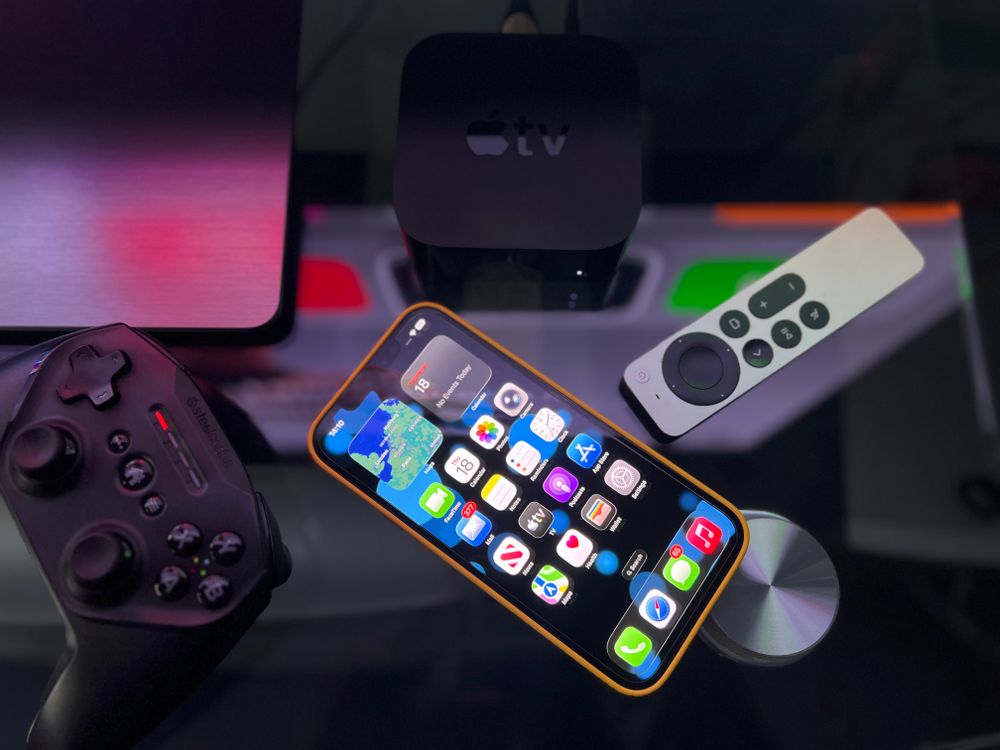
Apple TV 4K
Apple TV works well as a hub, especially because it can be connected to your router with Ethernet for maximum reliability. Pay attention to the model: the Wi-Fi + Ethernet version includes a Thread border router, while the Wi-Fi-only version does not. If you plan to use Thread or Matter devices, choose the Ethernet model.

Apple Home Hub Options Compared
| Device | Approx. price | Thread border router | Extra benefit | Best for |
|---|---|---|---|---|
| HomePod mini | ~$99 | Yes | Smart speaker | Most homes |
| HomePod (2nd gen) | ~$299 | Yes | Better sound, temp and humidity sensors | Music lovers |
| Apple TV 4K (Wi-Fi + Ethernet) | ~$149 | Yes | Wired connection | Maximum reliability |
| Apple TV 4K (Wi-Fi only) | ~$129 | No | Lower price | Wi-Fi accessories only |
| iPad | Not supported | No | None | No longer works as a hub |
Should You Have More Than One Hub?
Yes, if you can. When you have multiple hubs, the Home app automatically picks one as the active hub and keeps the others on standby. If the active hub goes offline, another takes over. Multiple Thread-capable hubs also strengthen your Thread network, so battery-powered sensors and locks stay connected more reliably.
A common setup is an Apple TV connected by Ethernet in the living room plus a HomePod mini or two in other rooms.
Tips for a Reliable Apple Home Hub Setup
- Use Ethernet for Apple TV when possible.
- Keep hubs updated to the latest software, and keep your iPhone updated as well.
- Place HomePod minis centrally, not in a closet, so their Thread and Wi-Fi signals reach your devices.
- Restart your hubs if automations stop working after an update. Apple and community troubleshooting guides commonly recommend this first.
- Strengthen your Wi-Fi. A good network makes everything more reliable. See our guide to mesh Wi-Fi for smart home setups.
Making the Most of Your Hub
Once your hub is in place, the Home app becomes much more useful:
- Adaptive Lighting shifts your bulbs’ color temperature through the day, as we explain in our circadian lighting guide.
- Matter devices from many brands can join Apple Home directly. Our guide to Matter smart home devices covers what to look for.
- Thread devices connect through your HomePod or Apple TV. Our explainer on what a Thread border router does explains why that matters.
Which Apple Home Hub Should You Buy?
For most people, a HomePod mini is the best Apple Home hub: it’s affordable, it includes a Thread border router, and it doubles as a smart speaker. If you already have an Apple TV, make sure it’s the Wi-Fi + Ethernet model and connect it with a cable. And if you were using an iPad as your hub, now is the time to replace it. For a broader look at the platform, see our Apple HomeKit review and our comparison of Apple Home vs Google Home.