Phantom Energy: How Much It Costs and How Smart Plugs Stop It
Phantom energy is the electricity your devices use when they’re supposedly off. The TV waiting for the remote, the game console in rest mode, the cable box that never really sleeps, the phone charger left in the wall, all of it adds up. It’s also called vampire power or standby power, and it quietly runs 24 hours a day, every day.
The good news is that it’s one of the easiest energy costs to cut, and smart plugs, smart power strips, and energy monitors make it simple to find and eliminate. This guide explains how much phantom energy really costs, which devices are the worst offenders, and how to stop it without unplugging everything by hand.
How Much Does Phantom Energy Cost?
According to EnergySage’s breakdown of phantom loads, which cites the U.S. Department of Energy, standby power accounts for roughly 5 to 10 percent of residential energy use. For an average American household, that works out to somewhere around $90 to $180 a year at typical electricity prices.
That’s not enormous, but it’s money spent on nothing, and unlike many energy savings, cutting phantom energy costs almost nothing and doesn’t affect your comfort.
The Biggest Phantom Energy Culprits
Not every device in standby uses much power. The ones worth targeting tend to be:
- TV setups: cable and satellite boxes, streaming devices, soundbars, and AV receivers.
- Game consoles, especially in “instant on” or rest modes that keep them partly awake for updates.
- Desktop computers and monitors left in sleep mode.
- Printers, which often sit in standby for days.
- Kitchen appliances with clocks and displays, like microwaves and coffee makers.
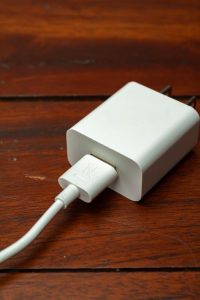
- Chargers and power adapters that stay plugged in after the device is unplugged.
- Older devices, which often use far more standby power than newer, more efficient models.
Your smart home devices themselves draw some standby power too, but most modern smart plugs, speakers, and hubs use only a watt or two each.
How to Find Phantom Energy in Your Home
Use an Energy-Monitoring Smart Plug
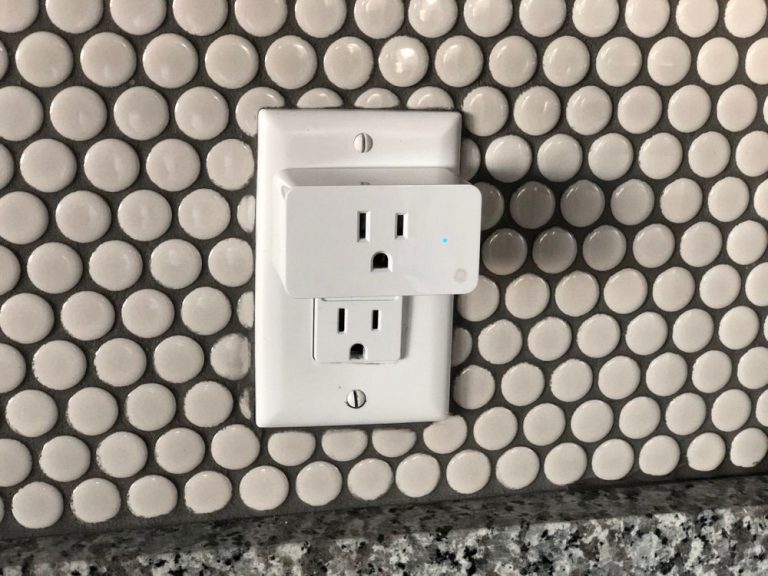
The easiest way is a smart plug with energy monitoring. Plug a device into it, turn the device off, and watch the app. You’ll see exactly how many watts it uses in standby. Move the plug around the house to test your TV setup, console, computer, and kitchen appliances. Our guide on whether smart plugs save electricity explains how to read the numbers.
Use a Whole-Home Energy Monitor
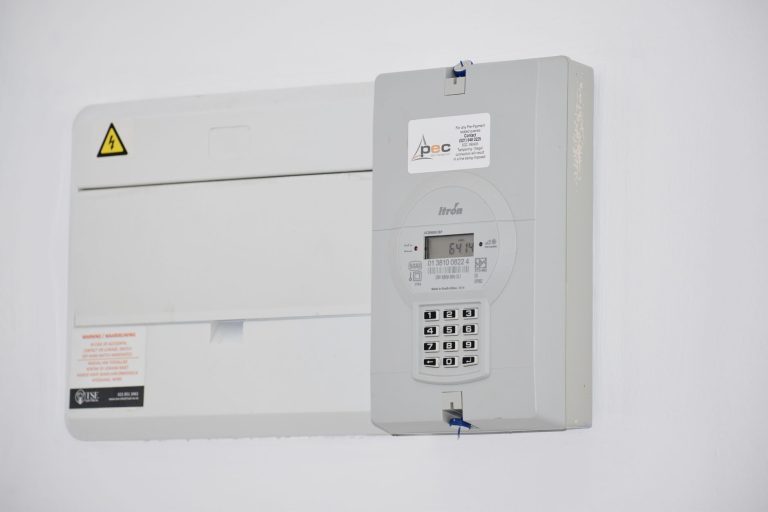
A whole-home energy monitor installed in your electrical panel shows your home’s “always on” baseline, the power your house uses even in the middle of the night when nothing should be running. If that number seems high, you know phantom energy is worth hunting. Our smart home energy monitor guide covers how they work.
Look for the Signs
Glowing standby lights, clocks, warm power bricks, and devices that turn on instantly with a remote are all clues that something is drawing power.
How to Cut Phantom Energy With Smart Devices
Smart Plugs on a Schedule
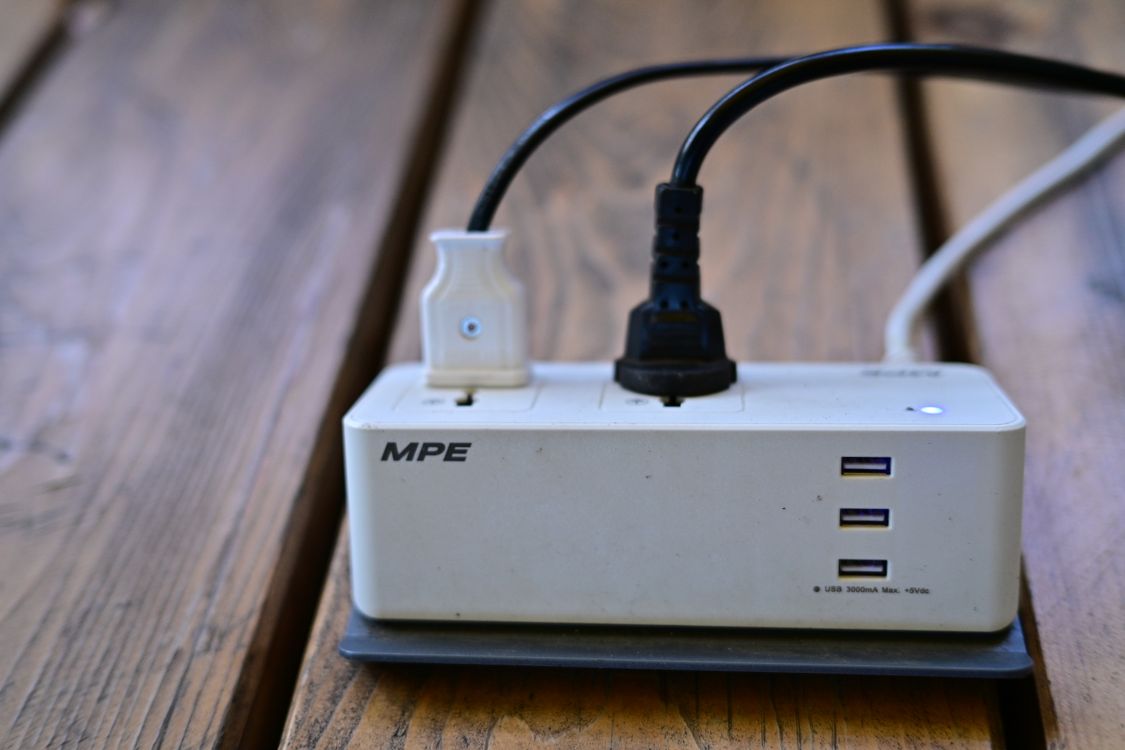
Put your TV setup, console, or office equipment on a smart plug and schedule it to turn off overnight and while you’re at work. A single smart plug can control a power strip with several devices behind it. For heavy appliances like space heaters, use extra caution, as our smart plug space heater guide explains.
Smart and Advanced Power Strips
Advanced power strips cut power to accessory devices, like a soundbar and game console, when the main device, usually the TV, turns off. App-controlled power strips let you switch each outlet individually.
Change Device Settings
- Turn off “instant on” or rest modes on game consoles.
- Disable quick-start features on TVs. While you’re in the TV settings, it’s also a good time to turn off ACR tracking.
- Set computers to sleep or shut down after a period of inactivity.
Unplug What You Rarely Use
Spare-room TVs, guest-room chargers, and seasonal decorations don’t need to stay plugged in all year.
What Not to Switch Off
Some devices should stay powered:
- Refrigerators and freezers.
- Your router, modem, and smart home hub, which keep your smart home working.
- Security cameras, alarms, and smoke detectors.
- Medical devices.
- Devices that need to update or record, like a DVR set to record a show.
Phantom Energy Fixes Compared
| Fix | Cost | Effort | Best for |
|---|---|---|---|
| Change device settings | Free | Low | Consoles, TVs, computers |
| Energy-monitoring smart plug | $10 to $25 | Low | Finding and scheduling culprits |
| Advanced power strip | $20 to $50 | Low | TV and computer setups |
| Whole-home energy monitor | $150 to $300 | Moderate | Seeing your baseline |
| Unplug rarely used devices | Free | Low | Spare rooms, chargers |
Is It Worth Tackling Phantom Energy?
Yes, especially because it’s so easy. Start with your entertainment center and home office, where phantom energy tends to concentrate. A couple of smart plugs on a schedule, plus a few settings changes, can cut a meaningful chunk of your always-on usage without changing how you live. For more ways to lower your bill this winter, see our smart home energy saving tips.