Apple HomeKit Review: Is It Worth It in 2026?
Apple rebranded HomeKit as “Apple Home” in February 2026, though most people still call it HomeKit. Whatever you call it, the question is the same: is it worth building your smart home around? This Apple HomeKit review gives you an honest answer — the genuine strengths, the real limitations, and who it actually makes sense for in 2026.
The short version from this Apple HomeKit review: Apple HomeKit is the best smart home platform for iPhone users who care about privacy and want reliable local control. It has fewer compatible devices than Alexa and a steeper entry cost than Google Home. But for the right user, those trade-offs are worth it — and in 2026, with Matter having addressed most of the compatibility complaints, the case for HomeKit is stronger than it has been at any point since launch.
Apple HomeKit Review: What It Actually Is
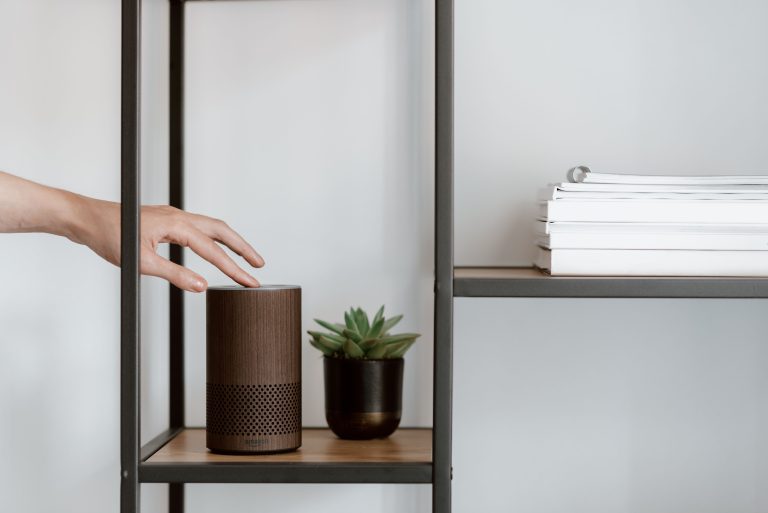
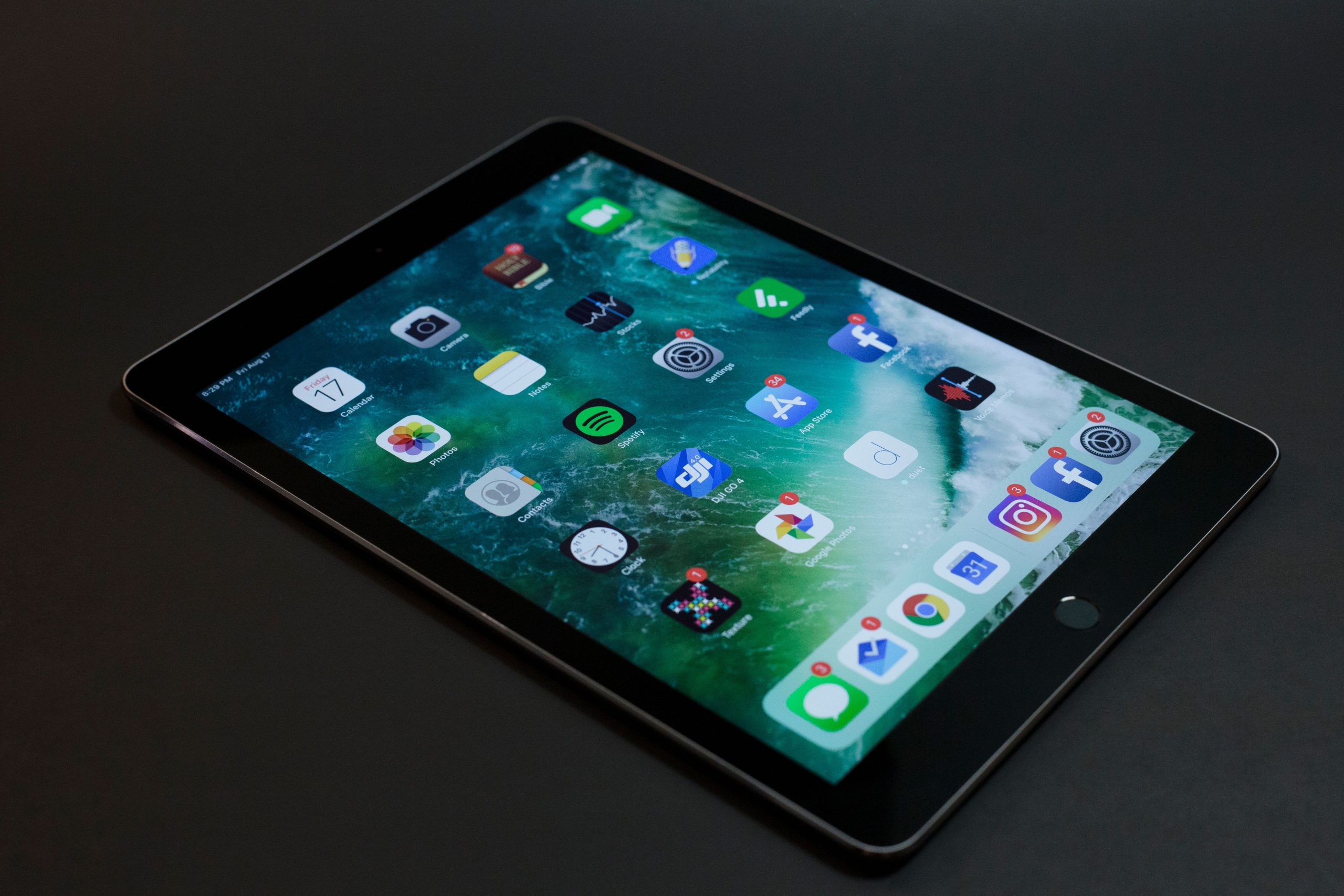
HomeKit is Apple’s smart home platform, built into iOS and controlled through the Home app on iPhone, iPad, Apple Watch, and Mac. It requires a “home hub” — an Apple TV 4K, HomePod, or HomePod mini — to stay connected when you’re away from home and to run automations locally.
The key thing that makes HomeKit architecturally different from Alexa and Google Home is where the processing happens. HomeKit automations run locally on your home hub — on the A-series chip inside your Apple TV or HomePod — rather than on Apple’s servers. This means your automations keep firing when your internet goes down. It also means your data about when you come and go, when you lock your door, when you’re home — stays in your house rather than on a remote server.
As of February 2026, Apple TV 4K (3rd gen) runs automations locally in roughly 200 milliseconds. That’s fast enough that the lights respond before you’ve finished saying the command.
Apple HomeKit Review: The Real Strengths
Privacy — genuinely better than the alternatives
HomeKit uses end-to-end encryption for device communication. HomeKit Secure Video (for cameras) is encrypted and processed on-device before being stored in iCloud — Apple cannot access the footage, and it does not count against your iCloud storage limit. The AI that identifies people and packages runs locally, not in the cloud.
This is not marketing language. It is a real architectural difference from Ring (Amazon) and Nest (Google), both of which process camera footage on their servers. If that matters to you, HomeKit cameras are meaningfully different. If it does not matter to you, it is a feature you will simply not notice.
Reliability of local control
When your internet goes down, most smart home platforms degrade significantly. Alexa routines that depend on the cloud stop working. Google Home automations slow down. HomeKit automations keep running at full speed because they are executing on-device. For anything security-related — locks, alarms, cameras — this is a significant practical advantage.
Matter and Thread support
Apple was one of the earliest and most complete implementations of Matter. Apple TV 4K (3rd gen) and HomePod (2nd gen) both include Thread Border Routers, which means Matter-over-Thread devices — the fastest and most reliable category — work natively without any additional hardware.
In 2026, this matters more than it did two years ago. The number of Matter-certified devices has grown substantially, and HomeKit’s multi-admin support means a Matter device can be added to HomeKit and Google Home simultaneously. The compatibility wall that used to be HomeKit’s biggest weakness has largely come down.
Automation depth
The Home app handles basic automations well. For anything more complex, Apple’s Shortcuts app integrates tightly with HomeKit and allows conditional logic, multi-step sequences with delays, and triggers from other apps (like calendar events, location, or health data). The ceiling for HomeKit automations is actually higher than Google Home, though lower than Home Assistant.

The Honest Limitations
Device selection is narrower
Matter has helped, but HomeKit-native device selection is still smaller than Alexa’s ecosystem. Budget brands that work fine with Alexa and Google Home often skip HomeKit certification entirely. You will pay more for HomeKit-compatible versions of the same device categories.
The practical impact depends on what you are buying. For smart bulbs, locks, thermostats, and cameras, there are excellent HomeKit options at reasonable prices. For niche categories — specific robot vacuums, some sensor types, budget smart plugs — the selection thins out quickly.
Siri is not Google Assistant
For smart home commands — “turn off the bedroom lights,” “lock the front door,” “set the thermostat to 70” — Siri works fine. For general-purpose voice assistant questions, calendar queries, and conversational follow-up, Google Assistant is still meaningfully better. If you use your smart speaker primarily as a voice assistant for information rather than as a device controller, this gap will bother you.
Android users are excluded
HomeKit is an Apple-only platform. There is a limited Android app, but it is not a full experience. Households with mixed Android and iPhone users should use Google Home or Alexa, both of which work properly across platforms. HomeKit is only the right choice when everyone who needs full control uses an Apple device.
Entry cost is higher
You need a home hub to use HomeKit remotely or run automations when you are away. An Apple TV 4K costs around $129 (and is primarily a streaming device that happens to also be a smart home hub). A HomePod mini costs around $99. Neither is expensive for what it is, but compared to a $30 Echo Dot, the starting cost for HomeKit is meaningfully higher.
Who HomeKit Is Right For
HomeKit is the right choice if: Everyone in your household uses an iPhone. You care about privacy and want local control as the default. You are planning to buy Matter-compatible devices and want Thread support built into hardware you already own. You have an Apple TV or HomePod already.
HomeKit is not the right choice if: Anyone in your household uses Android and needs full control. You want the widest possible device selection at the lowest possible prices. You want the best general-purpose voice assistant rather than the best device controller. You are starting from zero with no Apple hardware.

Apple HomeKit Review Verdict: Is It Worth It in 2026?
Yes — for iPhone households that were already considering it. The privacy story is real and increasingly relevant. Matter has addressed the compatibility problems. Local control is genuinely better than the cloud-dependent alternatives. And the hardware requirement (Apple TV or HomePod) is less of a barrier than it used to be, since many households have one anyway as a streaming device.
The answer is more clearly no for households with mixed devices, anyone who prioritises device selection over privacy, or anyone who wants to get started without spending on hub hardware.
My honest take from this apple homekit review: HomeKit is the smart home platform I would recommend to anyone who already lives in the Apple ecosystem and has not yet committed to a smart home platform. The privacy architecture is the real differentiator — not because it is exciting, but because it is the right way to build a system that monitors your home. The fact that it also happens to be the best-performing locally is a bonus that you will notice every time your internet flickers and everything keeps working anyway.