Smart Home Glossary: Every Term Explained in Plain English
If you’ve ever searched “smart home” and ended up more confused than when you started, you’re not alone. The terminology is genuinely messy — protocols, hubs, ecosystems, bridges, gateways, Matter, Thread, Zigbee — and most explanations assume you already know the basics. This glossary explains the terms that actually come up when you’re buying or setting up smart home devices, in plain English.
This is the smart home glossary you can keep open in another tab while you’re reading product listings or setup guides.
Ecosystems and Platforms
Ecosystem — the platform that ties your devices together. Amazon Alexa, Google Home, and Apple Home are the three main ecosystems. Choosing one determines which devices you can control from a single app and which automations you can build. Related: Alexa vs Google Home comparison.
Hub — a physical device that acts as the control centre for your smart home. In mainstream setups this is often your smart speaker (Echo, Nest Mini). In more advanced setups it can be a dedicated device like a SmartThings Station or a computer running Home Assistant.
Bridge — a device that translates between two different protocols. The Philips Hue Bridge translates between Zigbee (what the bulbs use) and your WiFi network. Some devices have bridges built in; others require a separate one.
Local control — when your smart devices communicate directly on your home network rather than routing through a company’s cloud server. Devices with local control keep working when the internet goes down. See our full guide on smart home without internet.
Cloud-dependent — the opposite: the device requires an active internet connection and the manufacturer’s servers to function. If the company changes its API or shuts down, cloud-dependent devices may stop working.

Wireless Protocols
WiFi — the most familiar wireless standard. Smart devices that connect to your router directly. Simple setup, no hub required, but adds load to your router and tends to have higher standby power draw than alternatives.
Zigbee — a low-power mesh protocol used by Philips Hue, IKEA Tradfri, and many sensors. Devices communicate with a hub rather than directly to your router. Each device also acts as a signal relay, so the more devices you have, the stronger the network. Doesn’t add to WiFi congestion. Requires a Zigbee coordinator (hub or USB dongle).
Z-Wave — similar to Zigbee in concept but runs on a different radio frequency (908MHz in the US). Used extensively in smart locks and security systems. Mesh network, low power, hub required. Less device variety than Zigbee but often preferred for security applications.
Thread — a newer low-power mesh protocol that, unlike Zigbee, gives devices real IP addresses. Used by Matter-certified battery devices. Requires a Thread Border Router (built into HomePod mini, Apple TV 4K, and newer Echo devices). See our full Zigbee vs WiFi vs Thread guide.
Bluetooth / Bluetooth Mesh — short-range wireless standard. Fine for devices you control from nearby (a lock you tap your phone to). Bluetooth Mesh extends range by hopping between devices. Limited range compared to WiFi or Zigbee.
Matter — not a protocol but an application layer standard that runs on top of WiFi or Thread. Matter-certified devices work across Alexa, Google Home, and Apple Home simultaneously. The interoperability standard designed to end ecosystem lock-in. Full explainer: what is Matter.
Device Types
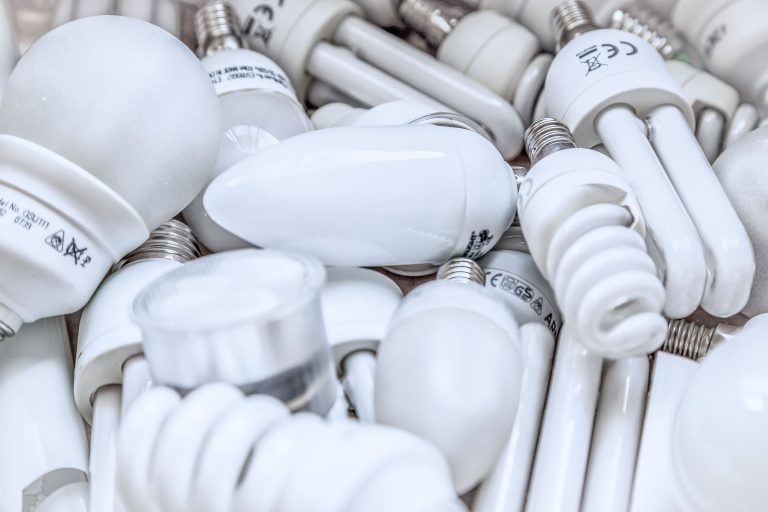
Smart bulb — a light bulb with built-in wireless capability. Screws into existing sockets. Controlled via app or voice. Can be dimmed and, depending on the model, can change colour temperature or full colour. See our smart bulb buying guide.
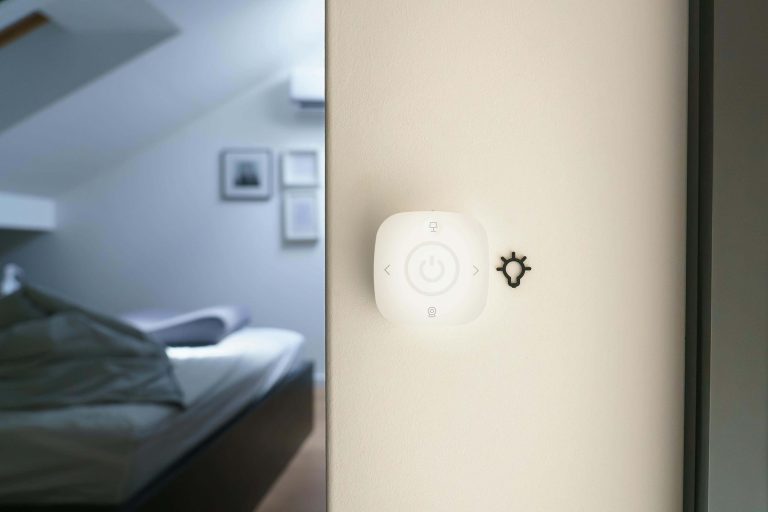
Smart switch — replaces a wall switch and makes any bulb on that circuit “smart.” Better for fixtures with multiple bulbs. Requires a neutral wire in most installations. Compared in detail: smart bulbs vs smart switches.
Smart plug — plugs into an existing outlet and adds remote control and scheduling to whatever is plugged into it. Many include energy monitoring. The easiest first smart home device for most people.
Smart thermostat — replaces your existing thermostat and adds scheduling, learning, and remote control. The device with the clearest energy saving ROI in most households.
Smart lock — replaces or augments your existing deadbolt with app control, keypads, and auto-locking. Retrofit smart locks attach to the interior of your existing deadbolt without replacing it, making them suitable for renters.
Motion sensor — detects movement in a room and can trigger automations (turn on lights, send alerts, start routines). Most run on batteries. Zigbee sensors typically last 2–4 years per battery; WiFi sensors are measured in months.
Contact sensor — detects whether a door or window is open or closed. Used for security alerts, automation triggers, and monitoring (did the garage door close?).
Automation Terms
Routine — a sequence of actions triggered by a single event. “Good night” turns off all lights, locks the door, and sets the thermostat. The trigger can be a voice command, a time, a location, or a sensor event.
Scene — a snapshot of device settings that can be recalled instantly. “Movie mode” sets the lights to 15% warm amber. Unlike a routine, a scene is a static state rather than a sequence of actions.
Trigger — the event that starts a routine. Can be a voice command, a specific time, your location, a sensor detecting something, or a device changing state.
Condition — a filter applied to a trigger. “Run this routine only after sunset” or “only on weekdays” or “only when I’m home.” Conditions prevent routines from firing at the wrong time.
Geofencing — using your phone’s GPS location to trigger automations. When you leave a defined area (your home), a “leaving” routine runs. When you return, an “arriving” routine runs. Requires location services enabled for the relevant app.
Conclusion
Smart home terminology is dense partly because the field has developed across multiple competing standards and companies that each invented their own vocabulary. The terms above cover the ones you’ll genuinely encounter when buying devices, reading setup guides, or troubleshooting why something isn’t working.
The most important distinction to understand is local control vs cloud-dependent — it affects reliability, privacy, and long-term ownership in ways that matter. Everything else is detail you can look up as needed.