Smart Home Security System: Which One to Choose and How to Set It Up
A smart home security system is different from a standard alarm system — as security experts note, in one important way: it’s connected. You can arm and disarm it remotely, get alerts when something triggers, check camera feeds from anywhere, and integrate it with the rest of your smart home so that security events can trigger other automations. Whether that’s worth the premium over a traditional alarm depends on how you actually use it.
This guide covers what a smart home security system actually involves, the main options in 2026, what subscriptions cost you, and how to build something that genuinely works rather than just looks impressive.
What a Smart Home Security System Actually Includes
A complete system typically has four layers, each of which you can add separately or as a kit:
Entry sensors — door and window contact sensors that detect when an entry point opens. These are the foundation of any security system. Cheap, reliable, battery-powered, and the first thing a real monitoring system reacts to.
Motion sensors — PIR (passive infrared) sensors that detect movement inside the home. Usually placed in hallways and main living areas. Combined with entry sensors they catch both someone entering through a door and someone already inside moving around.
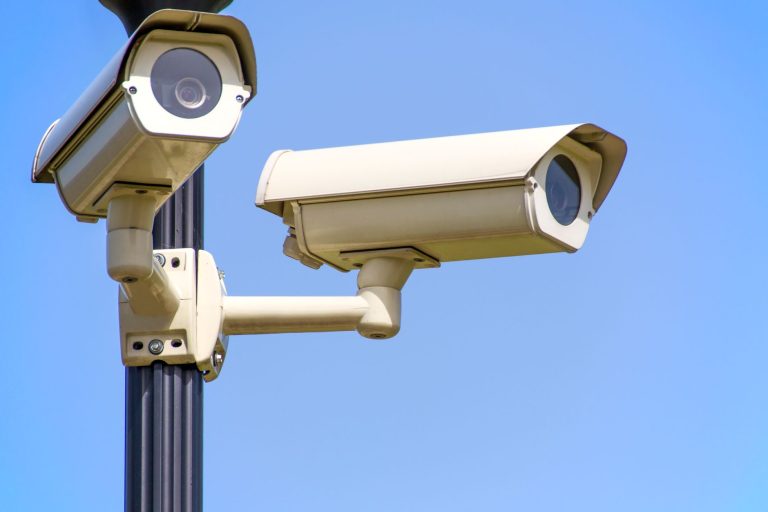
Cameras — indoor or outdoor cameras that record events and let you check in remotely. A camera without sensors is a record of what happened. Sensors without cameras are an alarm without footage. Together they’re a more complete picture.
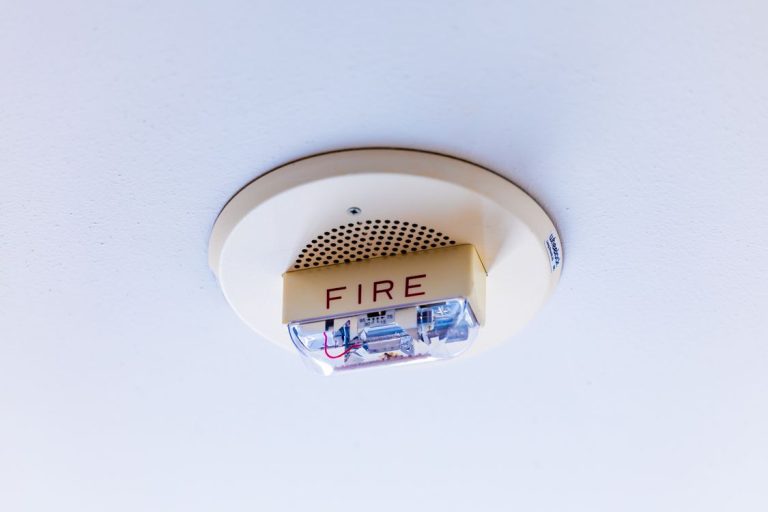
Alarm and hub — the device that coordinates sensors, sounds an alarm when triggered, and communicates with a monitoring service or your phone. This is where the platform choice matters — Ring, SimpliSafe, Abode, and others each have their own ecosystem with varying degrees of smart home integration.
DIY vs Professional Installation
Most smart home security systems are now DIY-installed. You peel the adhesive backing off a sensor, stick it to the door frame, sync it with the hub, and it works. The whole process for a basic setup takes an hour. Professional installation still exists but is largely unnecessary for standard residential setups.
The exception: if you want hardwired sensors (more reliable than wireless), integration with existing alarm infrastructure, or a system with professional grade cameras in specific positions, an installer adds value. For most renters and homeowners starting from scratch, DIY is fine.

The Main Platforms in 2026
Ring Alarm
The most popular DIY security system in the US. Tight Alexa integration — arm with voice, get announcements on Echo speakers, connect Ring cameras to routines. The Ring Protect subscription ($10/month for the whole home) adds 24/7 professional monitoring and camera video history.
The privacy consideration worth knowing: Ring has shared customer data with law enforcement historically. The policy has been updated but the track record is relevant for households where that matters. We covered this in our smart home privacy guide.
Best for: Alexa households who want tight ecosystem integration and the widest camera selection.
SimpliSafe
The most straightforward DIY security system — focused on reliability and monitoring rather than smart home integration. The sensors are excellent, the hub is reliable, and the professional monitoring ($20–30/month) is among the most responsive available. The downside: it doesn’t integrate as deeply with Alexa or Google Home as Ring does.
Best for: Households that want serious security monitoring without worrying about ecosystem integration.
Abode
The most smart-home-friendly option. Abode’s hub supports Zigbee, Z-Wave, and WiFi natively — meaning it can work with sensors from multiple brands and integrate into Home Assistant and other platforms. Good Apple Home support via HomeKit. Professional monitoring optional and month-to-month.
Best for: Tech-comfortable households already using Home Assistant or Apple Home who want security integration without a closed ecosystem.
Apple Home with third-party sensors
Not a packaged system but a viable approach: HomeKit-compatible sensors (Eve, Aqara) on doors and windows, HomeKit Secure Video cameras, and an alarm that triggers via Apple Home automation. No monthly fee if you don’t want professional monitoring. Works entirely locally. Privacy-forward architecture.
Best for: Apple Home households comfortable assembling a system themselves.
What Professional Monitoring Actually Gets You
Professional monitoring means a human calls you when your alarm triggers — and calls the police if they can’t reach you or if you confirm an intrusion. The cost ranges from $10–30/month depending on the platform.
The honest case for it: false alarms are common in self-monitored systems. You might dismiss a notification assuming it’s the cat. Professional monitoring adds a second check. For households where people travel frequently or where response time matters, it’s worth the cost.
The honest case against it: most burglaries happen fast and are opportunistic. The deterrent effect of visible cameras and alarm signs is often more valuable than the monitoring itself. Self-monitoring with loud local sirens and immediate phone notifications is adequate for many households.
Integrating Security into Your Smart Home
The most useful integrations between security systems and the broader smart home:
Lights flash when the alarm triggers — disorienting for an intruder, attention-getting for neighbours. Most platforms support this via Alexa or Google Home routines.
Away mode arms the alarm automatically when everyone leaves — combining the leaving home routine with the alarm arm command.
Camera feeds on smart displays when the doorbell rings — the Nest Hub shows who’s at the door without requiring you to unlock your phone.
Smart locks and alarms linked — the door unlocking at a specific code disarms the alarm simultaneously. Arriving home becomes a single action rather than two.

Conclusion
A smart home security system in 2026 is more accessible, more capable, and more integrated than previous generations. The choice between Ring, SimpliSafe, and Abode comes down to ecosystem fit and how much integration versus simplicity you want.
Start with entry sensors on every external door and at least one motion sensor in the main living area. Add cameras for the front entrance and any other priority areas. Decide whether professional monitoring is worth the monthly cost for your situation. Build from there rather than buying a large kit and hoping it covers everything you need.
The security setups that actually get used are the ones that fit naturally into daily routines — arm when you leave, disarm when you arrive, check the camera if something sounds odd. The ones that get abandoned are the ones with complex arming modes, confusing apps, and alerts so frequent they become noise.