Smart Home Security Cameras: Indoor vs Outdoor and What to Look For
Smart home security cameras are one of the most practical smart home investments — they provide real-time visibility into what’s happening at your home whether you’re in the next room or across the country. But the market is crowded with options, and the features that matter are different for indoor versus outdoor placement.
Indoor vs Outdoor Cameras: The Core Differences
Indoor cameras are designed for climate-controlled environments. They’re generally smaller, less expensive, and not weatherproofed. Outdoor cameras need to handle rain, temperature extremes, dust, and direct sunlight — they carry an IP weather resistance rating (IP65 or IP67 is standard for outdoor cameras) and typically cost more for the same resolution and features.
Don’t use an indoor camera outdoors even under a covered porch — humidity alone will damage it within months. Conversely, an outdoor camera works fine indoors, but you’re paying for weatherproofing you don’t need. Match the camera to its environment. For a full comparison, see our indoor vs outdoor camera deep-dive.
Resolution: What Actually Matters

Most current smart cameras record at 1080p (Full HD). For most use cases, 1080p is sufficient — it captures enough detail to identify faces and license plates at normal distances. 2K and 4K cameras provide sharper detail when you need to zoom in on a recording, which is useful for wider shots that cover more of a yard or driveway.
Resolution interacts with storage: higher resolution means larger file sizes, which fills local storage faster and increases the cost of cloud storage plans. For most indoor cameras, 1080p is the practical sweet spot. For wide outdoor coverage — a driveway, a backyard — 2K or 4K is worth the premium.
Night Vision and Color Night Vision
Standard night vision uses infrared (IR) LEDs to illuminate the scene in black and white. Most cameras include this and it works well in complete darkness, though the image is monochrome and the IR glow can be visible from outside if you’re trying to be discreet.
Color night vision uses a combination of starlight sensors and, on some models, a supplemental white light that activates when motion is detected. It produces color footage in low-light conditions and can better capture identifying details like clothing color. The tradeoff: the white light activates visibly, which works as a deterrent but removes any covert quality. Cameras like the Arlo Pro 4 and Google Nest Cam with Floodlight offer color night vision with integrated flood lighting.
Motion Detection and Smart Alerts
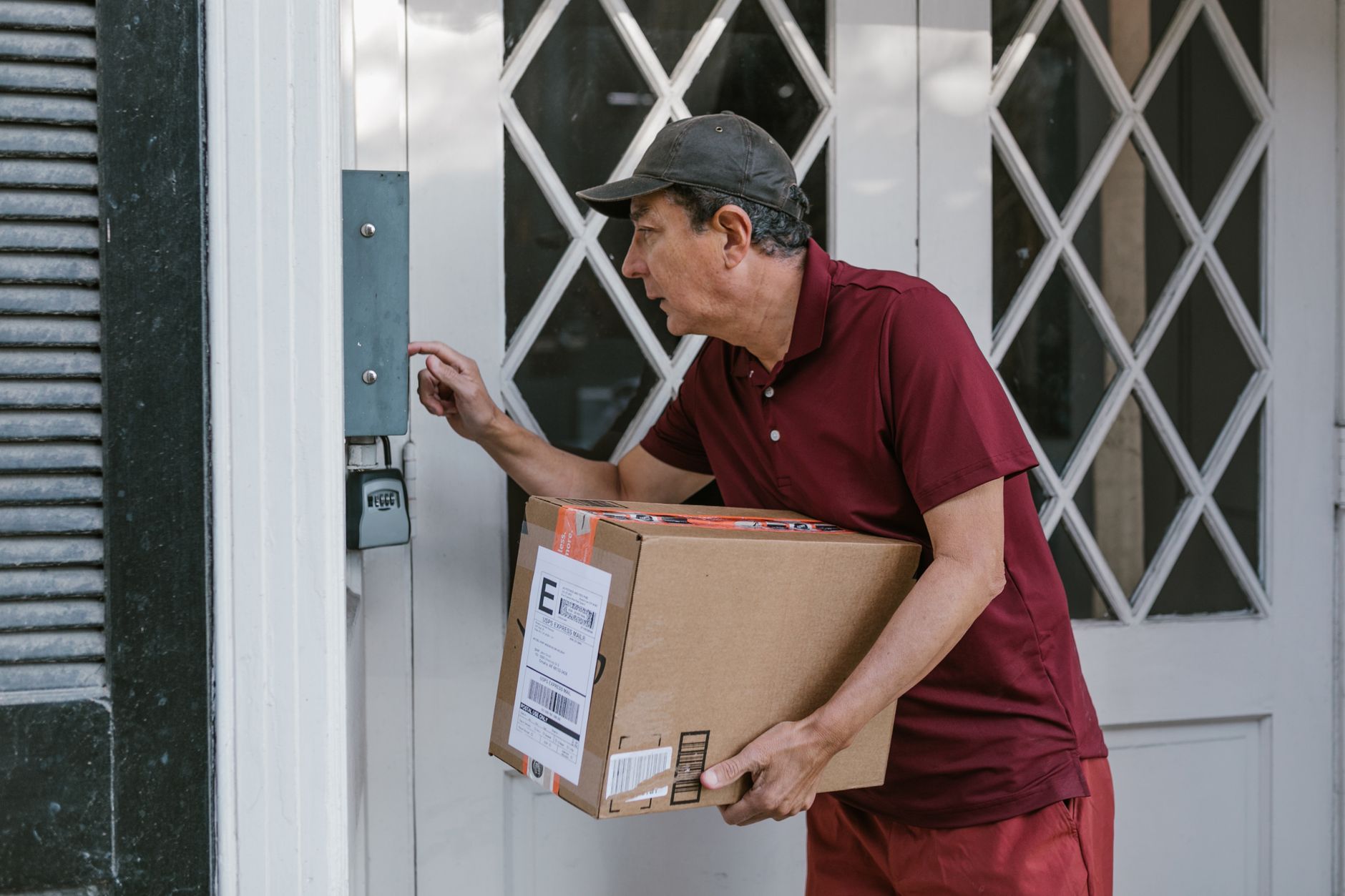
Basic motion detection triggers on any movement — including trees, passing cars, and changes in lighting. Every camera has this. What separates modern smart cameras is AI-based person detection that filters alerts to only flag actual people, which dramatically reduces false notifications.
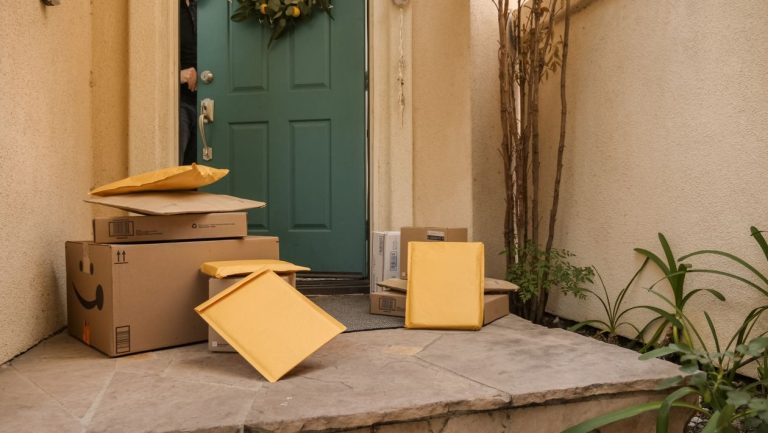
The best cameras go further: vehicle detection, animal detection, and package detection. Arlo’s AI detection and Google Nest’s Familiar Faces (which can identify specific people it’s learned) represent the current high end. Ring offers person and vehicle detection on most of its cameras without a subscription. Cheap cameras that offer motion alerts only are fine for basic coverage but will send you a notification every time a cloud passes over. Pair detection alerts with your smart home notification setup to avoid alert fatigue.
Local Storage vs Cloud Storage
This is one of the most important distinctions when choosing a camera system. Cloud storage means your footage is recorded to the manufacturer’s servers — convenient to access from anywhere, but requires a subscription (typically $3–10/month per camera or $10–30/month for a multi-camera plan) and means your footage is on someone else’s servers.
Local storage uses a microSD card in the camera or a network-attached recorder (NVR or NAS device) on your home network. It costs nothing ongoing, keeps your footage private, and continues working if your internet goes down. The downside: if the camera is stolen, the footage goes with it (unless you’re writing to a remote NVR). The Reolink and Amcrest lines offer strong local-storage options. For cloud storage, Arlo, Ring, and Nest are the main players with established track records.
The Best Positions for Home Security Cameras
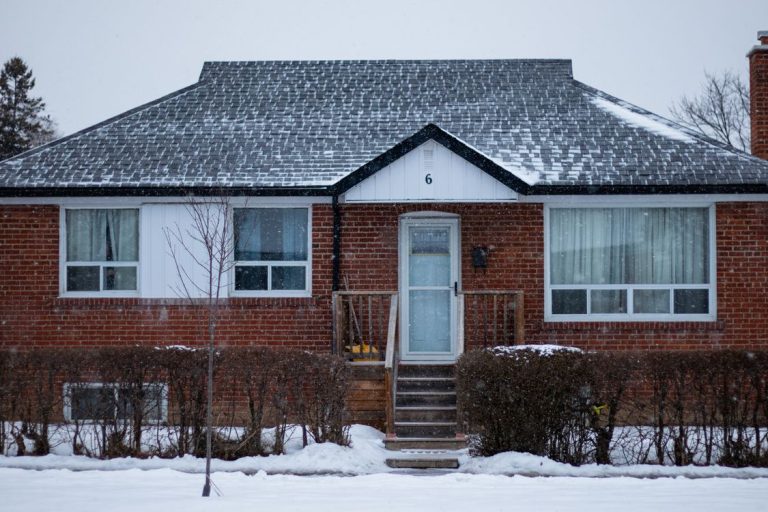
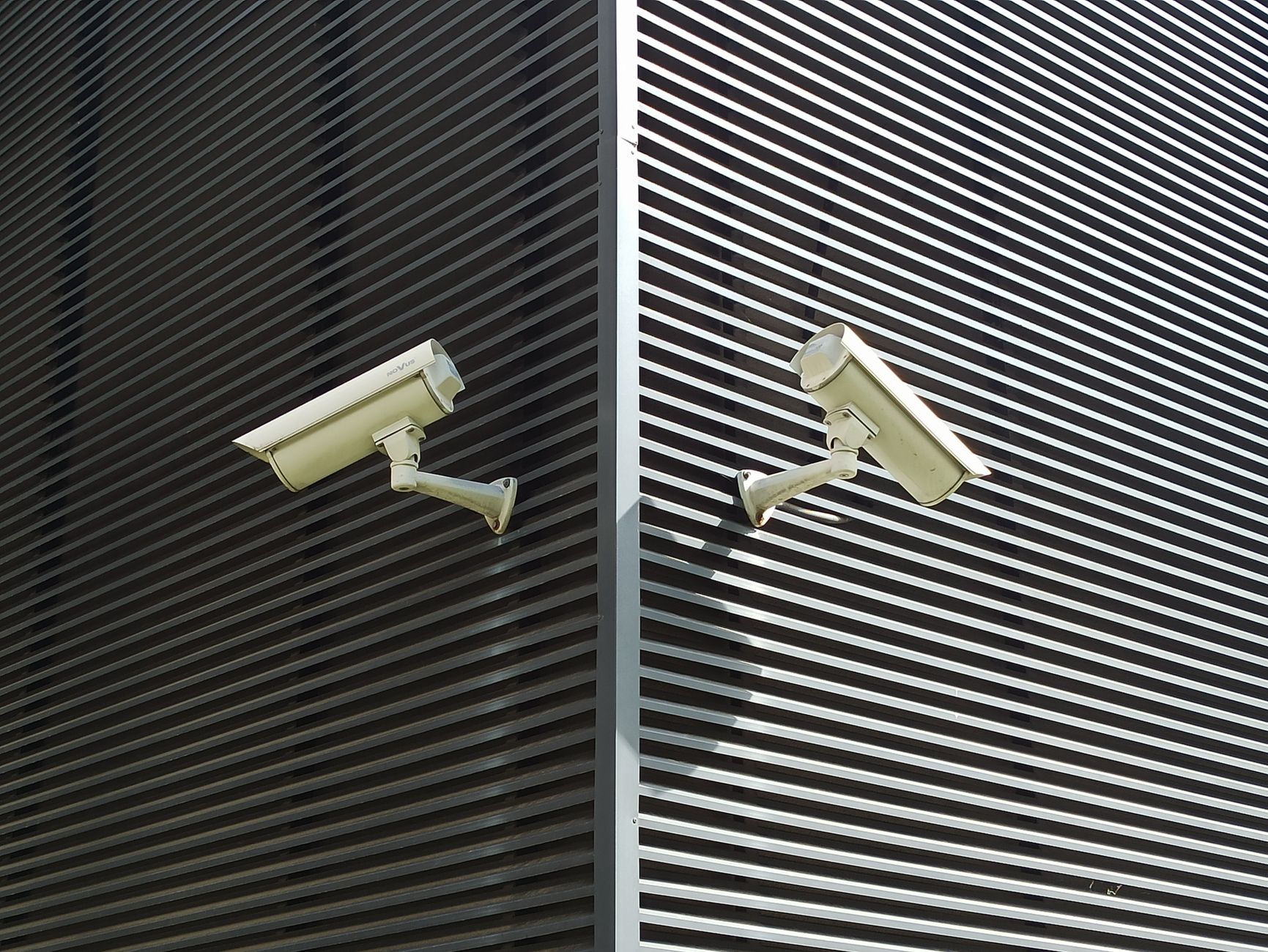
Front door and driveway are the highest-priority outdoor placements — the majority of burglaries involve the front of the home. Back door and rear yard second. For indoor cameras, the main entry points from outside (living room, entryway) rather than private spaces. Keep cameras visible outdoors — the deterrent effect is real, and mounting cameras obviously at entrances is as valuable as the footage itself.
Angle matters: position outdoor cameras high enough to capture faces at distance (7–9 feet) but not so high that the image is top-down and loses detail. For driveways, a low angle captures license plates; a high angle captures the whole vehicle. Some homeowners use two cameras on a driveway to capture both. Read our complete home security guide for placement diagrams.