Smart Home Power Outage Guide: What Still Works and How to Prepare
The first time the power goes out in a smart home, it is usually a little humbling. The voice assistant goes silent, the app says every device is offline, and when the electricity finally comes back at 2 a.m., half the lights in the house switch on at full brightness. None of that is a defect. It is just what happens when nobody planned for a smart home power outage.
The good news is that a small amount of preparation fixes most of it. This guide explains what keeps working when the grid goes down, what doesn’t, and the specific gear and settings that make your home ride out an outage gracefully instead of chaotically.
Why Outages Are Getting Harder to Ignore
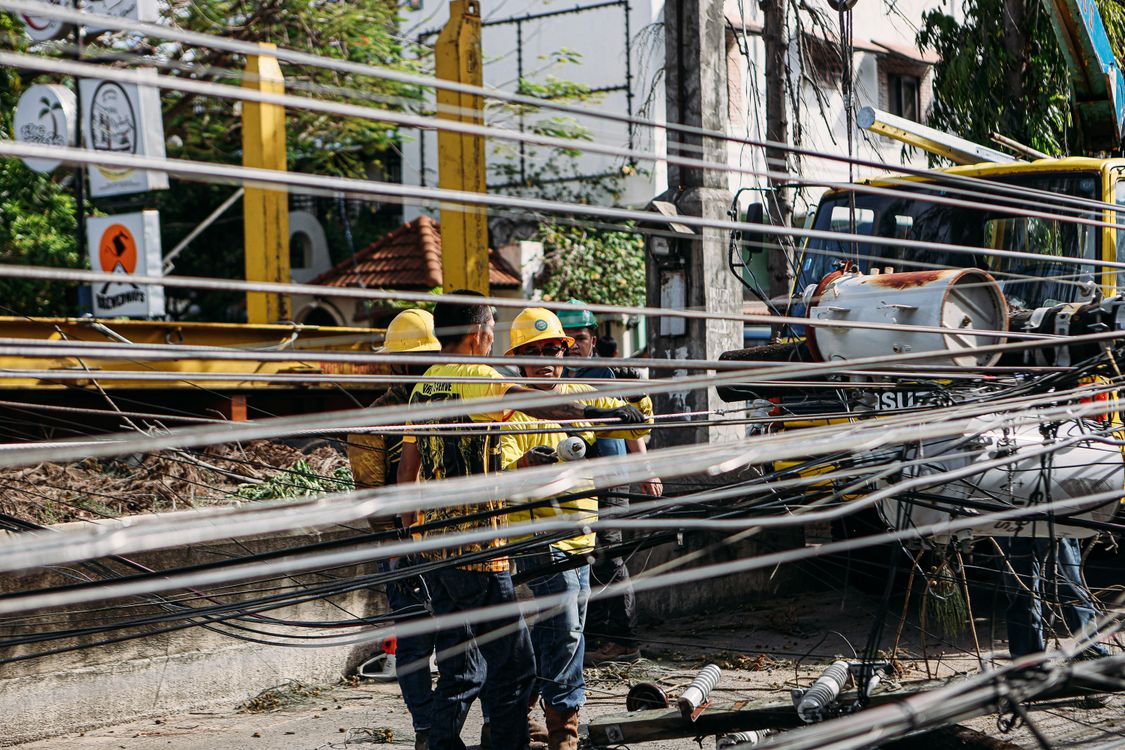
Outages aren’t rare events anymore. According to the U.S. Energy Information Administration, the average American electricity customer went without power for about 11 hours in 2024, the most in a decade, driven largely by hurricanes Beryl, Helene, and Milton. In a typical year without major storms, the average is still around two hours.
Winter adds its own problems. Ice storms take down lines, and an outage during a cold snap can quickly turn into frozen pipes or a furnace that won’t restart. That’s exactly when you want your smart home to be helpful rather than another thing to troubleshoot in the dark.
What Happens to Your Smart Home During a Power Outage
Not every device fails the same way. It helps to split your gear into three groups.
Devices That Go Dark Immediately
Anything that plugs into the wall stops working, obviously. That includes smart bulbs, plugs, switches, smart speakers, displays, and plug-in cameras. The less obvious casualty is your internet. Your modem and router lose power too, so even battery-powered devices that are still running can’t reach the cloud or your phone.
Devices That Keep Running on Batteries
Battery devices keep doing their local job. Most smart locks still open with the keypad or a physical key, since the lock mechanism runs on its own AA batteries. Battery-powered sensors still detect motion, leaks, and open doors. Battery video doorbells still record locally in some cases.
What they lose is the connection. Without Wi-Fi, a leak sensor may detect water but can’t send you a notification. That’s the gap most people don’t realize exists until they need it.
Devices That Depend on Your Hub
If you use Zigbee, Z-Wave, or Thread devices, they talk to each other through a hub or border router. Keep that hub powered and much of your local automation keeps working even with the internet down. We explain the difference in our guide to Zigbee vs Wi-Fi vs Thread, and it is one of the strongest arguments for local protocols. A Wi-Fi-only, cloud-dependent setup has no fallback at all.
The One Upgrade That Matters Most: A UPS
If you do only one thing after reading this, put an uninterruptible power supply (UPS) under your modem and router. A UPS is a battery box that switches over instantly when the power drops, so your network never notices.
- Cost: about $60 to $150 for a home model
- What to plug in: modem, router, smart home hub, and your Thread border router if it is a separate device
- Runtime: a modem and router together typically draw only 15 to 30 watts, so even a modest UPS can keep them online for a few hours
There is one catch. Your internet provider’s equipment down the street may lose power too, in which case a UPS keeps your local network alive but not your connection to the outside world. Even so, local automations keep running, and your hub can still send alerts as soon as the internet comes back. If your router supports it, set your phone’s hotspot as a backup connection.
Fix the “Everything Turns On at 2 A.M.” Problem
This is the most common smart home power outage complaint. By default, many smart bulbs turn on at full brightness when power returns. That made sense for regular bulbs, because the switch is usually on, but it is miserable when the power comes back in the middle of the night.
Most major brands let you change this:
- Philips Hue: in the Hue app, open the light’s settings and look for “Power-on behavior.” Choose “Power loss recovery” to return each bulb to its previous state.
- Other Zigbee and Matter bulbs: check the device settings in your hub or app for a “power on state” or “restore state” option.
- Smart plugs: many plug apps have a similar setting. Use it so a space heater or appliance doesn’t switch itself back on unexpectedly.
Take five minutes to change this before winter. You will thank yourself the first time the lights flicker overnight.
Keep Critical Devices Alive Longer
A UPS covers your network. For longer outages, you need a bigger battery or a generator.
Portable Power Stations
Portable power stations, essentially large rechargeable batteries with outlets, have become the popular middle ground. A unit with around 1 to 2 kWh of capacity can keep a refrigerator, your network, and a few lights running for many hours, and many can be recharged with solar panels. They’re silent and safe indoors, which a gas generator isn’t.
Whole-Home Batteries and Generators
For frequent or long outages, a home battery system or a standby generator with an automatic transfer switch is the complete solution, but expect to spend thousands and hire an electrician. If you run a portable gas generator, keep it outdoors and far from windows. Generator exhaust is a leading cause of carbon monoxide poisoning after storms, and it is exactly why a working CO alarm matters. Our guide to choosing a smart smoke detector covers combo smoke and CO models.
Smart Automations That Help During an Outage
Once your network and hub stay powered, you can set up automations that actually work in a crisis:
- Get an outage alert. Many UPS models report status over USB, and smart home platforms like Home Assistant can read it and notify you the moment you switch to battery. A simpler trick is to plug a cheap smart plug into an unprotected outlet and alert when it goes offline.
- Watch your freezer. A battery temperature sensor in the freezer tells you whether food stayed frozen, so you’re not guessing after a long outage.
- Protect your pipes. Freeze and leak sensors near exposed plumbing can warn you when temperatures drop. Our water leak detector guide covers which ones also shut off the water automatically.
- Turn on emergency lighting. If a few lights are on battery-backed outlets, an automation can switch them on when the outage is detected.
For more ideas on keeping things running without the cloud, see our guide to a smart home without internet.

Your Smart Home Power Outage Checklist
Run through this list once before winter:
- Put your modem, router, and hub on a UPS.
- Change smart bulb power-on behavior to restore the previous state.
- Make sure you know how to open your smart lock and garage door manually. Every garage opener has a red emergency release cord.
- Replace batteries in locks, sensors, and smoke alarms.
- Add a temperature sensor to your freezer.
- Set up an outage notification.
- Keep a flashlight that doesn’t depend on any app.
Plan Once, Relax Later
A smart home power outage doesn’t have to mean chaos. Keep your network and hub alive with a UPS, fix the power-on behavior of your lights, and lean on local protocols that don’t need the cloud. Those three steps solve most of the frustration, for well under $200.
The rest, from power stations to whole-home batteries, depends on how often your area loses power and for how long. Start small, test it by flipping the breaker for your office on a quiet afternoon, and see what fails. It’s much better to find the weak spot on a Saturday afternoon than during an ice storm.