Cellular Security Camera Guide: Watch a Cabin, Farm or Gate Without Wi-Fi
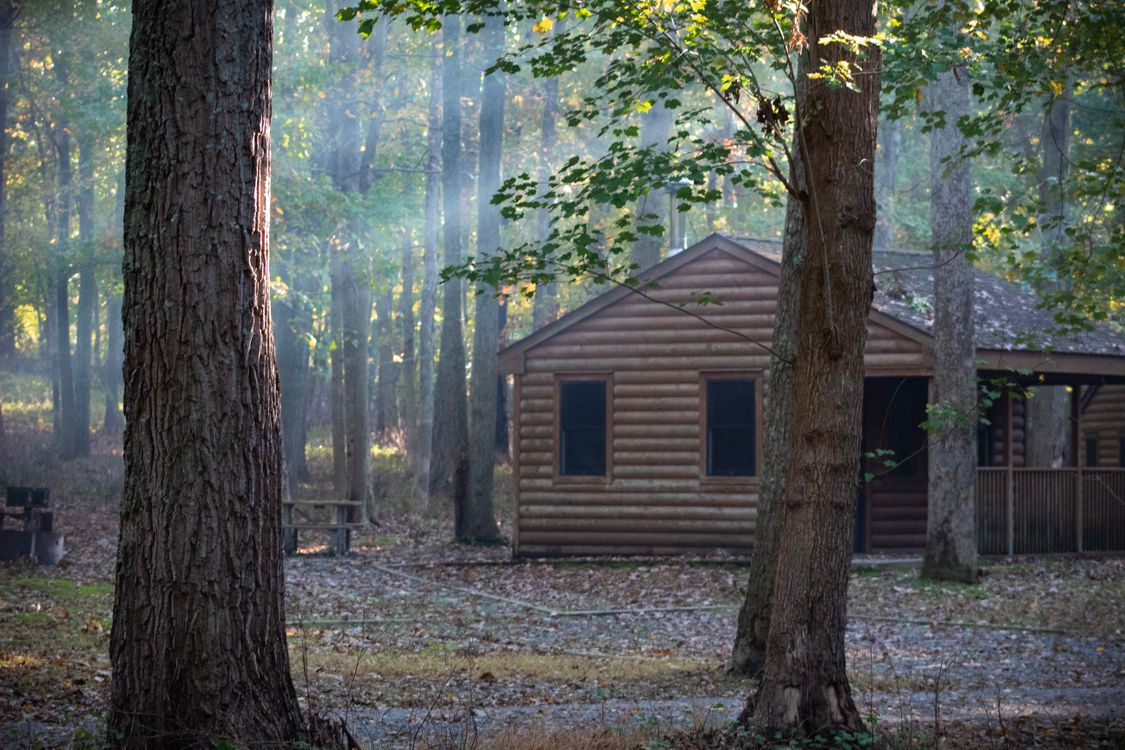
A cellular security camera solves a problem regular cameras can’t: watching a place that has no Wi-Fi. A hunting cabin, a vacation home that sits empty in winter, a farm gate, a construction site, a boat, or a driveway too far from the router. Instead of connecting to home internet, these cameras use a built-in SIM card and a cellular data plan, just like a phone, and many run on solar power so they don’t need an outlet either.
This guide explains how a cellular security camera works, what it really costs to run, which models are worth considering, and how to set one up so it keeps working through the winter.
How a Cellular Security Camera Works
A cellular camera has a 4G LTE modem and a SIM card inside. When it detects motion, it records a clip and uploads it over the cellular network to the manufacturer’s app, where you can watch it on your phone. Most also offer live view, two-way audio, and local recording to a microSD card.
Because they’re usually installed far from power, nearly all of them are battery-powered, and many pair with a small solar panel.
Who Needs a Cellular Security Camera?
- Vacation homes and cabins without internet service, especially when they’re empty for months.
- Rural properties, barns, gates, and long driveways.
- Construction sites and workshops.
- RVs, boats, and storage units.
- Anyone worried about Wi-Fi being cut. Burglars sometimes unplug or jam home Wi-Fi; a cellular camera doesn’t depend on it.
If your camera is at home and within range of your network, a regular Wi-Fi or wired camera is cheaper and simpler. Our smart home security cameras guide covers those options.
What It Really Costs
Cellular cameras have two costs: the camera and the data.
- Camera: most well-reviewed models cost roughly $150 to $250, often with a solar panel included or available.
- Data plan: depending on the brand and how much video you upload, plans typically range from a few dollars to around $20 a month. Some cameras include a SIM tied to the manufacturer’s plan; others let you choose a carrier.
- Cloud storage: some brands charge separately for video history.
Before buying, check which carriers have good coverage at the camera’s location. A cellular camera in a dead zone is just an expensive paperweight. Our breakdown of smart home subscription costs helps you compare ongoing fees.
Popular Cellular Security Cameras
According to SmartHomeExplorer’s roundup of cellular LTE cameras, these are among the most recommended options:
- Reolink Go PT Ultra (with solar panel): 4K video, pan and tilt to cover a wide area, and a multi-carrier SIM that picks the strongest network. Around $230 with a solar panel.
- eufy 4G LTE Cam S330: 4K video, a solar panel, a built-in spotlight for color night video, and automatic switching between Wi-Fi and LTE. Roughly $200 to $250.
- Arlo Go 2: the most affordable of the three, around $160 to $200, with GPS to help locate it if stolen and easy setup, but 1080p resolution.
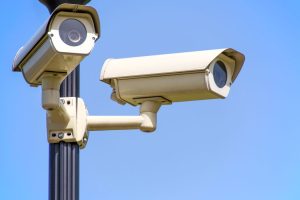
Cellular Security Camera Comparison
| Camera | Approx. price | Resolution | Solar | Highlights |
|---|---|---|---|---|
| Reolink Go PT Ultra + panel | ~$230 | 4K | Yes | Pan and tilt, multi-carrier SIM |
| eufy 4G LTE Cam S330 | $200 to $250 | 4K | Yes, included | Spotlight, Wi-Fi fallback |
| Arlo Go 2 | $160 to $200 | 1080p | Optional | GPS, simple setup |
Tips for Using a Cellular Security Camera
Limit Data Use
Video uses a lot of data. To keep costs down:
- Use motion zones to ignore trees, roads, and moving shadows.
- Lower sensitivity to reduce false alerts from animals and wind.
- Record locally to a microSD card and upload only short clips.
- Avoid long live-view sessions unless you need them.
Plan for Winter
Batteries struggle in the cold, and solar panels collect less energy on short winter days. Lithium-ion batteries also stop charging below freezing. If your camera is at a cabin that sits empty in winter, read our guide to battery camera cold weather problems before you leave it unattended.
Mount It Securely and Out of Reach
Cameras in remote spots are easier to steal. Mount them high, use a security mount if available, and angle them so the camera itself is hard to reach.
Test Signal Strength First
Check the signal in the app at the exact mounting spot before drilling. A few feet higher or around a corner can make a big difference.

Make It Part of Your Away Plan
A cellular security camera works best alongside a broader plan for an empty property: leak sensors, a smart thermostat set to protect pipes, and smart lights on a schedule. Our guides to a smart home when on vacation and a smart home without internet cover what else can run at a remote property.
Is a Cellular Security Camera Worth It?
If you need eyes on a place without Wi-Fi, absolutely. For a reasonable upfront cost and a modest monthly plan, a cellular security camera can watch a cabin, gate, or barn for months on solar power. Check coverage first, set motion zones carefully to save data, and plan for winter, and it will quietly keep watch while you’re away.