Smart Home App: Which One to Use and How to Avoid Too Many
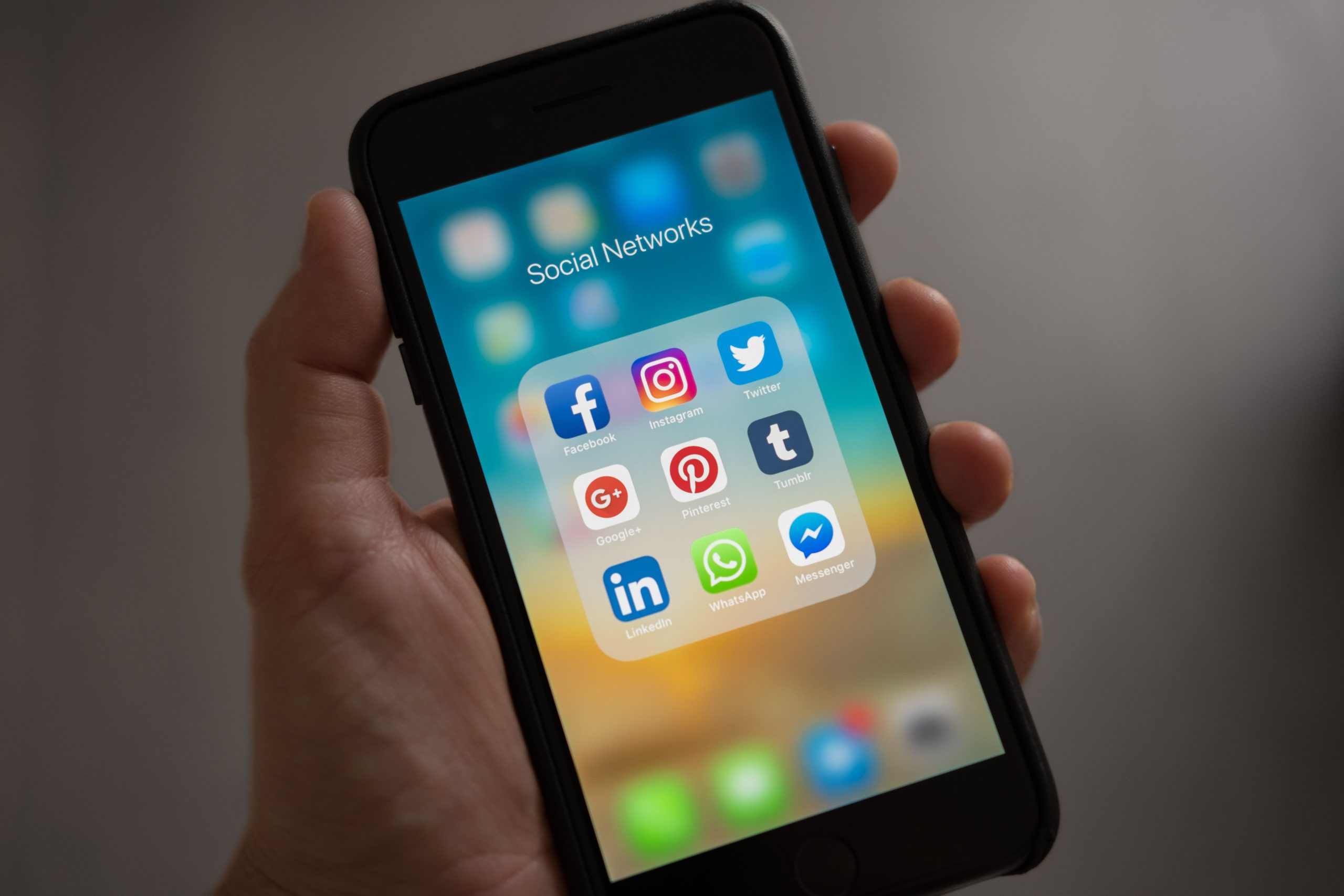
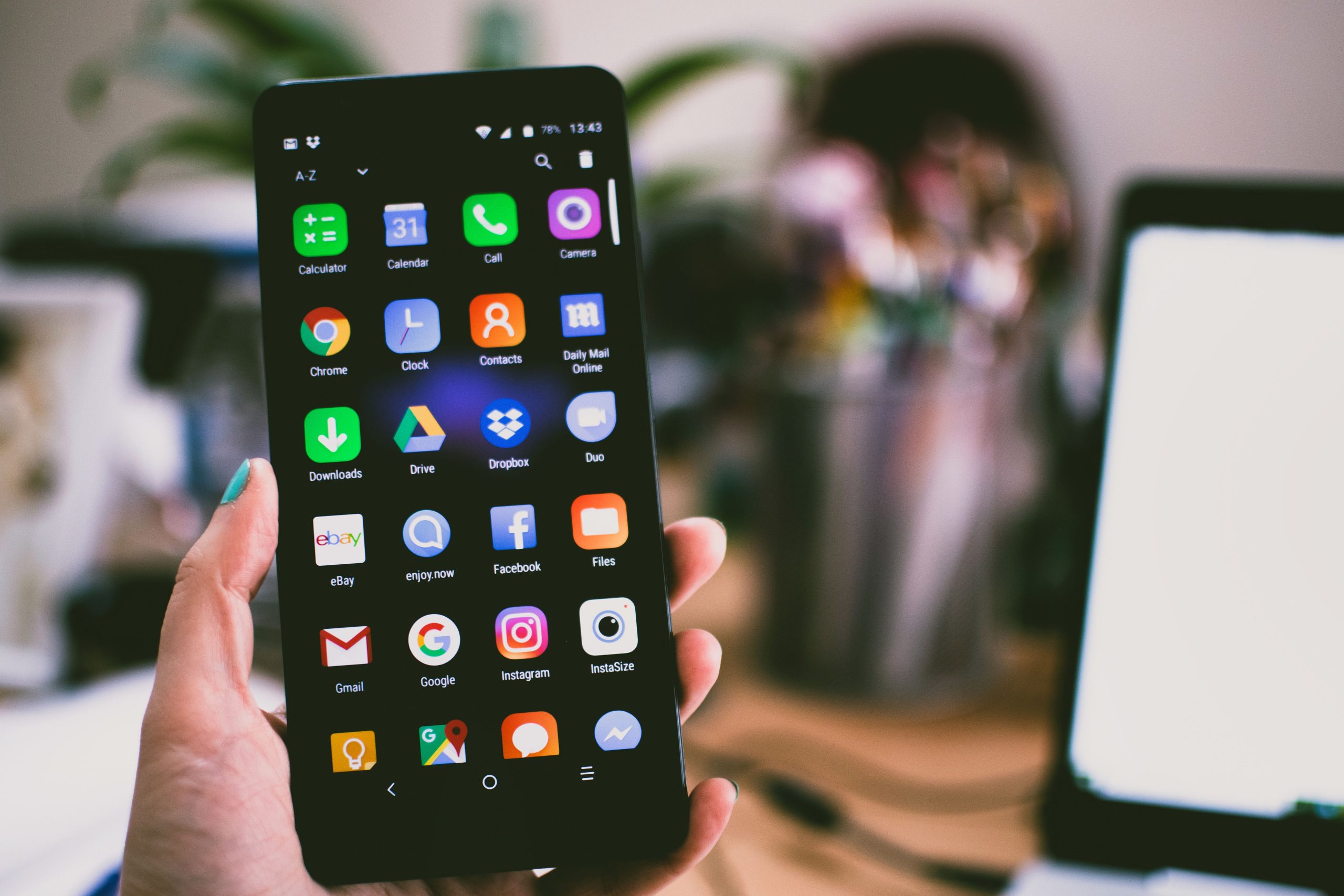
One of the most common frustrations in a smart home is ending up with too many apps. You buy some bulbs — that’s one app. A thermostat — another. A lock — another. A doorbell — another. Within a month you have six apps on your phone that all do slightly different things, none of which talk to each other properly. It doesn’t have to be this way.
The smart home app situation in 2026 is genuinely better than it was a few years ago, largely because Matter has reduced fragmentation, but it still requires some deliberate choices upfront to avoid the app sprawl problem.
The Two Types of Smart Home Apps
Understanding this distinction is the key to managing app sprawl before it starts.
Platform apps — Amazon Alexa, Google Home, Apple Home. These are the control centres. They manage multiple devices from different brands, run automations and routines, and let you control everything from one place. The goal is to have one of these doing most of the work in your day-to-day life.
Device apps — the Govee app, the Philips Hue app, the Nest app, the Ring app. These control specific brands or devices. They’re required for initial setup and for brand-specific advanced features. Once a device is set up and connected to your platform app, you usually don’t need the device app day-to-day.
The aim is to get everything controlled through your chosen smart home app platform, with device apps used only for setup or for features the platform doesn’t replicate.
Smart Home App Options: The Main Platforms
Amazon Alexa
The Alexa app is the most mature and works well on both iOS and Android. Device compatibility is the widest of the three — if a device has smart home integration at all, it almost certainly works with Alexa. The routines builder is flexible with a wide range of trigger types and actions.
The 2026 update with Alexa+ added AI-powered routine creation — you describe what you want in plain English and Alexa builds the automation. It doesn’t always get it right first time, but it’s a genuine improvement over navigating through menu trees.
Best for: mixed-brand households, Android users, households already in the Amazon ecosystem.
Google Home
The Google Home app had a significant redesign that made it substantially better — cleaner layout, better device grouping, and a more intuitive automation builder. The integration with Google Calendar, Maps, and YouTube that happens in the background is a genuine advantage if you live inside Google’s ecosystem.
The app works better on Android than iOS. Not broken on iPhone, but clearly designed with Android in mind. If you’re casting to Chromecast or Google TV, Android is a meaningfully better experience.
Best for: Android households, Google services users, households already using Google Nest hardware.
Apple Home
The Home app is built into iOS — no download required. It’s the cleanest interface of the three and the most privacy-focused. Since the architecture overhaul completed in early 2026, it also runs automations locally on your Apple TV or HomePod rather than on Apple’s servers, which makes it the most reliable during internet outages.
The device selection is narrower, though Matter has helped significantly. And Android users can’t use Apple Home properly, which rules it out for mixed households.
Best for: iPhone-only households, privacy-conscious users, anyone who already has an Apple TV or HomePod as a home hub. We’ve covered the full picture in our Apple HomeKit review.
Device Apps Worth Keeping
Even with a good platform app, some device apps are worth keeping installed for specific features.
The Philips Hue app has the best lighting scene editor available and the entertainment sync feature. You can control Hue lights through Alexa or Apple Home, but the granular colour settings and dynamic scenes only exist in the Hue app.
The Nest/Google Home app gives you more thermostat scheduling detail and the energy history breakdown is genuinely useful for understanding your energy consumption.
Security camera apps — Ring, Arlo, Eufy — have video history, motion zone settings, and two-way talk features that platform integrations don’t fully replicate. Keep these for anything security-related.
How to Actually Reduce App Sprawl
Pick your smart home app platform first, before buying anything. Every device you buy should work with it — check the product page before purchasing. For most people this means confirming “works with Alexa” or “works with Google Home” before adding something to the cart.
Use Matter-certified devices where possible. A Matter-certified device adds directly to your platform app without going through a separate brand cloud. Faster setup, better reliability, one fewer app.
Complete device setup in the device app once, then hand daily control to the platform app. After the initial setup, only open the device app when you need a brand-specific feature or need to update firmware.
Turn off notifications from device apps once everything is set up. You don’t need Ring, Govee, and Hue all competing for your attention — route the alerts you actually want through your platform app instead.
One More Option: Home Assistant
If you want a single app that genuinely controls everything regardless of brand or protocol, Home Assistant is the answer. It’s not a commercial platform — it’s open-source software you run yourself — but its mobile app is the closest thing to a universal smart home app that exists. More setup required, but no limits on what it can integrate with.
Conclusion
The best smart home app is always the one you actually open every day. One app you use consistently beats three apps you rotate through depending on what you’re trying to control. The choices you make when picking your first device — which platform, which ecosystem — determine how manageable your app situation ends up being.
Pick a platform, stick to it, and buy devices that work with it natively. That single discipline removes most of the app problem before it starts. Everything else is maintenance.
The thing I notice most in households with good smart home setups is that they’re boring to demo. One app, everything in it, working. No explaining which app controls which thing. That simplicity is the goal — and it’s achievable from day one if you’re deliberate about it at the start.