Smart Home Energy Management: How to Actually Reduce Your Bills
Energy bills have been climbing, and for a lot of homeowners the smart home pivot from “cool gadgets” to “actually saves money” is happening right now. Smart home energy management — the combination of devices, monitoring, and automation that lets you understand and control what your home consumes — is one of the clearest cases where connected technology pays for itself.
This guide covers what smart home energy management actually involves, which devices matter, and how to build a setup that reduces your bills without requiring an engineering degree to operate.
What Smart Home Energy Management Covers
Energy management in a smart home sits across three categories that work best when they’re connected to each other.
Monitoring — knowing where your energy is actually going. Most people have no idea that their entertainment stack idles at 40 watts, their old chest freezer in the garage draws more power than their fridge, or that their HVAC accounts for over half their electricity bill. You can’t optimise what you can’t measure.
Control — being able to turn things off, schedule them, or shift their usage to cheaper hours. Smart plugs, smart thermostats, and smart switches are the primary tools here.
Optimisation — using automation to do the above without thinking about it. The thermostat that backs off when you leave. The EV charger that waits until off-peak hours. The washing machine that runs overnight when electricity is cheaper.
The Devices That Actually Move the Needle
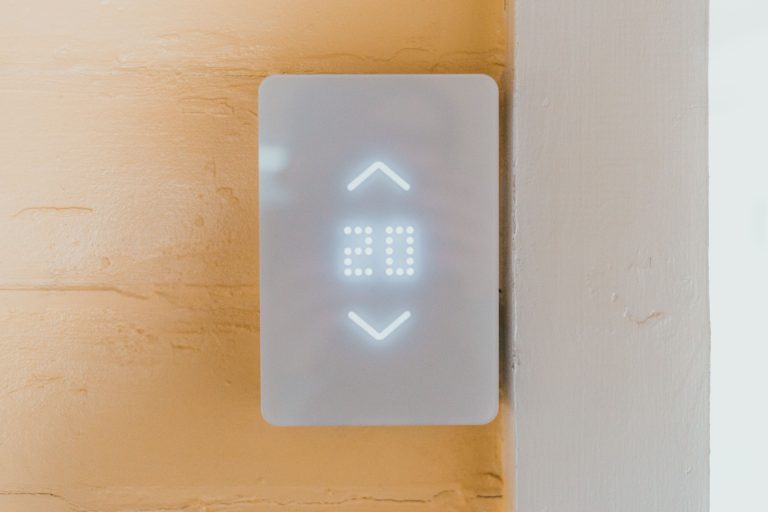
Smart thermostat — the biggest single impact
Heating and cooling account for 40–60% of a typical home’s electricity use. A smart thermostat with geofencing — one that backs off when you leave and warms up before you return — captures the savings that a fixed schedule approximates but never quite reaches. Real-world savings average 10–15% on heating and cooling costs, which in a home with meaningful HVAC bills translates to $80–150 per year.
If you only buy one device for energy management, this is it.
Whole-home energy monitor — understanding the full picture
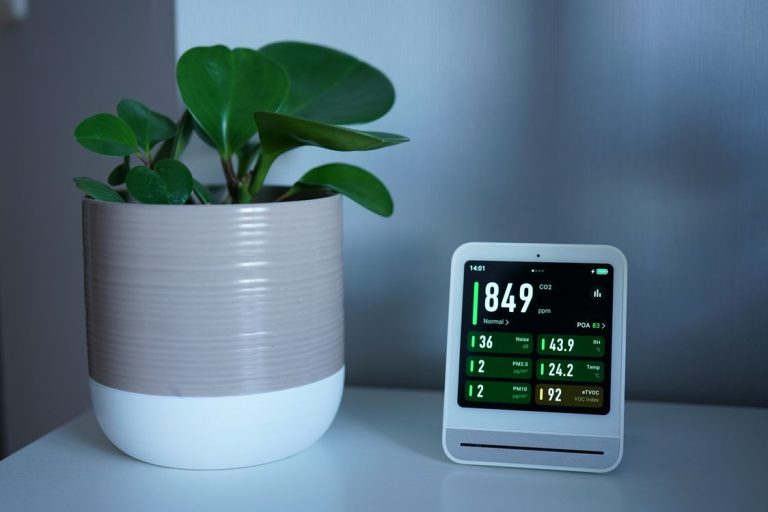
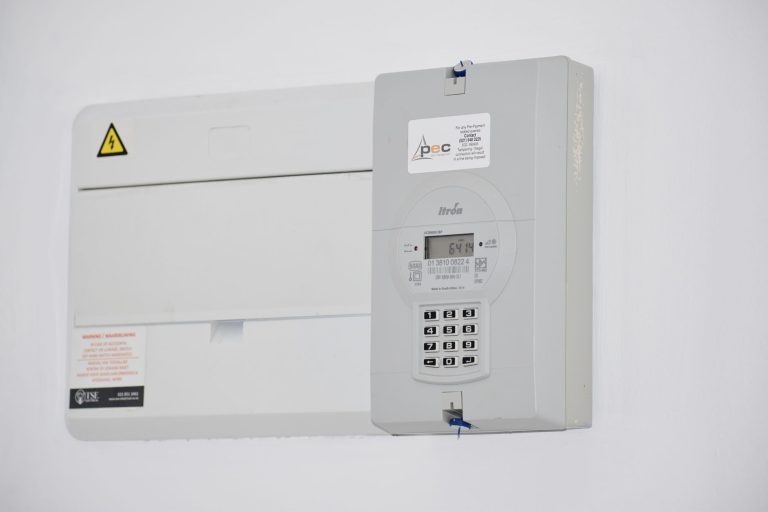
A whole-home energy monitor clips onto your electrical panel and measures everything your home draws in real time. The insight it provides is usually surprising: most households have 2–3 devices drawing significant standby power that they didn’t know about. Finding and eliminating those often pays back the monitor cost within a few months.
The Sense and Emporia Vue are the main options. Sense does device-level detection (it learns to recognise individual appliances) while Emporia Vue gives reliable circuit-level data at a lower price. Both connect to apps and can feed data into Home Assistant if you want to build automations around consumption data.
Smart plugs with energy monitoring — targeted device tracking
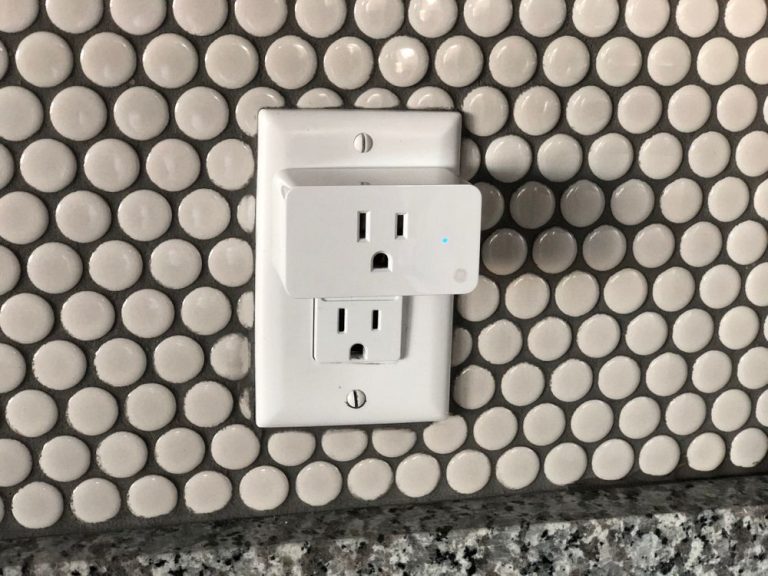
Smart plugs with power monitoring let you track individual devices without installing a whole-home monitor. Plug one into your entertainment stack, your home office setup, or your gaming PC and see exactly what it costs to run. The key insight: most devices that “look” off are still drawing power. A TV in standby, a game console in “instant-on” mode, a cable box running 24/7 — these add up to $50–100 per year on a typical bill.
The monitoring data also powers useful automations. A plug on the washing machine sends a notification when the watt draw drops to near zero (cycle finished). A plug on the dishwasher can confirm it actually completed a cycle. These aren’t pure energy features but they come from the same data.
Smart lighting — modest savings, big convenience overlap
LED smart bulbs use so little power that the direct energy savings are small. The real energy benefit is eliminating the “lights left on” scenario — motion-activated lights in hallways, bathrooms, and utility rooms that turn off automatically mean you’re only paying for light when it’s actually being used. The saving per room is modest; across a whole house it’s more meaningful.
Time-of-use scheduling — shift usage to cheap hours
If your utility offers time-of-use pricing (cheaper electricity overnight and at weekends, more expensive during peak hours), smart home devices can shift high-consumption tasks automatically. Running the dishwasher, washing machine, or EV charger overnight instead of at 6pm can cut the effective cost of those activities significantly.
Most smart plugs, thermostats, and EV chargers support scheduling. The setup is straightforward once you know your utility’s peak hours — usually 4–9pm on weekdays.
Building a Smart Energy Management Setup
The order that makes sense for most households:
Step 1: Smart thermostat with geofencing. Biggest impact, most straightforward. Get this working and learn the app before adding anything else.
Step 2: Smart plugs on the entertainment stack and any other high-standby devices. Check the monitoring data after a week. You’ll find out where your phantom load actually lives.
Step 3: Whole-home monitor. Once you’ve handled the obvious standby draws, a whole-home monitor shows you what else is worth addressing — usually the HVAC system in detail, the fridge and freezer, and any older appliances you hadn’t thought about.
Step 4: Time-of-use scheduling. If your utility supports it, set overnight schedules for high-consumption appliances. Washing machine, dishwasher, EV charger if you have one.
How Much Can You Actually Save?
Honest numbers based on US average electricity rates (~$0.18/kWh nationally in 2026):
Smart thermostat with geofencing: $80–150/year for a home with significant HVAC use. Less if you already have a good manual schedule, more in climates with extreme temperatures.
Eliminating phantom loads via smart plugs: $30–80/year depending on how many high-standby devices you have. Entertainment stacks and gaming setups are usually the biggest targets.
Time-of-use shifting: Varies significantly by utility and usage pattern, but households with EV chargers can save $100–200/year by charging overnight.
Total realistic savings for a household that implements all of the above: $200–400/year. The hardware to do it costs $300–600 upfront. Payback period: roughly 1–2 years, then ongoing savings indefinitely.

Conclusion
Smart home energy management isn’t about any single device — it’s about visibility and control working together. See what you’re consuming, control when and how you consume it, and automate the decisions you’d make anyway if you had the information. Done right, the ROI is one of the clearest in the smart home space.
Start with the thermostat, add monitoring to understand your baseline, then shift usage to cheaper hours where your utility supports it. Each step builds on the last, and the savings compound in a way that individual device upgrades usually don’t.
Honestly the shift that changed how I think about this is moving from “how do I control my home” to “how do I understand it first.” The monitoring step — actually seeing what things cost — is where most of the insight comes from. A smart thermostat saves money because it reacts to reality. Everything else in energy management works the same way: observe first, automate second.