Smart Home for Beginners: Where to Start in 2026
The smart home aisle at any electronics store is genuinely overwhelming — and deliberately so. Every box promises compatibility, every brand claims to be the easiest to set up, and the sheer number of options makes most people either buy the wrong thing first or give up before they start. This guide cuts through it.
The honest answer to “where do I start with a smart home for beginners” is simpler than the industry wants you to think: pick one room, pick one ecosystem, buy one cheap device, and see if you actually use it. Everything else — the hubs, the protocols, the automations — comes after that first device has proved its value.
Here’s the step-by-step path that makes sense in 2026, written for someone starting from zero.
Step 1: Pick Your Ecosystem — The First Decision for Smart Home Beginners
The single most expensive mistake beginners make is buying devices before choosing an ecosystem. An ecosystem is the platform that controls everything — Amazon Alexa, Google Home, or Apple HomeKit. Your choice determines which devices work together, which app you use, and how your voice commands function.
The good news in 2026: Matter, the new cross-platform standard, has reduced ecosystem lock-in significantly. Many new devices work across all three platforms. But you still need one primary hub to act as the control centre.
The shortcut for picking:
iPhone user? Apple HomeKit is the natural fit — Siri integration, privacy-focused, excellent local control. You’ll need an Apple TV or HomePod as a home hub.
Android / Google services user? Google Home makes sense. Deep integration with Google Calendar, maps, and Assistant. Nest devices work best here.
Want the widest device compatibility and lowest hardware cost? Amazon Alexa has the broadest third-party device support and the cheapest entry point — an Echo Dot costs under $30.
Pick the one that matches your existing devices and phone. Don’t fight your ecosystem — as we’ve said before about voice assistants, that’s a tax you’ll pay every day.
Step 2: Start with One Room — Not the Whole House
Every beginner wants to automate everything at once. Every beginner who does this ends up with a half-finished smart home full of devices they don’t understand and routines that don’t work.
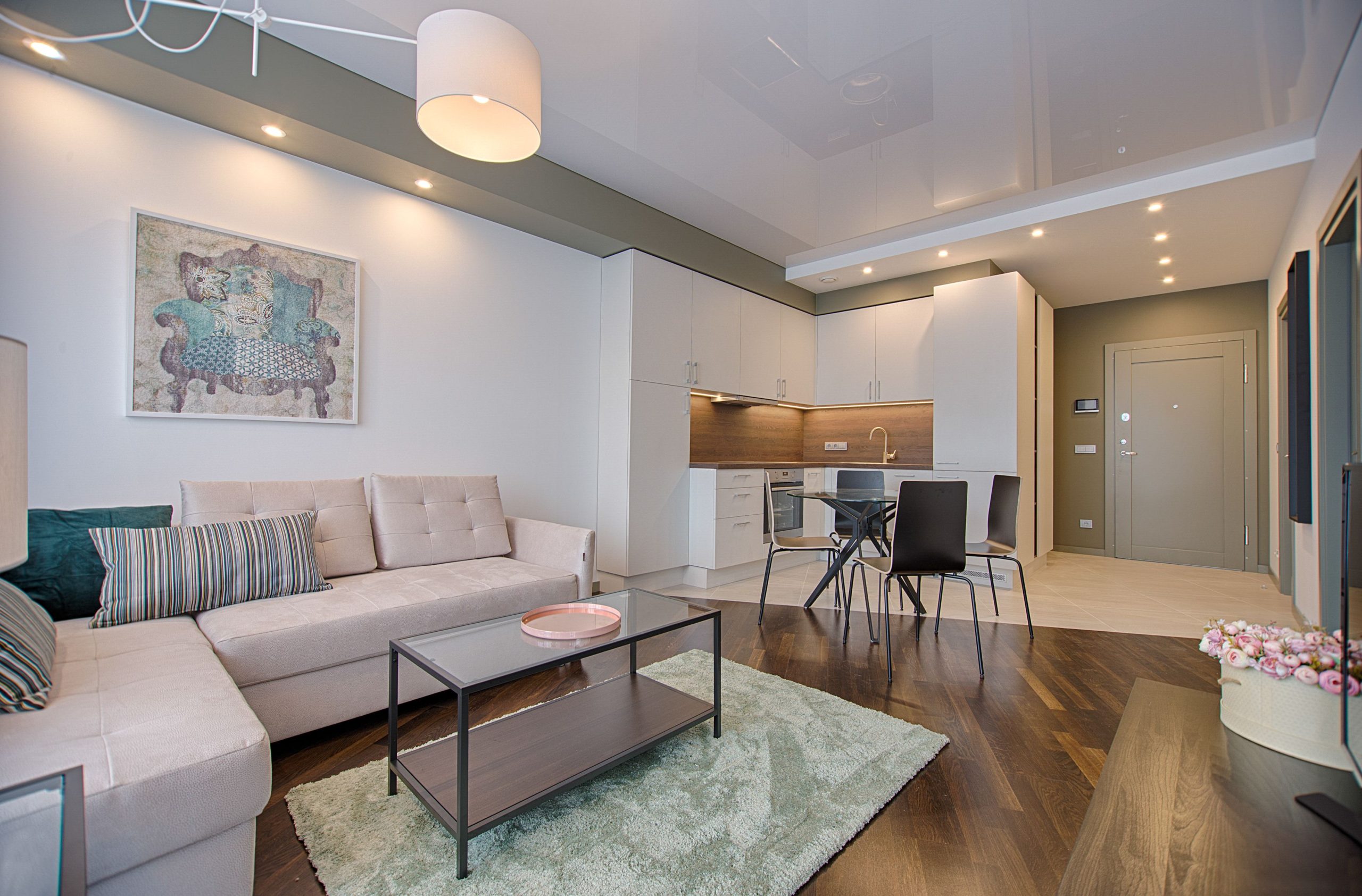
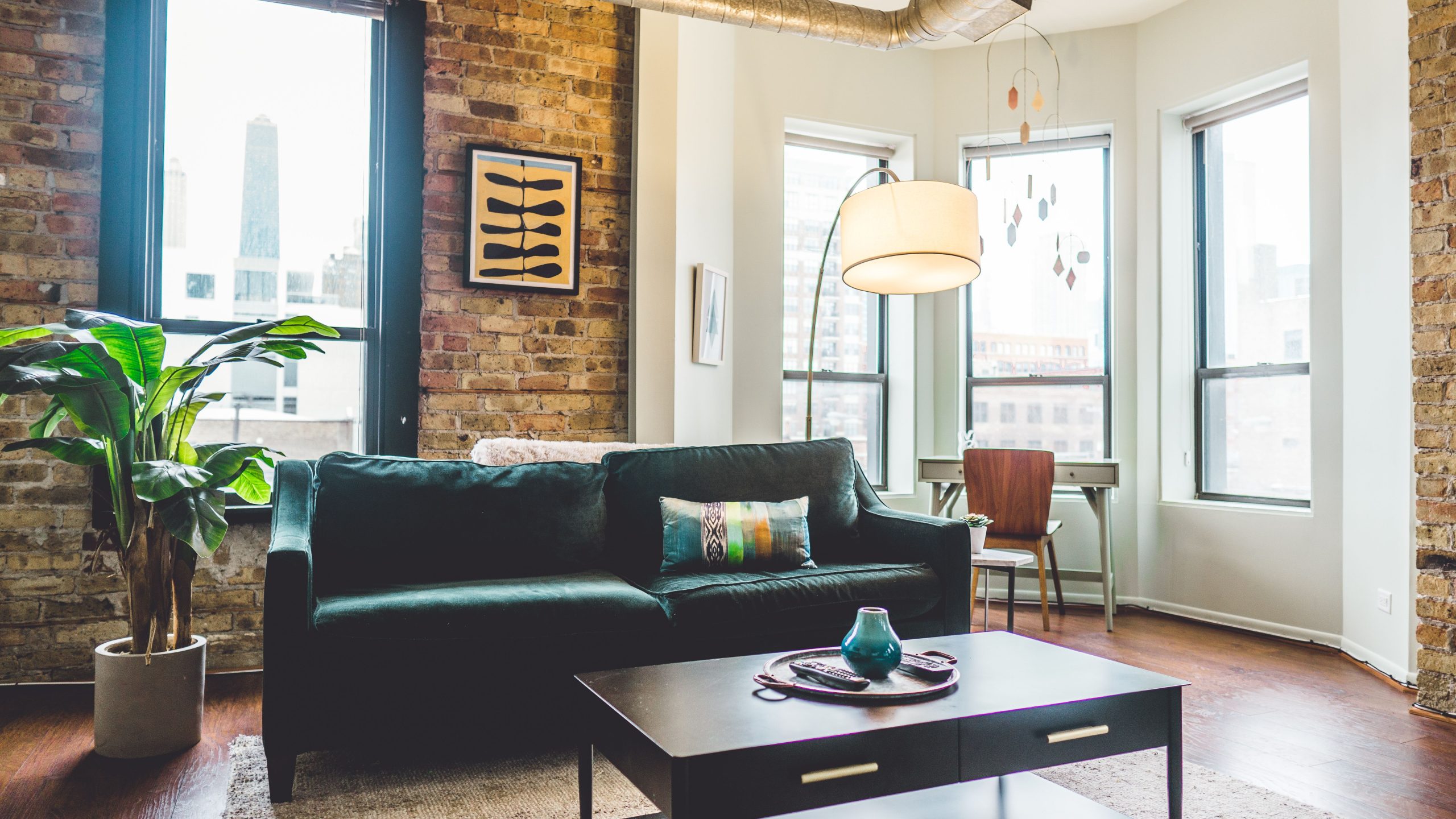
Start with the room you spend the most time in. Living room is the classic choice — you’re in there daily, lighting matters, and it’s easy to notice whether the automation is actually improving your life.
One room gives you:
A contained environment to learn in without chaos. A real test of whether smart home actually suits your lifestyle. A working example to build from, rather than a pile of half-configured devices.
If your first room works well after a month, expand. If you never use the features, you’ve spent $30 instead of $300 to learn that.
Step 3: Buy Your First Device — Make It a Smart Plug
Not a bulb. Not a speaker. Not a lock. A smart plug.
Here’s why: a smart plug works with any lamp, fan, or appliance you already own. No compatibility research. No base type to check. No wiring. You plug it in, set it up in your ecosystem’s app, and you have a smart device in under five minutes.
Plug it into your living room lamp. Set a schedule — on at sunset, off at 11pm. Or just control it by voice. Live with it for two weeks.
If you find yourself actually using it — if you notice when it’s not working, if you adjust the schedule, if you tell houseguests about it — you’re a smart home person. Keep going. If it sits there doing nothing, stop here. The device cost you $10-15. That’s a cheap lesson.
Step 4: Add Smart Lighting
If the smart plug passed the two-week test, lighting is the natural next step. Smart lighting is where most people’s smart home lives — it’s immediate, visible, and satisfying in a way that a smart thermostat (which works mostly in the background) isn’t.
You have two options here, and the choice matters:
Smart bulbs screw into existing sockets, require no wiring, and are ideal for lamps and renters. The downside is the wall switch problem — if someone flips the switch off, the bulb loses power and app control disappears. Read our full breakdown of smart bulbs vs smart switches before buying.
Smart switches replace your wall switch and make any bulb smart. Better for multi-bulb fixtures, more reliable for households where other people will use the lights. Requires a neutral wire in most cases and a confident DIY install — or an electrician.
For a first room, start with one or two smart bulbs in the lamp you use most. They’re cheap, low-commitment, and give you the core smart lighting experience immediately.
Step 5: Set Up Your First Automation
Controlling devices manually from an app is convenient. Automations — where devices respond to triggers without you doing anything — are where a smart home becomes genuinely useful.
Your first automation should be simple: lights on at sunset, lights off at a time you choose. Every major platform supports this out of the box, it requires no sensors or extra hardware, and it runs every day without you thinking about it.
Once that’s running reliably, try a “Good Night” routine — one voice command that turns off all the lights, locks the front door (if you have a smart lock), and sets the thermostat back. That single routine replaces the nightly walkthrough most people do before bed, and it’s the automation that converts most skeptics.
For a deeper look at which routines actually stick, see our guide to smart home routines for beginners.
Step 6: Expand Carefully
Once your first room is working reliably, expansion is straightforward — but there are a few patterns worth knowing:
Add devices in categories, not randomly. If you’re doing lighting, finish the room’s lighting before moving to a different category. Mixing half-finished setups across categories is how smart homes become confusing.
Prioritize Matter-certified devices for anything you buy new. Matter ensures your new devices work across platforms and won’t strand you if you ever change ecosystems. We covered Matter in detail — here’s why it matters for buyers in 2026.
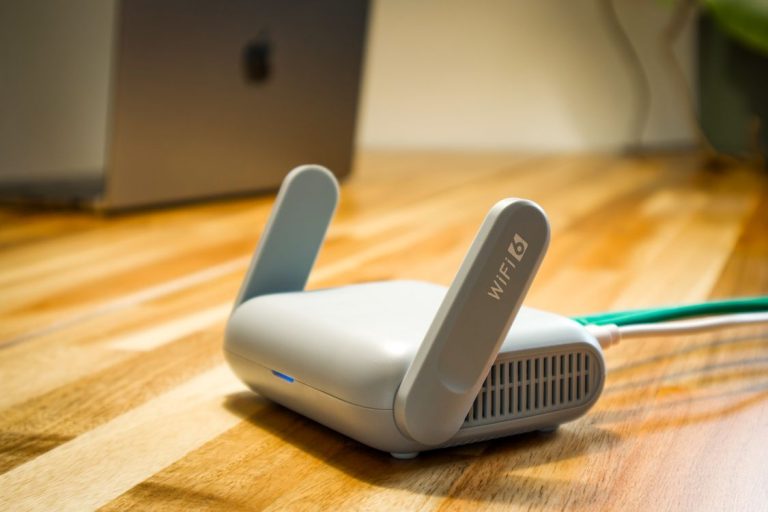
Sort out your Wi-Fi before adding many devices. A cheap router with poor coverage is the most common cause of smart home frustration. Each Wi-Fi device adds load; a weak signal makes everything feel unreliable. If you’re planning a whole-house setup, a mesh Wi-Fi system is worth the investment before adding device number ten.
Don’t buy a hub until you need one. Modern Matter devices work without a dedicated hub. A hub (like a SmartThings Station or Home Assistant) adds capability for advanced automations and cross-protocol devices, but it’s a layer of complexity that beginners don’t need on day one.
What to Expect in the First Month
The first week is novelty. You’ll control lights by voice constantly, show the app to everyone who visits, and set up more automations than you’ll keep.
The second and third weeks are the real test. Automations you set up but never notice are good — they’re working in the background. Automations that annoy you (lights turning off while you’re still in the room, routines firing at the wrong time) should be adjusted or removed.
By the end of the first month, your smart home should feel invisible — meaning it’s doing what you’d want without you having to think about it. That’s the goal. Not a home you have to manage, but a home that manages itself.
Conclusion
Starting a smart home in 2026 is genuinely easier than it’s ever been — Matter has reduced compatibility headaches, device prices have dropped, and the major platforms have matured. The mistakes haven’t changed, though: buying too much too fast, skipping the ecosystem decision, and expecting instant magic instead of gradual refinement.
The practical path is boring but it works: ecosystem first, one room, one cheap device, two weeks, then expand. The smart homes that stick are almost always the ones that started small and grew from actual daily use — not the ones that tried to automate everything in a weekend.
The thing that surprised me most when getting into this is how much the value of a smart home is in the habits it removes, not the features it adds. You stop thinking about whether you locked the door. You stop getting up to turn off the lights. You stop coming home to a cold house. None of that is dramatic. All of it is genuinely better. Start small, find one thing that makes your day slightly easier, and build from there. The rest follows naturally — or it doesn’t, and you’ve lost nothing by finding out early.