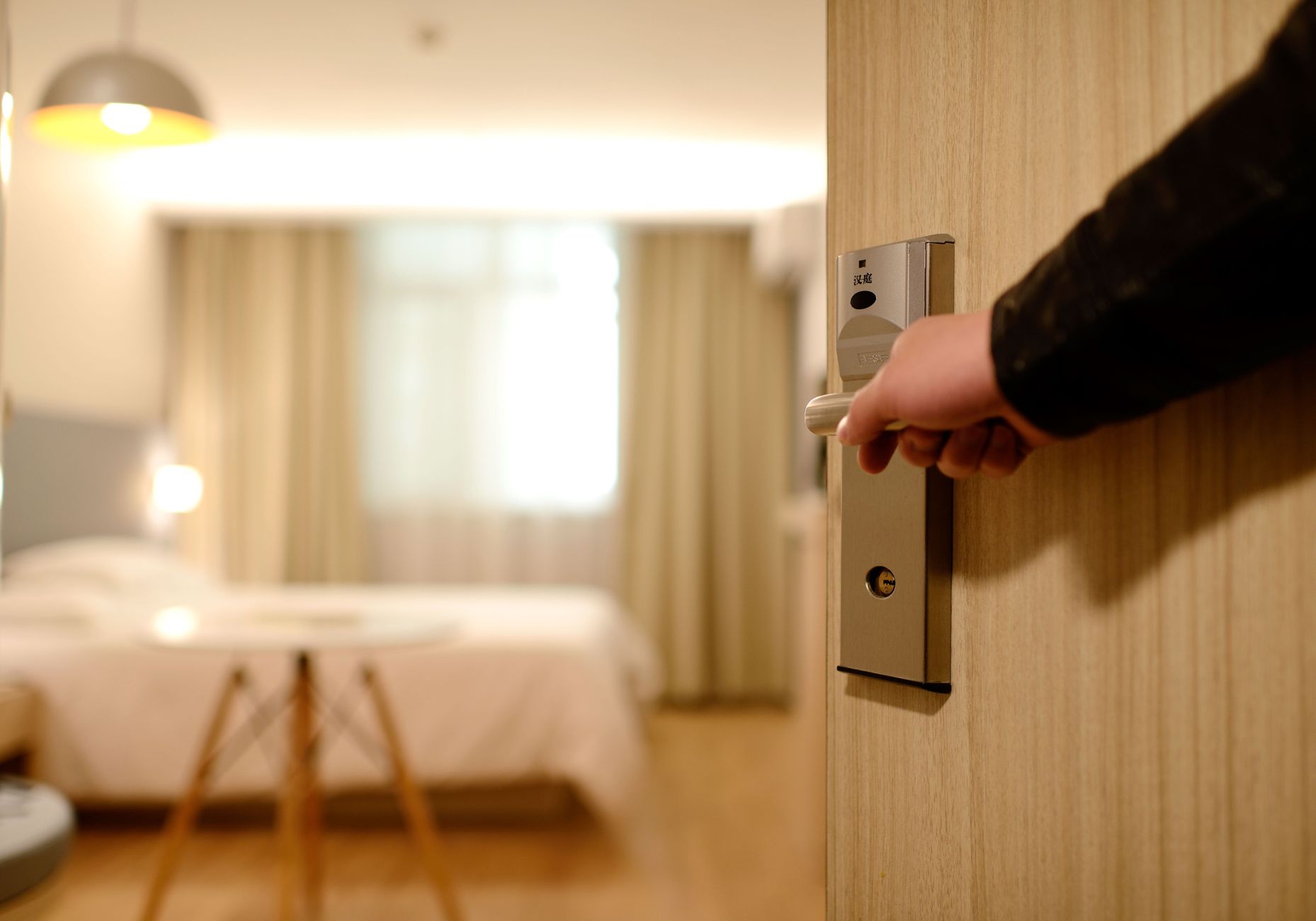
Smart Home Guest Mode: How to Set Up Your Home for Visitors
When guests stay over or visit your home, your usual automations can get in the way — motion sensors triggering at 2am, voice assistants responding to strangers, door locks they can’t operate, and routines built around your schedule. A smart home guest mode is a set of adjustments that makes your home work for visitors without compromising your setup or your privacy.
What Guest Mode Actually Means
Guest mode isn’t a single button in most smart home platforms — it’s a concept you implement through a combination of automations, temporary access credentials, and adjusted settings. The goal is a home that behaves predictably for guests: lights work the way they expect, climate stays comfortable, and they don’t accidentally trigger your security system at midnight.
The specific adjustments depend on how your home is set up, but this guide covers the most common ones and explains how to implement them across the major platforms.
Smart Locks: Temporary Access

The most important guest mode adjustment is usually the front door. If your lock is app-controlled or uses a keypad, you can create a temporary code that works only during the guest’s stay. Most smart locks support time-limited codes that expire automatically.
Set the code to expire the morning after their last night. This avoids the awkward “can you delete my code?” conversation and means you don’t have to remember to do it manually. See our smart locks guide for details on which models support this best.
What not to do: Don’t share your main code or your app login. Your main code or app access gives full control — guests don’t need that, and it’s harder to revoke cleanly.
Adjusting Automations and Routines
Your usual automations are built around your patterns. A few common ones that need adjusting for guests:
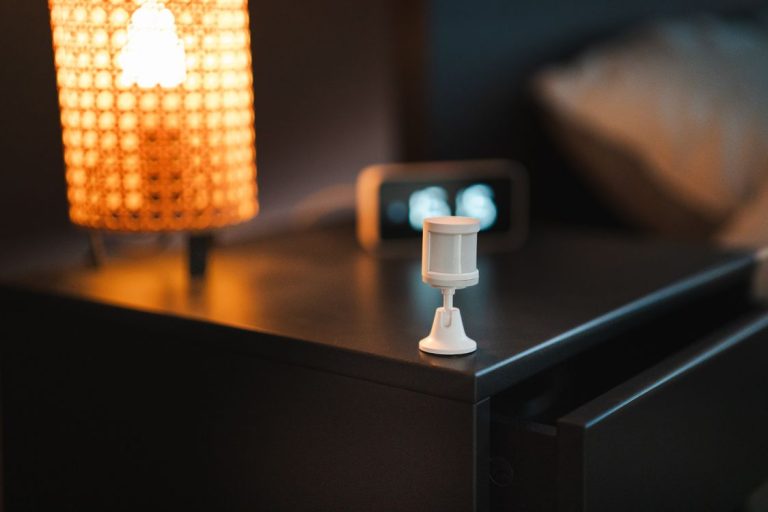
Motion-triggered lights. If your bedroom hallway light turns on with motion at 3am for your bathroom trip, guests in the living room might trigger it too. Either disable motion triggers for the visit or adjust the schedule to match guest hours.
Good Night routine. If you have a Good Night automation that locks all the doors and turns off every light at 11pm, guests staying up late won’t appreciate it. Disable or reschedule it. See our smart home routines ideas for how to build flexible routines.
Away mode. If your home enters “away mode” based on your phone’s location, it might trigger incorrectly while guests are home and you step out. Disable geofencing for the duration or set a manual override.
Climate Settings
Your usual temperature schedule is based on your body and your routine. Guests may be warmer or colder than you, and their sleep schedule might differ from yours. Two options work well:
Option 1: Temporarily disable your schedule and let the thermostat run at a fixed comfortable setpoint (68–72°F) around the clock. Option 2: Give them access to a simple temperature control — either a physical device near their room or a guest account in your thermostat app.
Voice Assistants and Smart Speakers
Voice assistants in your home will respond to guests. This raises two issues: guests can accidentally control things they shouldn’t, and they can access your shopping lists, calendars, and other personal data through the assistant.
For short visits, this is usually not a problem worth solving. For longer stays, consider: disabling personal results on Alexa or Google Home (both have this option), or physically unplugging the speaker in the guest room if privacy is a concern. Your Alexa routines may also respond to guest voices unexpectedly.
Security Cameras
If you have indoor cameras, guests should know they’re there. Many people are uncomfortable being recorded in a home they’re staying in, and in some jurisdictions, recording in sleeping areas without disclosure is legally problematic.
The cleanest solution: disable indoor cameras during the stay or limit them to specific areas (the front door camera is usually fine). If you’d rather keep them running, tell guests at the start of their stay where cameras are located.
Building a Formal Guest Mode Scene
If you host guests regularly, it’s worth building a “Guest Mode” scene or routine you can activate with one tap. What it should do: create a temporary lock code, set a comfortable temperature setpoint, disable aggressive motion automations, pause any “away mode” geofencing, and optionally send you a daily summary of home activity during the stay.
Most smart home platforms — Home Assistant, Google Home, Amazon Alexa, and Apple HomeKit — support scenes and routines that can do all of this. Home Assistant gives the most flexibility for building a true guest mode, including a dashboard view for guests to control their room without accessing your full setup.