Smart Home Energy Monitor: What It Is and Whether You Need One
Your smart thermostat tells you it saved energy this month. Your electricity bill disagrees. The problem isn’t the thermostat — it’s that most smart home setups have no real visibility into where the energy is actually going. A smart home energy monitor fixes that.
This guide explains what home energy monitors are, how they work, what they reveal, and whether one is worth buying for your home in 2026.
What a Smart Home Energy Monitor Actually Does
A smart home energy monitor measures your home’s electricity consumption in real time — how many watts your home is drawing right now, which circuits are drawing the most, and how that’s changed over time. The better ones go further: they identify individual appliances and tell you exactly how much each one costs to run.
This is genuinely different from what a smart plug with energy monitoring does. A smart plug measures one device at a time. A whole-home energy monitor measures everything simultaneously, from a single point — usually the electrical panel.
The result is a complete picture of your home’s energy use: not just that you used 800 kWh last month, but that 340 kWh went to the HVAC, 120 kWh to the refrigerator, 80 kWh to the home office, and 60 kWh to something that’s on 24/7 that you haven’t identified yet.
How They Work
Most whole-home energy monitors use current transformers (CTs) — clamp-like sensors that clip around the main electrical lines in your breaker panel. They don’t interrupt the circuit or require any rewiring. They just measure the current flowing through the wire.
The monitor unit reads those sensors and sends data to an app via Wi-Fi. Installation typically takes 30–60 minutes and involves opening your electrical panel — which most homeowners are comfortable doing with the main breaker off, though an electrician is the right call if you’re not confident with electrical work.
More advanced monitors add individual circuit monitoring — additional CT sensors on specific breakers to track individual circuits (EV charger, HVAC, kitchen, etc.) separately from the whole-home total.
The most sophisticated feature, offered by Sense and a few others, is device detection: machine learning that recognises the electrical “fingerprint” of individual appliances as they turn on and off. Over weeks to months, the system learns to identify your refrigerator compressor, your washing machine, your dishwasher — without any sensors on those devices. It’s impressive when it works, inconsistent when it doesn’t.
What You Actually Learn
The value of a home energy monitor comes from answering questions you couldn’t answer before:
What’s always on? Every home has a baseline — electricity drawn 24/7 even when everyone’s asleep and nothing’s obviously running. This “always-on” load is often higher than people expect: refrigerators, modem/routers, cable boxes, standby electronics, old chest freezers in the garage. Identifying and eliminating unnecessary always-on loads is usually the highest-ROI action for reducing electricity bills.
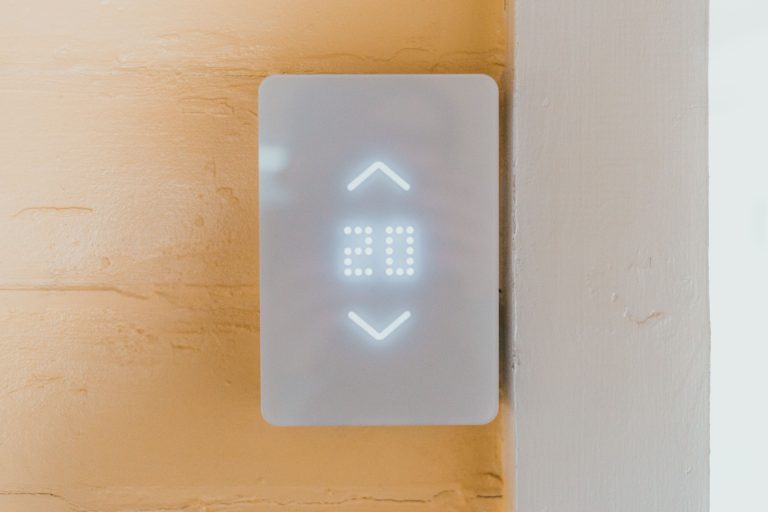
How much does the HVAC actually cost? Heating and cooling typically account for 40–60% of a home’s electricity use. A monitor that tracks your HVAC circuit separately shows you exactly what each degree of temperature setting costs — and makes the argument for a smart thermostat in concrete dollar terms.
What’s the actual impact of behaviour changes? Running the dishwasher at 11pm vs 6pm. Air-drying laundry vs tumble drying. Turning off the gaming PC vs leaving it in sleep mode. A monitor quantifies the savings from each change, which is both motivating and clarifying about which changes are worth making.
Are there anomalies? A sudden increase in baseline power draw can indicate a failing appliance running its motor more than it should, a freezer that’s lost its seal, or a device that’s been left on accidentally. Monitors with anomaly alerts can flag these automatically.

The Main Options in 2026
Sense Energy Monitor — the most well-known US option. Whole-home monitoring with device detection that learns individual appliances over time. Integrates with Alexa, Google Home, Home Assistant, and solar systems. $299 hardware cost plus optional subscription for extended history. Device detection is the standout feature; it can take weeks or months to fully learn your home’s devices, and some appliances are never reliably detected.
Emporia Vue — a strong value option at around $150 for the whole-home monitor, with additional circuit-level sensors sold separately. No subscription required for basic features. Less sophisticated than Sense but more affordable and with reliable circuit-level data. Good choice for homeowners who want hard numbers without paying for machine learning.
Shelly EM — a lower-cost option favoured by Home Assistant users. Basic but reliable whole-home monitoring that integrates natively with Home Assistant. Requires more technical comfort to set up than Sense or Emporia.
Utility smart meters — worth checking before buying a third-party monitor. Many utilities now offer smart meters that report near-real-time usage data accessible through the utility’s app or API. This won’t give you circuit-level detail, but for whole-home trends it may be enough — and it’s free.
Is It Worth It?
The honest answer depends on your situation.
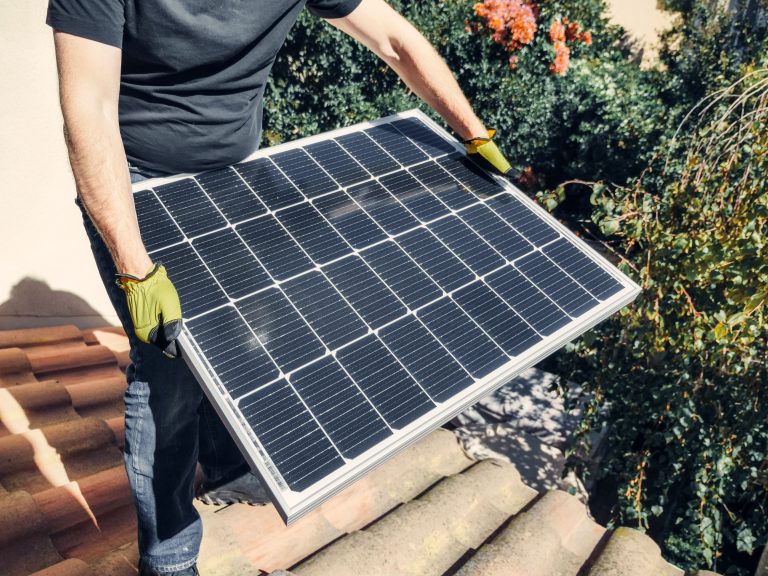
Worth it if: You have high electricity bills and no clear explanation for them. You have solar panels and want to track production vs consumption. You’re interested in the data and will act on what you find. You have an EV charger and want to understand its impact. Your utility has time-of-use pricing where running appliances at different hours saves real money.
Less worth it if: Your bills are already low and you have a rough sense of where energy goes. You’re unlikely to change behaviour based on the data. You rent (panel access may not be possible; your landlord’s panel is off-limits).
The typical payback period for a home energy monitor is 1–2 years for a household that acts on the data — finding and eliminating hidden energy draws, optimising HVAC behaviour, shifting high-consumption tasks to off-peak hours. For households that look at the app occasionally and don’t change anything, the payback never arrives.
Conclusion
A smart home energy monitor is one of the few smart home devices that pays for itself with measurable savings rather than convenience. The prerequisite is that you’re willing to act on what it shows you — the data is only valuable if it changes decisions.
For most homes, the Emporia Vue is the practical starting point: reliable circuit-level data, no subscription, and enough detail to answer the questions that matter. Sense is worth the premium if you want device-level detection and are willing to wait for it to learn your home.
The most useful thing either one will tell you, usually within the first week, is what your home costs to run when you think everything is off. For most people, that number is higher than expected — and doing something about it is where the value actually lives.
The thing that got me interested in energy monitoring wasn’t the savings — it was the curiosity. I didn’t know my home had an “idle” electricity cost. I didn’t know my fridge was the second-biggest consumer after the HVAC. That kind of visibility changes how you think about energy in a way that a monthly bill number never does. If you’re the kind of person who finds that interesting, a monitor will be one of the most satisfying purchases you make for your home. If you just want the bill to go down without thinking about it, a smart thermostat alone will do more for less money and effort.