Smart Home Energy Saving Tips That Actually Work
Everyone knows smart home devices can save energy. The US Department of Energy estimates smart thermostats alone can reduce heating and cooling costs by 10% annually. Fewer people know which ones actually move the needle and which are mostly marketing. The gap between the theoretical savings on a product page and the actual savings on your electricity bill is wide — and knowing why helps you spend money where it genuinely makes a difference.
These are the smart home energy saving tips that are backed by real numbers, along with the honest caveats about when they don’t apply.
Tip 1: Use Geofencing on Your Thermostat — Don’t Just Set a Schedule
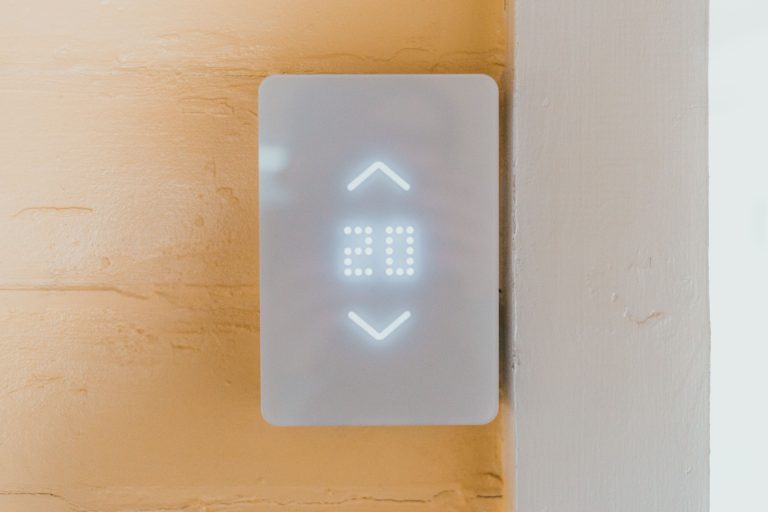
A scheduled thermostat assumes you leave and return at the same time every day. Geofencing reacts to where you actually are. When your phone leaves the home area, the thermostat backs off. When you’re approaching home, it starts warming up or cooling down before you arrive.
The energy difference between a schedule-only thermostat and a geofencing thermostat is meaningful — particularly for households with irregular schedules, people who work from home some days, or anyone whose routine doesn’t fit a simple weekday/weekend pattern. The schedule keeps heating an empty house whenever life doesn’t match the calendar. Geofencing doesn’t.
If you have a smart thermostat and haven’t set up geofencing, that’s the highest-priority energy change you can make today. It’s in the app under location or presence settings and takes about five minutes.
Tip 2: Put Your Entertainment Stack on a Smart Plug with Energy Monitoring
A typical home entertainment setup — TV, soundbar, streaming device, games console — idles at 30–50 watts when “off.” Over a year at US average electricity rates, that’s $40–70 in standby power for a single room setup.
A smart plug with energy monitoring lets you see exactly what your setup draws and schedule it to cut power completely during hours you’re definitely not using it — overnight, during work hours, whenever. The monitoring data also tends to surface surprises. Old cable boxes are particularly bad standby offenders. Gaming consoles in “instant-on” mode can draw 70+ watts continuously.
The payback period on a $15 smart plug, applied to a high-standby device, is often under two months.
Tip 3: Use Motion Sensors to Stop Heating and Cooling Unused Rooms
Most HVAC systems heat or cool an entire home to a single temperature. Smart thermostats with room sensors (Ecobee’s SmartSensor, Nest’s temperature sensors) let the system prioritise occupied rooms rather than averaging the whole house.
The energy saving here is real but depends on your home layout. In a house where specific rooms are regularly unoccupied during the day — a home office when you’re not working from home, spare bedrooms, formal living rooms — focusing conditioning on occupied spaces reduces the energy required to hit the target temperature.
Without a multi-zone HVAC system, room sensors can at least tell your thermostat which rooms matter for comfort, so it’s not trying to compensate for a cold garage or an overheating spare room when setting the main temperature.
Tip 4: Shift High-Consumption Tasks to Off-Peak Hours
If your utility offers time-of-use pricing — cheaper electricity overnight and at weekends, more expensive during peak hours (typically 4–9pm on weekdays) — smart scheduling on high-consumption appliances is pure savings with no behaviour change required.
Smart plugs with scheduling can delay your dishwasher, washing machine, or EV charger to run overnight automatically. You set the schedule once and forget it. For EV owners this is particularly impactful — charging a car overnight at off-peak rates rather than in the evening can save $20–40 per month depending on your utility’s rate structure and how much you drive.
Check your utility’s website or bill for time-of-use rate information. Not all utilities offer it but the number that do has increased significantly in 2025–2026.
Tip 5: Use Smart Lighting Schedules Properly
LED smart bulbs use so little power that the energy savings from smart control are modest — the big wins come from HVAC and standby electronics, not lighting. That said, eliminating “lights left on” waste across a whole house does add up, particularly in large homes with many rooms.
The useful implementations: motion-activated lighting in rooms people pass through briefly (hallways, bathrooms, utility rooms), sunrise/sunset scheduling for outdoor lights so they’re not running during daylight, and automatic off after a set period in rooms that are regularly left lit.
Don’t overthink smart lighting for energy savings specifically. The comfort and convenience benefits are larger than the energy benefits for most households.
Tip 6: Monitor Your Whole-Home Baseline
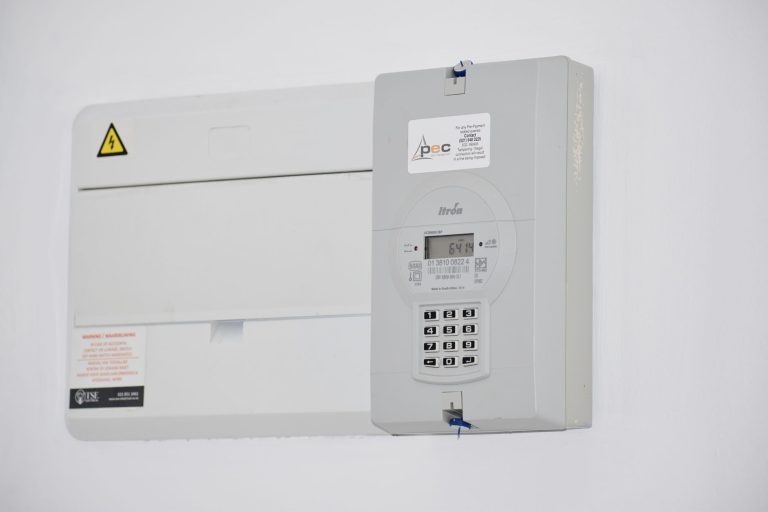
Every home has a standby load — electricity consumed when everything appears to be off. For most households this is 200–400 watts continuous, 24 hours a day. Annualised, that’s $300–600 per year just keeping the house “off.”
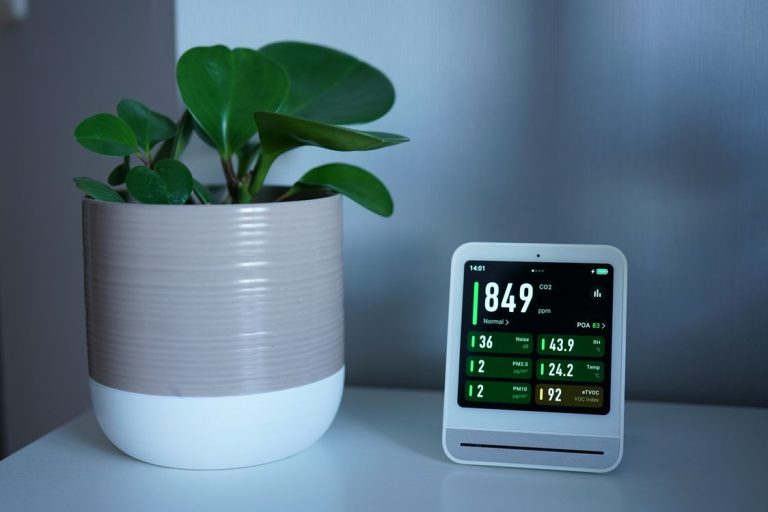
A whole-home energy monitor shows you this baseline and, over time, helps identify which devices are contributing to it. The Sense monitor does device-level detection (it learns individual appliance signatures). The Emporia Vue gives circuit-level data at a lower price.
The value of monitoring isn’t the device itself — it’s the decisions it enables. Households that install a whole-home monitor and act on the data typically find 2–4 devices drawing significant standby power they weren’t aware of. Eliminating those is often worth $50–100 per year.
Smart Home Energy Saving Tips That Don’t Work as Advertised
Smart lighting saving significant money. A smart LED bulb uses 8–10 watts. Even if you leave it on 24/7, it costs about $10/year. The smart control adds maybe $2–3 in savings if you use scheduling. Not nothing, but not the focus.
Smart power strips as a complete solution. They help with standby loads but don’t address HVAC, which is typically 40–60% of the electricity bill. Optimising the power strip while ignoring the thermostat is the wrong priority order.
Any device that requires active behaviour changes to save energy. The best energy savings come from automation — things that happen without you doing anything. If saving energy requires remembering to open an app, it won’t happen consistently enough to matter.

Conclusion
The energy saving tips that actually work are: geofencing on your thermostat, smart plugs on high-standby devices, time-of-use scheduling where your utility supports it, and whole-home monitoring to find your unknown loads. In that priority order, for most households.
The common thread is automation — changes that happen without your ongoing involvement. A thermostat that adjusts when you leave the house, a plug that cuts power on a schedule, a charger that waits until midnight. Set it up once, get the savings indefinitely. That’s the standard to hold smart home energy features to.
The honest number for a household following these smart home energy saving tips that implements the top three changes properly is $150–350 per year in reduced electricity costs. That’s not transformative, but it’s real, it compounds every year, and most of the hardware pays itself back within two years. Worth doing.