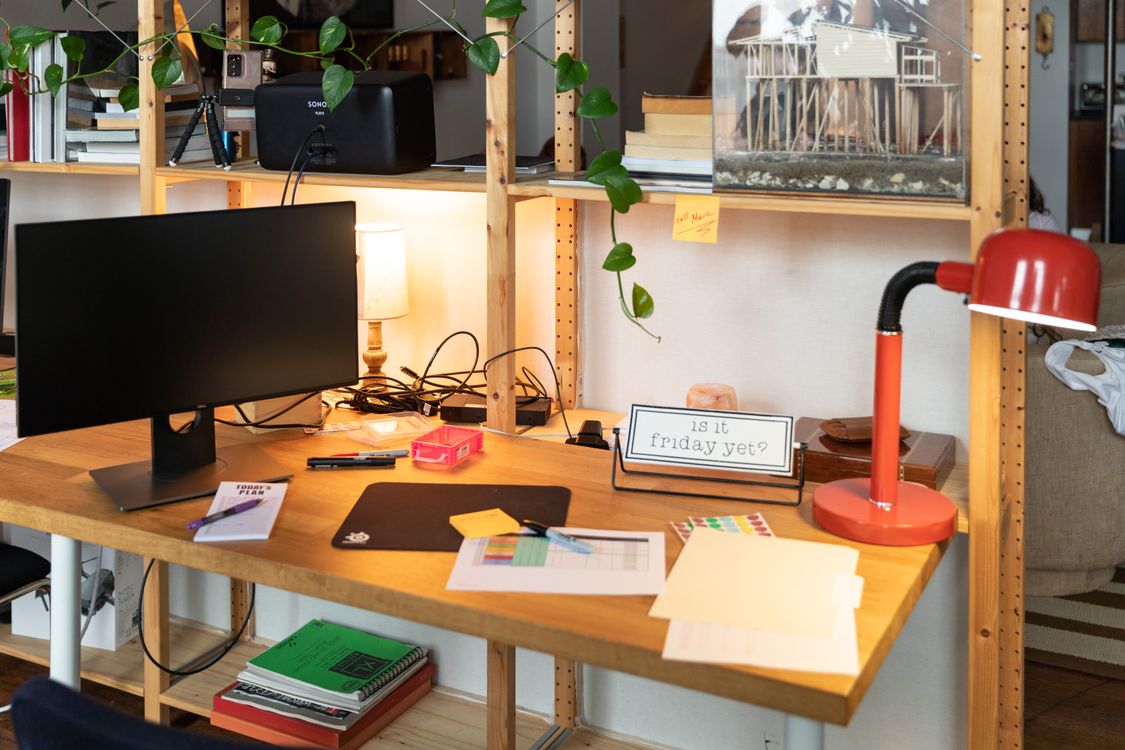
Smart Home Office: 6 Upgrades for Better Focus and Lower Bills
A smart home office makes working from home more comfortable, more focused, and a little cheaper to run. If you spend eight hours a day at a desk in a spare bedroom or a corner of the living room, small upgrades add up: lights that keep you alert, a room that’s warm only when you’re in it, fresh air that keeps you sharp in the afternoon, and a reliable connection for video calls.
This guide covers the smart home office upgrades that make the biggest difference, from lighting and climate to air quality and automations that separate work from home life.
1. Lighting That Helps You Focus
Good lighting is the most noticeable upgrade in any smart home office.
- Bright, cooler light during work hours helps you stay alert. Tunable smart bulbs let you set a neutral to cool white for focus.
- Warmer light at the end of the day signals it’s time to wind down. Our circadian lighting guide explains how to automate this shift.
- A key light for video calls, placed in front of you rather than behind, makes you look far better on camera.
Efficient LED bulbs also cut costs. The Department of Energy notes that LEDs use far less energy and last much longer than traditional incandescent bulbs.

2. Heat and Cool Only the Room You Use
Heating or cooling a whole house so one room is comfortable is expensive. In a smart home office:
- Use a smart thermostat with room sensors so it prioritizes the office during work hours. Our best smart thermostat guide covers models with this feature.
- Consider smart vents to direct more heat or air conditioning to the office. Our guide to smart vents explains how they work.
- Be careful with space heaters. If you use one under the desk, avoid cheap smart plugs. Our smart plug space heater guide explains the safer options.
3. Lights and Heat That Know You’re There
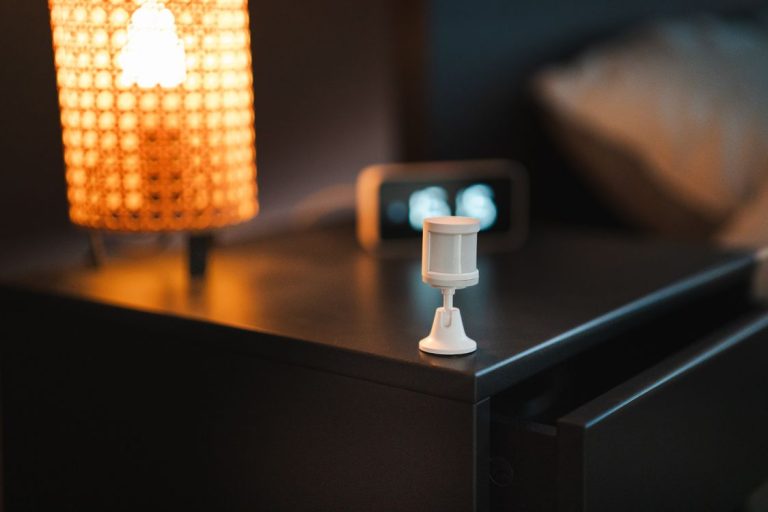
A presence sensor is ideal for a home office. Unlike a regular motion sensor, it knows you’re still there when you’re sitting quietly at the keyboard, so the lights never switch off mid-meeting. Use it to:
- Turn on the desk lamp when you sit down.
- Raise the temperature while you’re working.
- Turn everything off a few minutes after you leave.
4. Fresh Air for Sharper Afternoons
A closed office with one person working all day can see carbon dioxide levels climb, which many people notice as drowsiness or trouble concentrating. An indoor air quality monitor shows CO2 levels and can remind you to open the door or a window when they rise.

5. A Rock-Solid Connection
Dropped video calls are the most stressful home office problem. If your office is far from the router:
- Add a mesh Wi-Fi node near the office. Our guide to mesh Wi-Fi for smart home setups explains the options.
- Use Ethernet for your computer if possible.
- Keep smart gadgets on a separate network so they don’t compete with your laptop.
6. Cut Phantom Power From Your Desk
Monitors, speakers, printers, and chargers draw power even when you’re not working. Put your desk setup on a smart plug or smart power strip and schedule it to switch off in the evening and on weekends. Our phantom energy guide shows how much you can save.
Smart Home Office Upgrades Compared
| Upgrade | Approx. cost | Main benefit |
|---|---|---|
| Tunable smart bulbs | $15 to $50 each | Focus and comfortable evenings |
| Presence sensor | $25 to $80 | Lights and heat only when you’re there |
| Smart thermostat with room sensor | $130 to $280 | Lower heating and cooling costs |
| Air quality monitor | $100 to $200 | Fresher air, better focus |
| Mesh Wi-Fi node | $80 to $200 | Reliable video calls |
| Smart power strip | $20 to $50 | Less phantom power |
Automations for a Better Workday
- Start of day: at 9 a.m. on weekdays, turn on focus lighting and warm the office.
- Meeting mode: turn on the key light and set a “do not disturb” light outside the door.
- CO2 reminder: notify you when the air needs refreshing.
- End of day: at 6 p.m., switch to warm light, turn off the desk power strip, and drop the office temperature. It’s a simple way to create a boundary between work and home.
Is a Smart Home Office Worth It?
If you work from home regularly, yes. A smart home office pays you back in comfort, focus, and lower energy bills. Start with lighting and a presence sensor, which make the most noticeable difference, then add climate control, air quality monitoring, and better Wi-Fi as needed. Small upgrades, used every workday, add up fast.