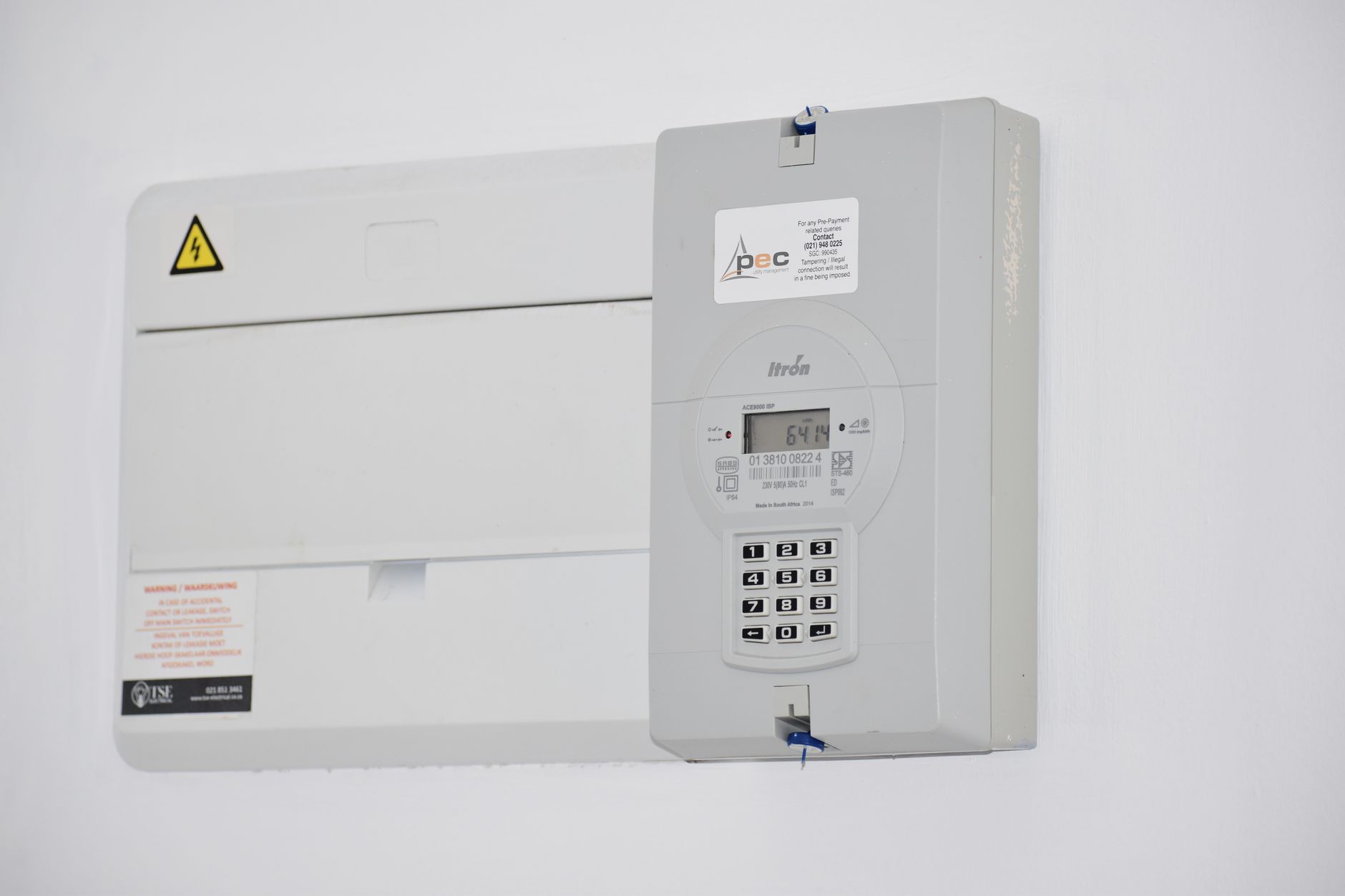
Smart Home Energy Monitor Guide: What They Do and How to Use One
A smart home energy monitor is one of the few smart home upgrades that pays for itself directly — not through convenience or security, but through real dollar savings on your electricity bill. This guide explains how they work, what to look for, and how to actually use the data they give you.
What Is a Smart Home Energy Monitor?
An energy monitor measures how much electricity your home is using, typically in real time. The basic version clips onto the wires in your electrical panel and reports total home consumption to an app. More advanced versions can track individual circuits or specific appliances, giving you a breakdown of what’s actually driving your bill.
The distinction matters: whole-home monitoring tells you how much you’re using. Circuit-level monitoring tells you why.
How Smart Home Energy Monitors Work

Most monitors use current transformers (CTs) — small clamps that wrap around the main service lines in your breaker panel. They measure the current flowing through those lines without requiring any electrical work beyond clipping them on.
The data goes to a hub (usually the monitor’s own device) and then to a cloud service and app. You see real-time wattage, hourly usage graphs, and monthly cost estimates. Some systems can also detect which appliances are running using pattern recognition — a technique called non-intrusive load monitoring (NILM). Learn more about how these devices compare at energy.gov’s home energy audit guide.
What to Look for When Choosing One
Whole-home vs. circuit-level. Whole-home monitors (like Sense or Emporia Vue) are easier to install. Circuit-level monitors (like Emporia Vue 2 or Iotawatt) require more setup but give far more useful data. If you have a complex home or an EV charger, circuit-level is worth the extra effort.
Panel compatibility. Most monitors work with standard 200-amp residential panels. Check the number of circuits if you’re going circuit-level — some panels have more circuits than the monitor can track.
Integration. Does it work with Home Assistant, Google Home, or your utility’s smart meter program? Integration with your smart thermostat or EV charger is particularly valuable.
App quality. The data is only useful if the app makes it easy to act on. Look for daily and monthly breakdowns, appliance detection, and real-time alerts.
Getting the Most from Your Energy Monitor
Set a baseline first. Before you change anything, track your usage for 2–4 weeks. You need to know your normal before you can identify the abnormal.
Look for phantom loads. Devices that draw power when “off” — older TVs, game consoles, cable boxes — often account for 10–15% of a home’s electricity use. Your monitor will show these as low but constant draws.
Watch for HVAC spikes. In most homes, heating and cooling account for 40–50% of the bill. Your monitor will show exactly when your system cycles and how long each cycle lasts, which is useful for diagnosing inefficiency.
Connect it to your smart home. Pair your energy monitor with a smart home automation routine that adjusts your thermostat when energy prices are high, or triggers an alert when consumption exceeds a set threshold. Some monitors can connect directly to your utility’s time-of-use pricing data.
Best Smart Home Energy Monitors in 2026
Sense Energy Monitor. The most popular whole-home option. Strong appliance detection via machine learning, solid app, works with most panels. Requires professional installation or electrical experience.
Emporia Vue 2. Circuit-level monitoring at a reasonable price. Works with Home Assistant and has good integration options. Some users find the setup more involved than advertised.
Iotawatt. Open-source, highly configurable, excellent for Home Assistant users who want granular data. Less polished UI but maximum flexibility. Check out our smart home energy management guide for more on integrating these tools.
Is a Smart Home Energy Monitor Worth It?
For most homes, yes — but the payoff depends on how you use it. If you install it and check the app twice a year, you might save a little by identifying phantom loads. If you actively use the data to optimize your HVAC schedule and catch inefficiencies, the monitor can pay for itself within 6–12 months.
The more your electricity rate varies by time of day (time-of-use pricing), the more valuable real-time monitoring becomes. If your utility offers demand response programs, a monitor with integration can automate your participation.
The devices that cost $150–$300 are a reasonable investment for a home with an annual electricity bill above $1,500. Below that threshold, the returns are more marginal.